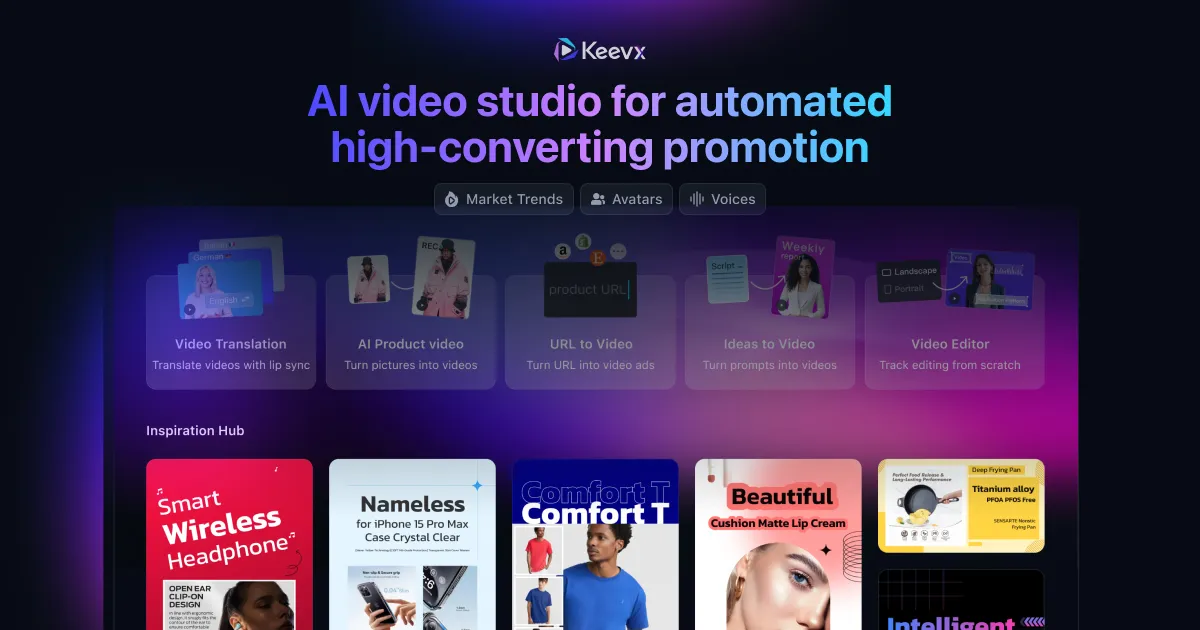
Overview

This section highlights the core features, use cases, and supporting notes.

Huasheng AI is a Chinese AI creation tool aimed at script-to-video and one-stop editing workflows, including material gathering, clip assembly, and creator-friendly production steps. It is most useful for users who want to turn a draft idea or spoken script into a short-form video workflow with less manual editing overhead.

Huasheng AI is built around a creator problem that many video tools do not solve well: getting from a piece of copy or a spoken idea to a usable draft without opening five different apps first. Instead of focusing only on isolated generation, it positions itself as a more complete editing and production helper for short-form content work.

It is most suitable for creators, operators, marketers, and video-first teams who need to assemble explainers, promotional clips, or content pieces quickly from script-level input. If your main bottleneck is not shooting footage but turning ideas into structured video drafts, a tool like this can remove a lot of repetitive editing effort.

What makes Huasheng AI interesting is workflow compression. Material discovery, clip assembly, and editing assistance live closer together, which can be useful for users who care about shipping content steadily rather than polishing every project in a traditional editor from scratch.

The tradeoff is that faster generation does not remove the need for editorial judgment. Source material choice, pacing, voice, and final cuts still need human review if the output is going public. The better expectation is to use Huasheng AI as a production accelerator, then finish with selective human cleanup where quality matters most.

Setup / Usage Guide

Installation steps, usage guidance, and common notes are maintained here.

1. Open the official Huasheng AI site and sign in through the official service before creating your first project.

2. Start with a short and well-defined script or spoken brief instead of trying to generate a complex video from vague instructions.

3. Create one test project and review how the tool handles script input, asset suggestions, and editing flow before committing to a larger production task.

4. If the platform can gather or suggest material automatically, inspect those selections carefully rather than assuming they match your intended tone or context.

5. Review timing, narration, transitions, and text overlays with a real publishing goal in mind. Fast assembly is useful, but unclear pacing can still make the result feel weak.

6. Export a short draft first and watch it as a viewer would. This is often where issues with rhythm, emphasis, or mismatched visuals become obvious.

7. Keep project naming and versioning organized if you are creating several clips in one campaign or content series.

8. Return to the official Huasheng AI site for updates and feature changes, and keep a manual final review step before publishing anything important.

Related Software

Keep exploring similar software and related tools.