AnythingLLM
Category AI Office
Published 2026-04-04

Overview

This section highlights the core features, use cases, and supporting notes.

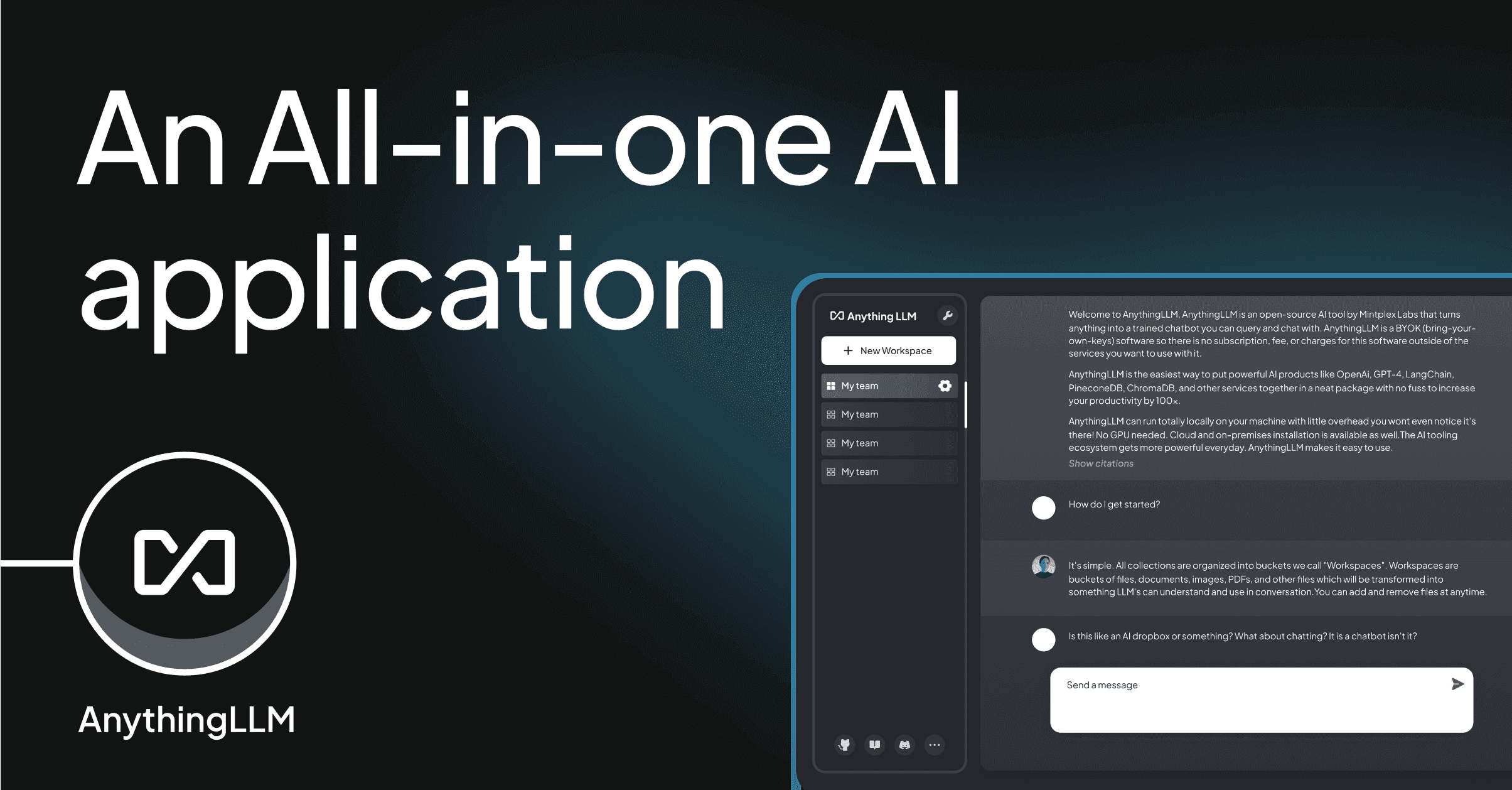
AnythingLLM is an all-in-one AI application for documents, private chat, local workspaces, and AI agents, built for users who want their files, models, and ongoing knowledge work in one place. It is most useful when long-term document work and private local usage matter more than lightweight one-off chat sessions.

AnythingLLM matters because document-centric AI work becomes frustrating when tools are fragmented. The official positioning emphasizes one desktop app for chatting with documents, using AI agents, and running any LLM locally or privately with minimal setup, which makes it much broader than a simple file-upload chatbot.

It suits researchers, operations teams, knowledge workers, and small groups who return to the same bodies of material repeatedly. If your workflow depends on organized workspaces, document access, and continuity across sessions, the product’s direction is practical.

What makes AnythingLLM worth attention is consolidation. Keeping document chat, workspace structure, model choice, and agent capability inside one environment can save more time than using several specialized tools that never share context well.

The tradeoff is that all-in-one AI apps still depend on source quality and configuration discipline. A private desktop setup helps, but poor documents, weak retrieval, or sloppy workspace boundaries still lead to weak results. The practical expectation is a stronger private AI workbench, not automatic knowledge accuracy.

This site recommends AnythingLLM for users who want documents and AI work to live together in a more durable local environment. If your real need is ongoing private knowledge work, it is much more useful than a temporary browser session.

Setup / Usage Guide

Installation steps, usage guidance, and common notes are maintained here.

  1. Download AnythingLLM from the official desktop source and install it through the official release path. Local knowledge tools are best evaluated on the desktop they are meant to support.
  2. Create one workspace around a real document set. A project folder, research pack, policy set, or internal reference library is a stronger first test than mixed random files.
  3. Choose the model setup that matches your privacy and performance needs. The product supports broad model options, but the right choice depends on your actual environment.
  4. Import documents carefully instead of dumping everything in at once. Workspace usefulness depends on source quality and file coherence.
  5. Test retrieval with questions whose answers you already know from the documents. This is the quickest way to judge indexing quality.
  6. Explore agent features only after the base document workflow feels reliable. Agent extras matter more once the core knowledge path is stable.
  7. Review local storage and sharing boundaries if more than one person will use the system. Private AI work still benefits from clear access expectations.
  8. Keep AnythingLLM if it makes long-running document work easier to organize, query, and continue privately over time. That durable workspace value is its strongest case.

Related Software

Keep exploring similar software and related tools.