
Bit.AI
Category AI Office
Published 2026-04-05

Overview

This section highlights the core features, use cases, and supporting notes.

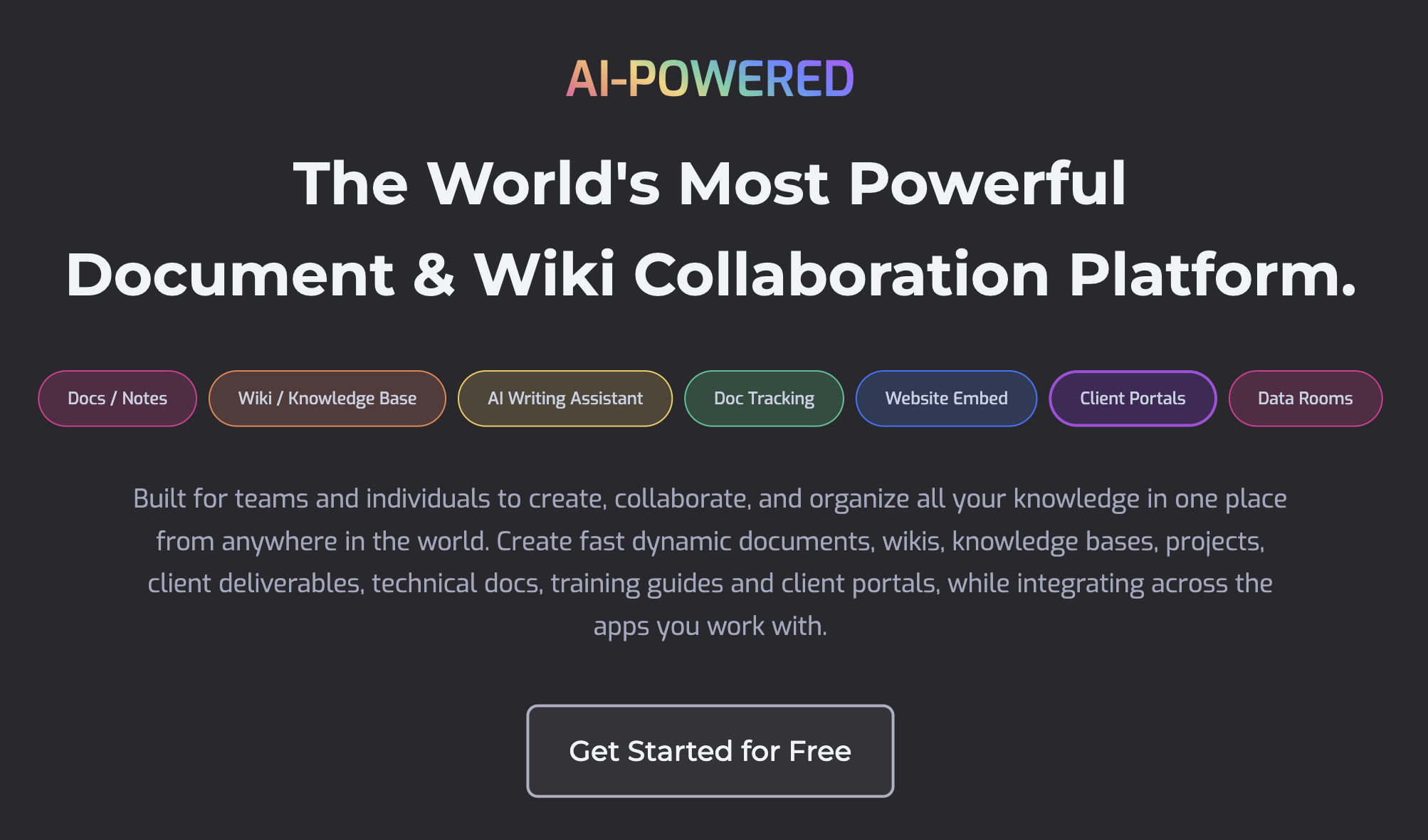
Bit.AI is a document collaboration and knowledge management platform for teams that want notes, docs, wikis, and AI-assisted writing to live in a more organized shared workspace. It is most useful when team knowledge is spread across too many files and the problem is keeping information usable over time, not just writing one document faster.

Bit.AI is better understood as a team knowledge workspace than as a standalone writing tool. Its value comes from helping teams create documents, organize shared information, and build more durable knowledge structures than a loose folder of files usually allows.

It suits operations teams, project teams, agencies, startups, and knowledge-heavy organizations that need collaboration around documents and wikis. The fit becomes strongest when documentation is an ongoing team habit instead of a one-time task.

What makes Bit.AI worth attention is that document sprawl is a real cost. A platform that improves structure, search, and collaboration can save time every time the team needs to revisit a decision, process, or project asset later.

The tradeoff is that a knowledge platform only helps if the team maintains it. Better tools do not automatically prevent outdated documents, unclear ownership, or excess internal clutter.

This site recommends Bit.AI for teams that want shared documentation to become more structured and reusable. Start with one project or process area, then keep it if the workspace makes team knowledge easier to maintain and find.


Setup / Usage Guide

Installation steps, usage guidance, and common notes are maintained here.

  1. Open Bit.AI from the official site and choose one document area to organize first. A project wiki, process document set, or team handbook is a good starting point.
  2. Set up a small structure before importing everything. Knowledge tools work better when the first space is intentional instead of overloaded.
  3. Create or migrate one real working document and test collaboration around it. Shared editing behavior matters as much as the document itself.
  4. Review search and navigation after you add a few pieces of content. A knowledge platform should make later retrieval easier, not harder.
  5. Use AI assistance for drafting or cleanup only after the workspace structure feels sensible. Good organization matters more than fast generation at the start.
  6. Assign ownership for important documents if the team will depend on them. A collaborative wiki decays quickly without clear responsibility.
  7. Check whether the platform reduces the number of 'where is the latest version?' moments in your team. That is a strong practical signal.
  8. Keep Bit.AI if it helps your team create, share, and maintain documentation with less confusion over time. That is the real reason to keep it.

Related Software

Keep exploring similar software and related tools.