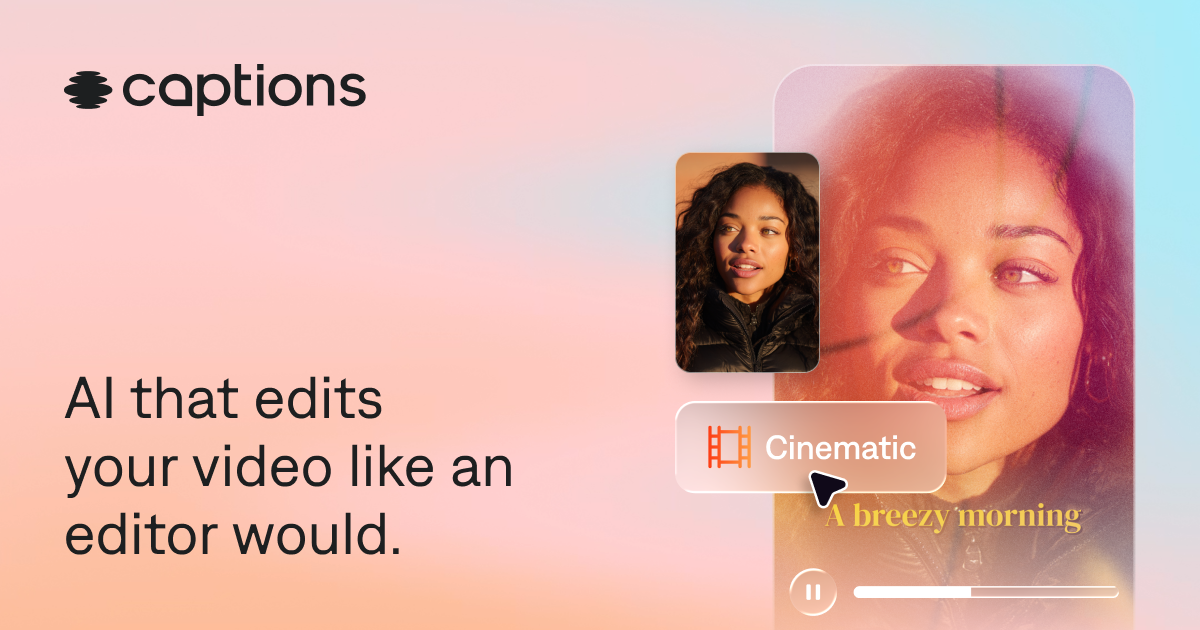
Captions
Category AI Video
Published 2026-04-05

Overview

This section highlights the core features, use cases, and supporting notes.

Captions is an AI video creation platform for creators and teams who want script support, editing help, captions, dubbing, and short-form publishing speed inside one workflow. It is most useful when video output is frequent and the pain comes from repeated production steps rather than from one big studio edit.

Captions focuses on speeding up the repeatable parts of video creation. Its value comes from keeping generation, subtitle handling, voice support, and editing assistance close together so creators can move from rough idea to publishable clip with less tool switching.

It suits creators, marketers, educators, social teams, and small media operations that regularly produce short-form video or talking-head content. The fit becomes strongest when speed and iteration matter more than advanced post-production control.

What makes Captions worth attention is that modern video work often slows down on repetitive cleanup, not on raw creativity. A platform that reduces those repeated steps can create real operational value for teams that publish often.

The tradeoff is that speed can make average content look finished too quickly. Subtitles, voice output, pacing, and narrative clarity still need review before publishing to real audiences.

This site recommends Captions for teams that need regular short-form video output and want a more compact workflow. Start with one real clip or talking-head task, then keep it if the platform saves time without lowering your content bar.

Setup / Usage Guide

Installation steps, usage guidance, and common notes are maintained here.

  1. Open Captions from the official site and begin with one real short-form video task. A practical piece of content is the right way to judge whether the workflow helps.
  2. Import the source video or draft script and set the intended output format early. Vertical, square, and horizontal video often need different choices from the start.
  3. Generate captions or voice support near the beginning of the process. These are some of the areas where the platform is meant to save the most time.
  4. Review names, timing, and subtitle breaks before styling. Accuracy matters more than visual polish at the start.
  5. Use AI generation or editing features selectively. Fast assistance is valuable only when it still serves the real message of the video.
  6. Export a short proof before finishing the entire piece. Small previews catch pacing and readability problems early.
  7. Test the result on the actual viewing device or platform context. Mobile playback often changes what needs fixing.
  8. Keep Captions if it consistently reduces repeated production work while leaving you with video that still feels intentional and publishable. That is the strongest reason to keep it.

Related Software

Keep exploring similar software and related tools.