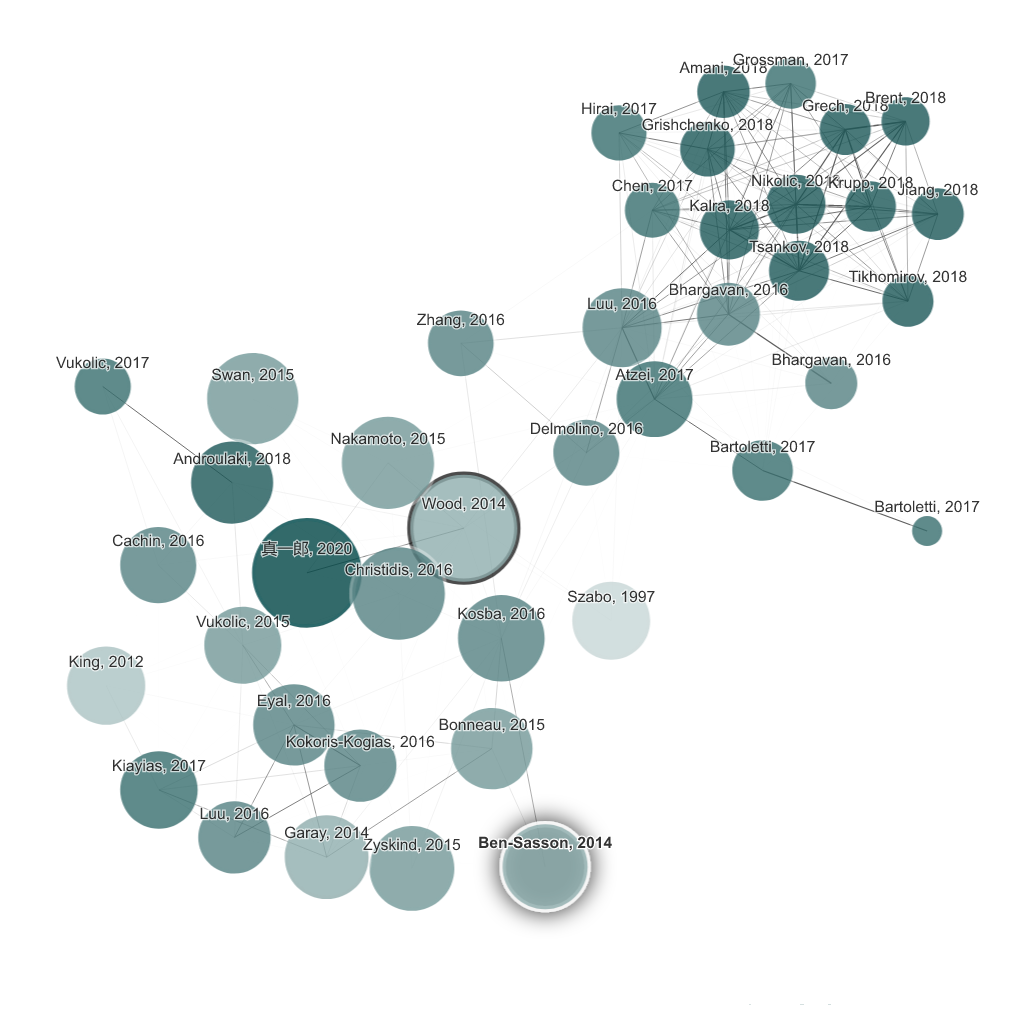
Connected Papers turns academic exploration into a visual map instead of a list of search results. Its value comes from helping users see relationships between papers so they can understand a field’s shape faster.
It suits students, researchers, and applied scientists who are entering a topic, reviewing related work, or trying to trace how important papers connect. The fit becomes strongest when orientation is more important than retrieving one known citation.
What makes Connected Papers worth attention is that literature review often stalls in the discovery stage. A visual graph can help users move from isolated papers to a clearer sense of which clusters, bridges, and foundational works deserve time first.
The tradeoff is that visual proximity still does not prove methodological quality or direct relevance to your exact question. The graph is a navigation aid, not a substitute for reading and evaluating the actual papers.
This site recommends Connected Papers for researchers who want a faster way to see how a field hangs together. Start from one relevant seed paper, then keep it if the visual map consistently helps you find stronger reading paths than a plain search list.