D-ID
Category AI Video
Published 2026-04-05

Overview

This section highlights the core features, use cases, and supporting notes.

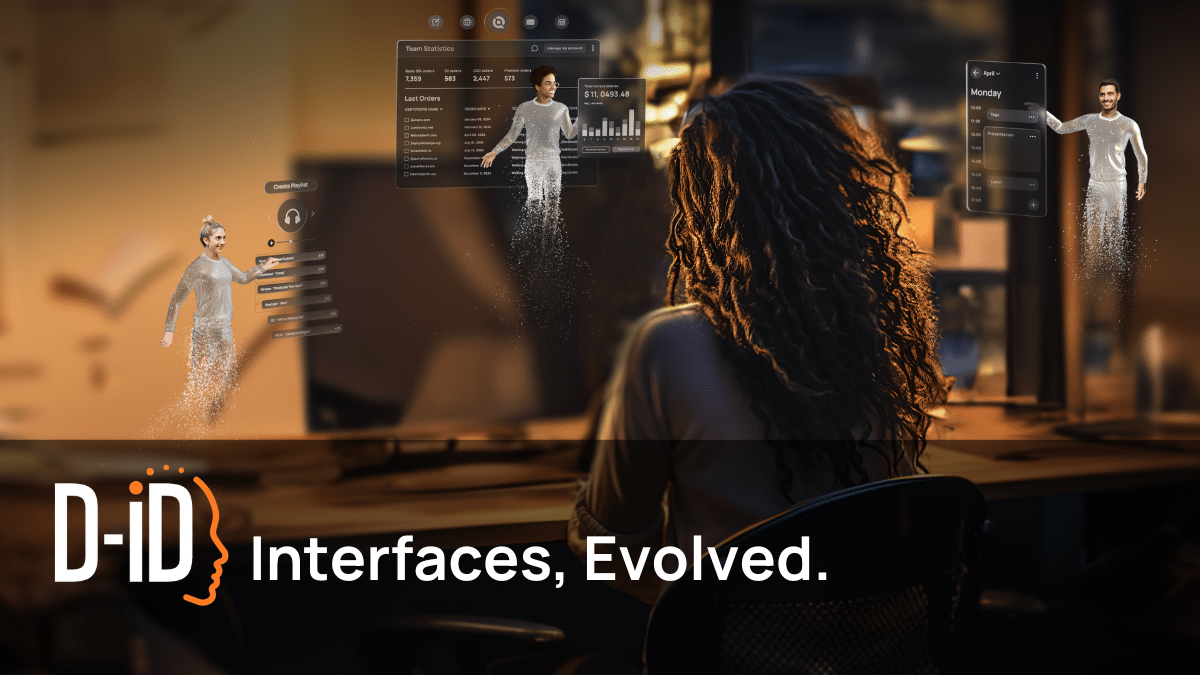
D-ID is an AI video creation platform for teams that want digital presenters, talking avatars, and interactive video experiences built from images or scripts. It is most useful when the goal is human-like visual delivery at scale, especially for brand communication, explainers, and interactive presentation scenarios.

D-ID sits in the digital-human side of AI video rather than the generic editing side. Its appeal comes from making face-driven video generation and AI-powered presentation feel more like an interface layer than just a rendering trick.

It suits brands, agencies, content teams, demo teams, and product teams that want AI-generated presenters or interactive visual experiences. The fit becomes strongest when the team needs a face-led delivery format without filming every version manually.

What makes D-ID worth attention is that people respond differently to face-centered communication than to plain slides or voice-only output. A platform that handles digital presenters and interactive delivery can unlock use cases that ordinary text-to-video tools do not serve as well.

The tradeoff is that synthetic human presentation brings trust and misuse risks very quickly. Consent, likeness boundaries, and audience expectations all matter more here than they do in generic content tools.

This site recommends D-ID for teams that need digital-human style communication and are prepared to use it responsibly. Start with one clear presenter-led scenario, then keep it if the result feels credible enough for the intended audience and does not create unnecessary trust problems.

Setup / Usage Guide

Installation steps, usage guidance, and common notes are maintained here.

  1. Open D-ID from the official site and choose one presenter-style use case first. A product intro, demo explanation, or brand message is a better first test than a vague creative experiment.
  2. Use a script that is already clear and concise. Human-like delivery still depends on the strength of the underlying message.
  3. Review the image or avatar source carefully before generating. In presenter-led tools, likeness and presentation quality shape trust immediately.
  4. Render a short sample before creating a full video. This is the fastest way to judge whether the voice, face movement, and delivery feel acceptable.
  5. Check whether the output suits the brand and audience expectations. A talking avatar is not automatically the right presentation format for every message.
  6. Review any interactive or conversational layer only after the base video works. Strong core delivery matters more than stacking extra features too soon.
  7. Be cautious about permissions and public use of synthetic human presentation. Trust can be damaged quickly if this part is handled carelessly.
  8. Keep D-ID if it gives you a useful digital-presenter workflow that adds communication value without creating more trust risk than the task can justify. That is the right measure for continued use.

Related Software

Keep exploring similar software and related tools.