Overview

This section highlights the core features, use cases, and supporting notes.

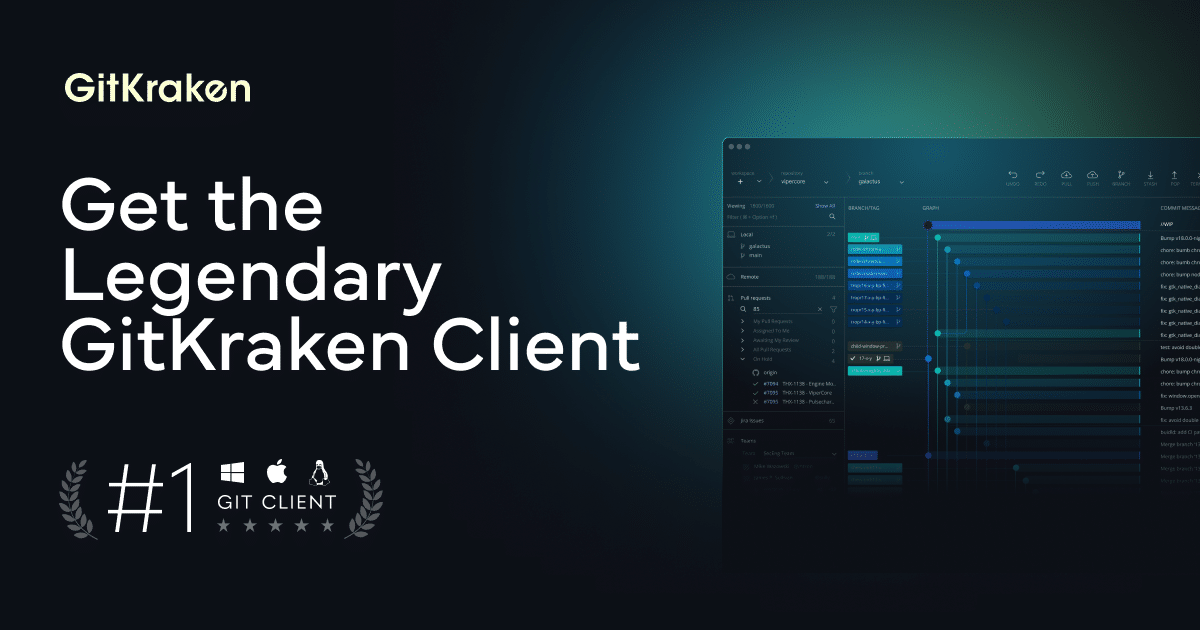
GitKraken is a Git client built to make branching, history inspection, repository management, and collaboration feel more visual and less intimidating. It is especially useful for developers and teams who want a polished GUI for everyday Git work instead of living entirely in the terminal.

GitKraken earns its place because Git remains powerful but unfriendly for many people in day-to-day use. Visualizing branches, merges, commit history, and repository state can dramatically reduce friction, especially for teams where not everyone wants to parse every operation through command-line syntax. That is the practical case for a strong Git GUI.

As a tool choice, GitKraken is strongest for users who want a more visual and organized Git workflow. If you are searching for the best Git GUI client for teams or a polished desktop Git client for branch-heavy work, it deserves attention because it turns repository history into something easier to inspect and manage. The tradeoff is that deep Git understanding still matters; a better interface does not remove the need to know what you are doing.

Our recommendation is to use GitKraken where repository collaboration is regular and visual clarity helps prevent mistakes. It is especially useful for branch workflows, pull-request review preparation, and teams that want Git to feel more accessible without becoming sloppy.


Setup / Usage Guide

Installation steps, usage guidance, and common notes are maintained here.

The best way to start with GitKraken is to use it on a real repository where branches, commits, and remotes already matter. Users searching how to use GitKraken for branch management usually get the clearest benefit when they compare visual history against the same operations they would otherwise do in Git commands.

Focus early on reading the graph correctly, understanding what staging means, and noticing how merges and rebases change history. A visual Git client becomes much more valuable when you can interpret what it is showing instead of clicking through it blindly.

Use GitKraken to reduce friction, not to hide responsibility. It is strongest when it helps you see repository state more clearly and make safer Git decisions.

Related Software

Keep exploring similar software and related tools.