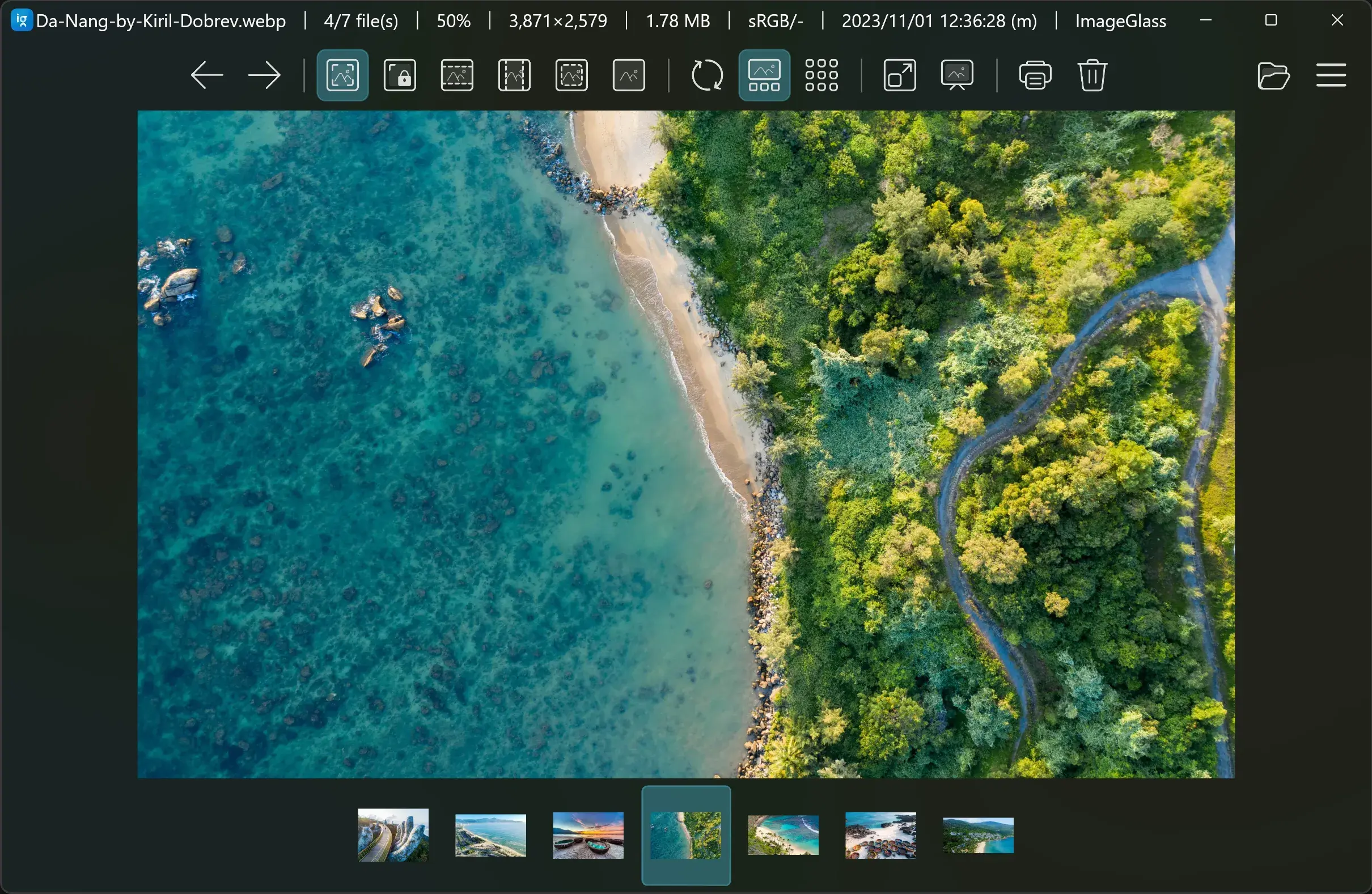
Overview

This section highlights the core features, use cases, and supporting notes.

ImageGlass is a lightweight Windows image viewer with broad format support and a cleaner, more focused experience than many default photo viewers. It is especially useful for users who open images all day and want faster browsing, format compatibility, and fewer distractions.

ImageGlass solves a simple but very real desktop problem: opening images should be immediate, predictable, and format-friendly. Default image viewers often drift toward media-management features or slower UI layers, which can feel unnecessary when the actual need is to inspect, compare, and move through images quickly.

It is most suitable for designers, developers, photographers, content editors, and ordinary Windows users who regularly browse screenshots, assets, exports, or mixed-format image folders. If your work includes repeated image checking rather than full editing, a responsive viewer matters more than people expect.

What makes ImageGlass worth keeping is balance. It feels lightweight, supports many image formats, and stays centered on viewing rather than trying to become a full organizer or editor. That makes it a strong everyday replacement when Windows image viewing feels heavier than the task itself.

The tradeoff is that a viewer is still just a viewer. If you need asset management, batch editing, or serious photo adjustments, another tool belongs in the workflow as well. ImageGlass earns its place by doing one job cleanly: helping you open and inspect images without friction.


Setup / Usage Guide

Installation steps, usage guidance, and common notes are maintained here.

1. Open the official ImageGlass site and download the current Windows build from the official source.

2. Install the app and launch it once with a folder of familiar images so you can judge startup speed and navigation immediately.

3. Test several image formats you actually use, not just one standard JPG or PNG, because compatibility is one of the main reasons to keep a dedicated viewer.

4. Adjust the theme, zoom behavior, or background settings only after you understand the default viewing flow. Keep the first setup simple.

5. If you want ImageGlass as your normal viewer, set it as the default app for the image formats you open most often.

6. Use real work folders to test browsing performance, especially if you often move through screenshots, design exports, or reference images in sequence.

7. Keep a separate editor for editing tasks and use ImageGlass primarily for fast inspection, comparison, and format-friendly viewing.

8. Return to the official ImageGlass site for updates and supported format information so the viewer stays reliable on your main machine.

Related Software

Keep exploring similar software and related tools.