Krea AI
Category AI Art
Published 2026-04-05

Overview

This section highlights the core features, use cases, and supporting notes.

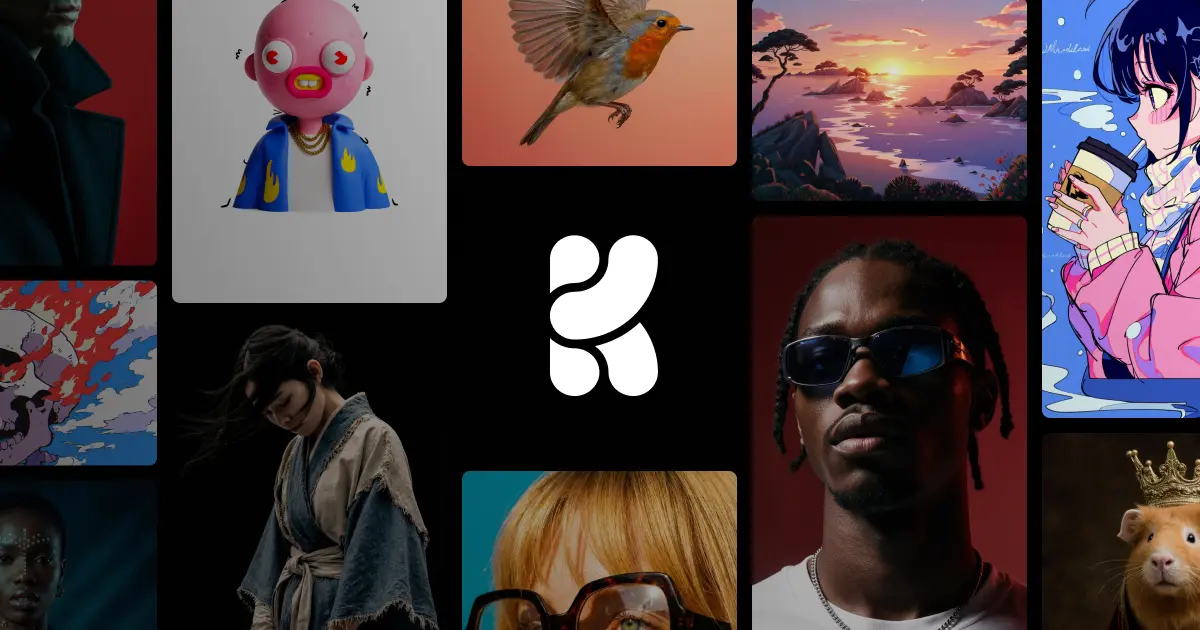
Krea AI is a creative AI suite for images, video, and 3D work, built for users who want rapid visual exploration, real-time iteration, and a broader creative workbench instead of a single-output generator. It is most useful when the real task is trying directions quickly and refining them, not just pressing generate once.

Krea AI matters because creative work often needs speed of exploration more than speed of final delivery. The official platform positions itself as a creative suite covering image, video, and 3D generation and enhancement, which makes it more like an exploratory workbench than a one-shot output tool.

It suits designers, visual experimenters, creative teams, and creators who need to test styles, references, media directions, and early creative ideas across several formats. If your workflow includes heavy iteration before a direction is chosen, this product fits naturally.

What makes Krea AI worth attention is the continuity across creative modes. Real-time image work, editing, enhancement, and access to several media directions in one place can keep idea momentum going when separate tools would slow everything down.

The tradeoff is that broader creative freedom can easily become unstructured experimentation. A suite is only useful when it helps you converge, not when it keeps you trapped in endless variation. The practical expectation is faster exploration and draft building, not automatic final creative judgment.

This site recommends Krea AI for users who need a high-iteration visual workspace. If your bottleneck is creative exploration rather than basic generation access, it is worth keeping close.

Setup / Usage Guide

Installation steps, usage guidance, and common notes are maintained here.

  1. Open Krea AI from the official site and begin with one clear visual objective. A mood exploration, campaign direction, asset style test, or concept study is a better first task than broad open-ended browsing.
  2. Choose one medium first. Image, video, or 3D should be tested separately at the beginning so you can understand where the suite helps most.
  3. Use rapid variants to compare direction, not only aesthetic quality. Krea is strongest when it helps you eliminate weak directions quickly.
  4. Experiment with enhancement and editing only after the core direction feels promising. Improvement tools matter more once the creative base is worth keeping.
  5. Keep reference and output organization clean. Exploratory suites create a lot of material fast, and unstructured output becomes hard to reuse.
  6. Review how well the suite supports your actual production handoff. A strong exploration tool should make later creative steps easier, not just generate more options.
  7. Do not mistake variety for resolution. Stop when the work is good enough to inform a decision, not when the tool can keep producing more novelty.
  8. Keep Krea AI if it helps your team explore and narrow creative directions faster across media formats. That iteration speed is the core value of the suite.

Related Software

Keep exploring similar software and related tools.