Krisp
Category AI Office
Published 2026-04-05

Overview

This section highlights the core features, use cases, and supporting notes.

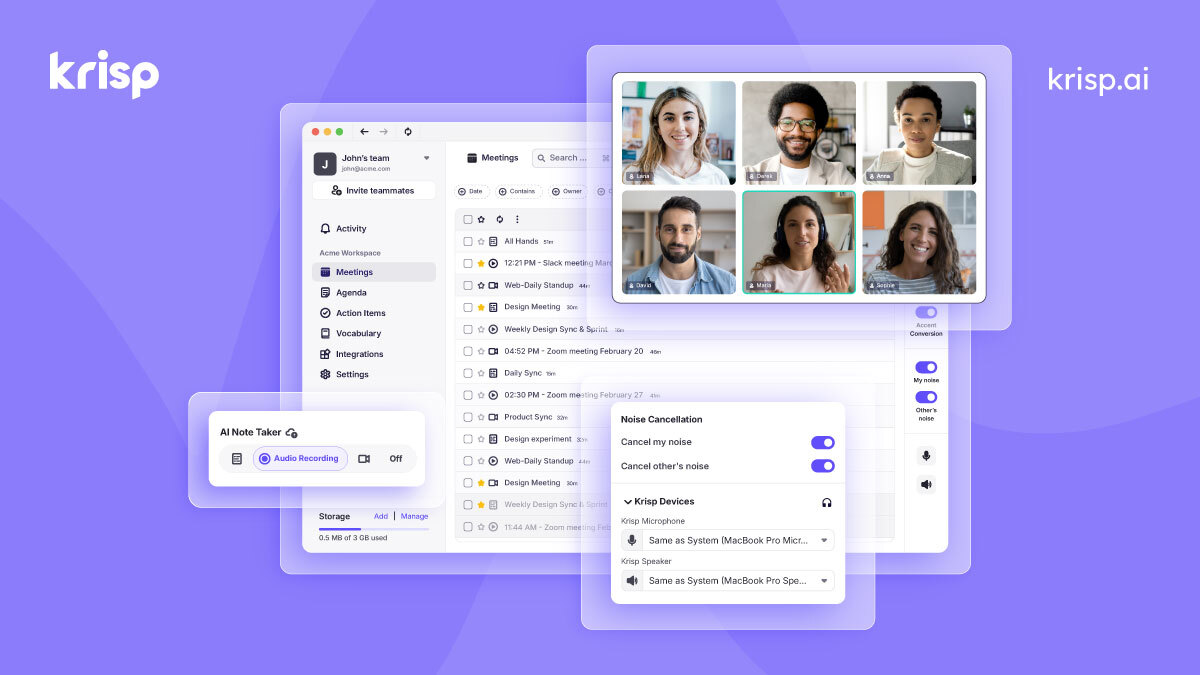
Krisp is a voice AI tool for meetings and calls that combines noise cancellation, cleaner speech, and meeting-assistant features in one workflow. It is most useful for remote teams and heavy meeting users who need clearer conversations first and smarter follow-up second.

Krisp solves a basic but expensive communication problem: poor call audio damages every meeting that follows. By focusing on background noise, speech clarity, and meeting support features, the product tries to improve the part of remote work that many teams simply tolerate instead of fixing.

It fits remote employees, managers, recruiters, customer-facing teams, and anyone who spends a large part of the week on calls. The more audio quality affects your work, the more a dedicated voice layer becomes worth evaluating.

What makes Krisp worth keeping is that cleaner calls often create downstream efficiency. Better speech quality can reduce repeated questions, transcription errors, and listener fatigue, which means the tool can matter even before users touch the note-taking side.

The tradeoff is that cleaner audio does not automatically create better meetings. Agenda quality, decisions, and follow-up discipline still matter. Teams should see Krisp as a communication aid, not as a substitute for good meeting habits.

This site recommends Krisp for users who feel the pain of remote meeting noise and muddled audio every week. Start with one real call, test the clarity improvement, and keep it if the communication gain is noticeable before you even count the extra AI features.

Setup / Usage Guide

Installation steps, usage guidance, and common notes are maintained here.

  1. Open Krisp from the official site and install it in the environment where you actually take calls. Setup quality matters more than feature browsing at the beginning.
  2. Choose the correct microphone and speaker path before the first meeting test. Audio tools often feel broken simply because the wrong device chain is active.
  3. Run one call with obvious background noise as your first benchmark. This reveals quickly whether the tool solves a real pain point in your environment.
  4. Listen for both your own voice and the other side of the conversation. Good remote communication depends on both directions feeling cleaner, not just your own output.
  5. Enable note-taking or meeting-assistant features only after audio quality is stable. The basic communication layer should prove useful before you add more workflow dependence.
  6. Check how the tool behaves across the conferencing apps you use most. Real fit is determined by your actual call stack, not by one perfect demo.
  7. Review privacy and meeting-consent expectations if transcripts or notes are involved. Clear communication includes clear recording boundaries.
  8. Keep Krisp if it consistently makes remote conversations easier to hear and easier to act on afterward. That full communication improvement is the reason to keep it.

Related Software

Keep exploring similar software and related tools.