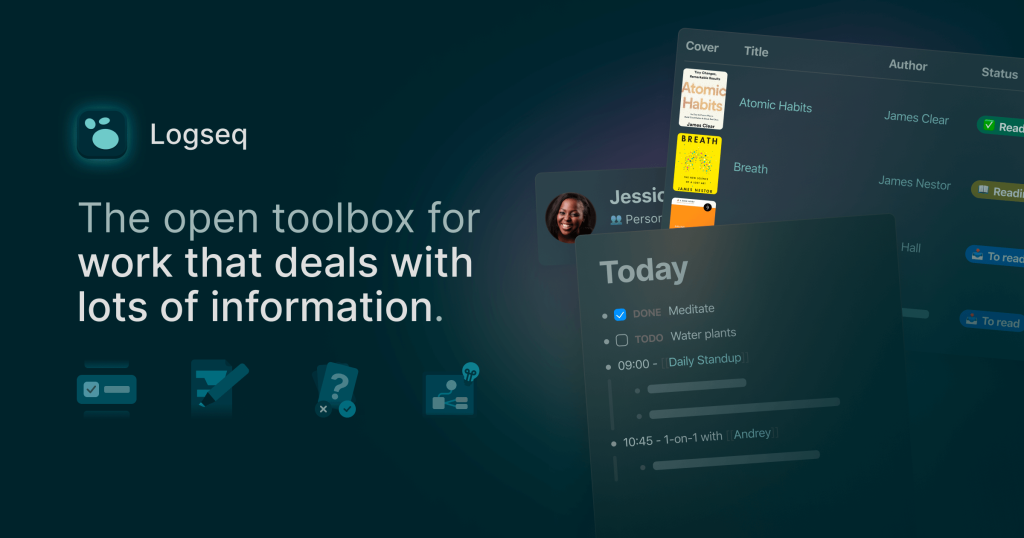
Logseq is best understood as a local-first knowledge system rather than a polished cloud note suite. The official homepage describes it as a privacy-first, open-source knowledge base and repeatedly frames it as an open toolbox for workflows that deal with lots of information. That distinction matters because Logseq is not mainly trying to be the prettiest place to write neat documents. It is trying to help people capture notes, connect ideas, search relationships, and keep long-term ownership of their data.

The homepage also gives a grounded picture of who Logseq is really for. It highlights students, academics, writers, project managers, and developers, and it specifically calls out workflows such as task management, PDF annotations, flashcards, whiteboards, and linked references. On April 13, 2026, the same page also emphasized advantages that matter for long-term trust: open source, free forever for personal use, privacy first, you own your data locally forever, Markdown files, mobile apps, 150+ plugins, and 30+ themes. That makes Logseq especially attractive for people who dislike being locked into proprietary note storage or vendor-defined workflows. It is less attractive for users who want the smoothest out-of-the-box team collaboration with as little setup thought as possible.
The official downloads page shows that Logseq is broader than a desktop-only niche tool. When checked on April 13, 2026, the page listed macOS, Windows, Linux, iOS, and Android. The same page also highlighted Logseq Sync BETA, Whiteboards BETA, and noted that real-time collaboration is still COMING SOON. This is useful because it sets expectations correctly: Logseq already covers multiple personal-device workflows well, but its collaboration story is not the same as a mature real-time team workspace yet.

Graph view is one of the clearest reasons to use Logseq instead of a plain Markdown notebook. The official docs describe it as the graph view of your whole graph, with a related page graph for only the current page. That sounds simple, but it changes how notes feel over time. Instead of collecting isolated pages, Logseq encourages you to notice relationships between topics, pages, and references. This is especially useful for research, reading notes, writing projects, and any workflow where value comes from seeing connections rather than merely storing files.

Flashcards are another feature that makes Logseq unusually useful for students and long-term learners. The official docs say you can add either #card or [[card]] to a block, or right-click a bullet and choose Make a Flashcard. The same page explains that all cards can be reviewed from the Flashcards tab, and that cards can also be filtered with queries. This matters because Logseq lets learning stay close to your actual notes instead of forcing you to move everything into a separate spaced-repetition tool. That is a real advantage for knowledge work that mixes reading, outlining, and memorization.

Queries are where Logseq becomes more than a note archive. The official docs describe queries as a way to ask questions of your knowledge base, and they explain simple query syntax such as {query ...}, operators like and, or, and not, and special filters like date ranges, tasks, priorities, and page properties. The same page also states that full-text query is only enabled on the desktop app at the moment. This is practical because queries let notes become living views of information rather than static pages. The tradeoff is that Logseq gets more powerful as your system becomes more intentional, so a total beginner may not feel the benefit until some notes already exist.

Plugins are another reason Logseq keeps long-term users. The official plugin docs say this feature is available on Desktop, that the plugin dashboard can search, install, update, and remove marketplace plugins, and that themes are distributed as plugins. The same page notes that updates are checked every 12 hours and that you can also load unpacked plugins distributed outside the marketplace. This is useful because Logseq is intentionally not one rigid workflow. You can keep it simple, or extend it toward your own note, task, visual, or developer habits over time.

Logseq Sync is a good example of the product’s strengths and cautions appearing together. The official docs say it is a paid feature in BETA, available for active Open Collective contributors at $5 or $15 per month. The same docs say it syncs up to 10 graphs between Logseq Desktop, Android, and iOS, that each graph is encrypted with a password, and that files are encrypted using age. The FAQ also warns not to use Logseq Sync with third-party sync services like iCloud, Syncthing, or Dropbox, and says shared multi-user sync is not supported yet. That is exactly the sort of practical limitation people need to know before trusting their notes to a sync setup.

Whiteboards are another distinctive part of Logseq’s identity. The homepage already calls them out as a beta feature, and the docs describe every whiteboard as a spatial canvas where you can add whiteboard objects and connect thoughts visually. That matters because Logseq is not only about linear outliner notes. It also tries to support non-linear thinking inside the same knowledge base. For some users, that means sketching relationships, planning visually, or combining page-based knowledge with a freeform spatial canvas instead of switching to a separate whiteboard app.

Our grounded judgment is that Logseq is most worth using for personal knowledge work where local ownership, connected notes, and long-term reuse matter more than instant polished collaboration. It is especially practical for researchers, students, writers, and developers who want Markdown files, linked references, queries, flashcards, plugins, and optional encrypted sync. It is less suitable if you mainly want a frictionless team wiki or a note app that hides all structure from you. Logseq becomes strongest when you want to think with your notes over time, not just store them.