Mapify
Category AI Office
Published 2026-04-05

Overview

This section highlights the core features, use cases, and supporting notes.

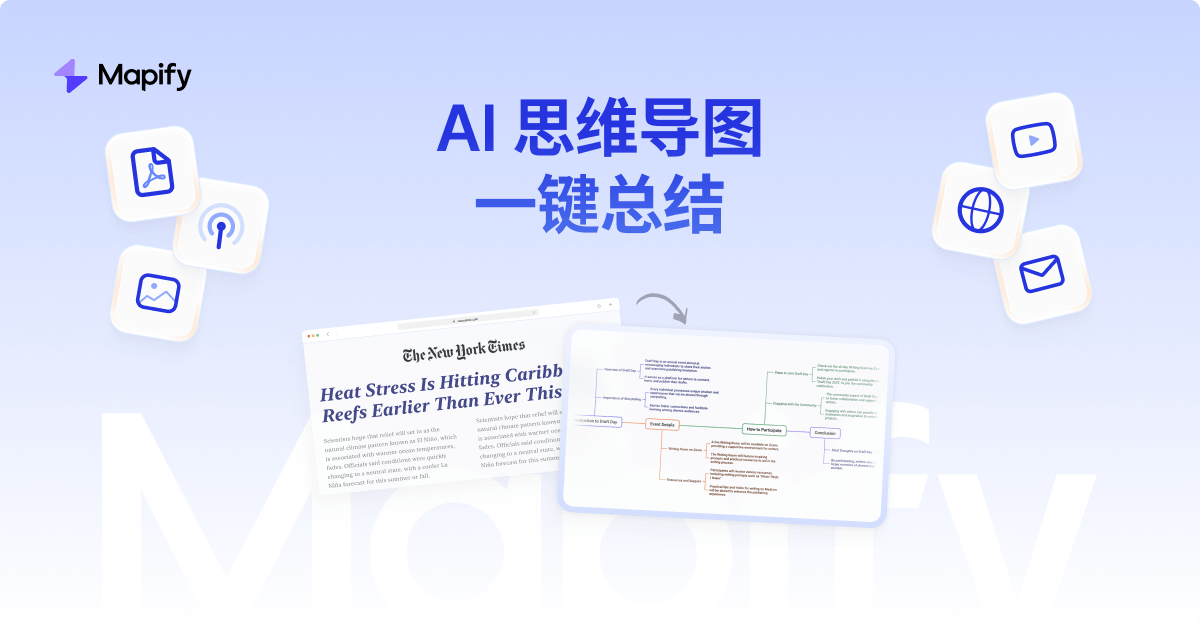
Mapify is an AI mind-mapping and content summarization tool that turns PDFs, documents, presentations, videos, and other sources into structured visual maps. It fits best when the main problem is not lack of information, but the difficulty of pulling complex material into a structure that can be discussed, remembered, or acted on quickly.

Mapify is useful because it treats structure as the main output. Its official positioning around turning many content types into mind maps makes it relevant for people who need visual organization more than long textual summaries.

It suits students, consultants, project leads, researchers, and anyone who regularly needs to digest complicated materials before explaining them to others. If your work starts with messy information and ends with a need for clear structure, Mapify is working in the right zone.

The practical value is speed to structure. A good mind map can clarify relationships, priorities, and missing areas much faster than rereading a long document or taking scattered notes.

The tradeoff is that structure-first tools can oversimplify nuance if the source is dense or highly technical. Users still need to check whether the generated map reflects the material faithfully enough for the actual task.

A sensible evaluation is to feed Mapify one complex source you already understand poorly and see whether the generated map helps you ask better questions or explain the material more clearly. If it does, the product is doing meaningful work.

Setup / Usage Guide

Installation steps, usage guidance, and common notes are maintained here.

  1. Open Mapify from the official site and start with one source that is genuinely hard to organize mentally. The tool shows value fastest on complex material.
  2. Import the source in its original form if possible. Mapify is designed to work across multiple content types, and the source format matters.
  3. Review the first generated map for major structure errors before relying on the details. Top-level accuracy matters first.
  4. Expand the branches that matter most for your actual goal. A mind map is useful when it helps decision making, not just when it looks neat.
  5. Compare the map with your own understanding of the source. This is how you catch oversimplification or missing context.
  6. Use the result in a real follow-up task such as planning, explaining, summarizing, or presenting. Practical reuse is the strongest test.
  7. Keep refining the map if the source is long or mixed in quality. Visual clarity often improves through one or two focused edits.
  8. Keep Mapify if it regularly helps you turn overloaded source material into structures that are easier to explain, remember, and act on. That is the clearest reason to keep it.

Related Software

Keep exploring similar software and related tools.