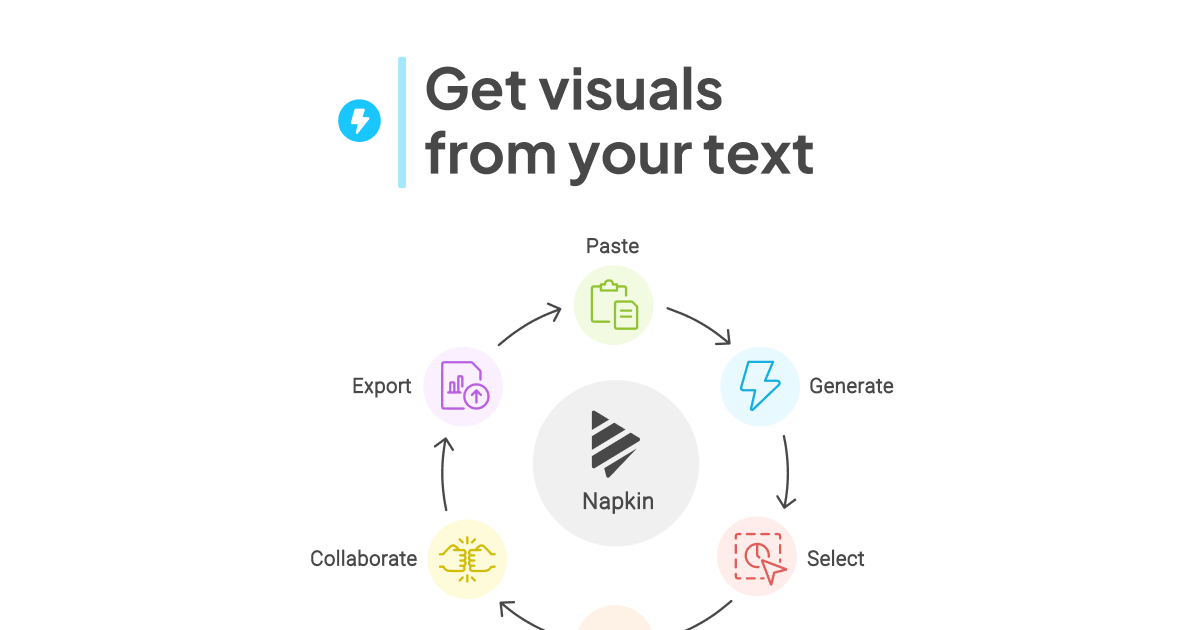
Napkin is useful because many teams do not need an image generator when the real problem is explanation. A strategy note, process breakdown, product concept, or training outline often becomes easier to share once the text is turned into a clear visual structure instead of another dense page of paragraphs.
It fits consultants, operators, trainers, product teams, educators, and anyone who frequently explains flows, comparisons, systems, or ideas to other people. The official homepage frames Napkin as visual AI for business storytelling, which matches the strongest use case: turning working text into visuals that can live in slides, docs, and internal communication.
What makes Napkin worth keeping is that it starts from your text instead of asking you to become a prompt engineer or a designer. The product flow on the official site is straightforward: paste or import text, generate visuals, refine them, and export them as PPT, PNG, PDF, or SVG. That is productivity, not decoration.
The tradeoff is that Napkin will amplify structure, not invent it from chaos. If the source text is vague, repetitive, or badly organized, the generated visual will still feel weak. The practical expectation is faster business communication once the underlying idea is already clear enough to explain.
This site recommends Napkin for people who repeatedly turn knowledge into shareable materials. If you often need to explain a process, summarize a framework, or turn meeting logic into visuals that others can understand quickly, Napkin is much more useful than a general-purpose image tool.