Notta
Category AI Office
Published 2026-04-05

Overview

This section highlights the core features, use cases, and supporting notes.

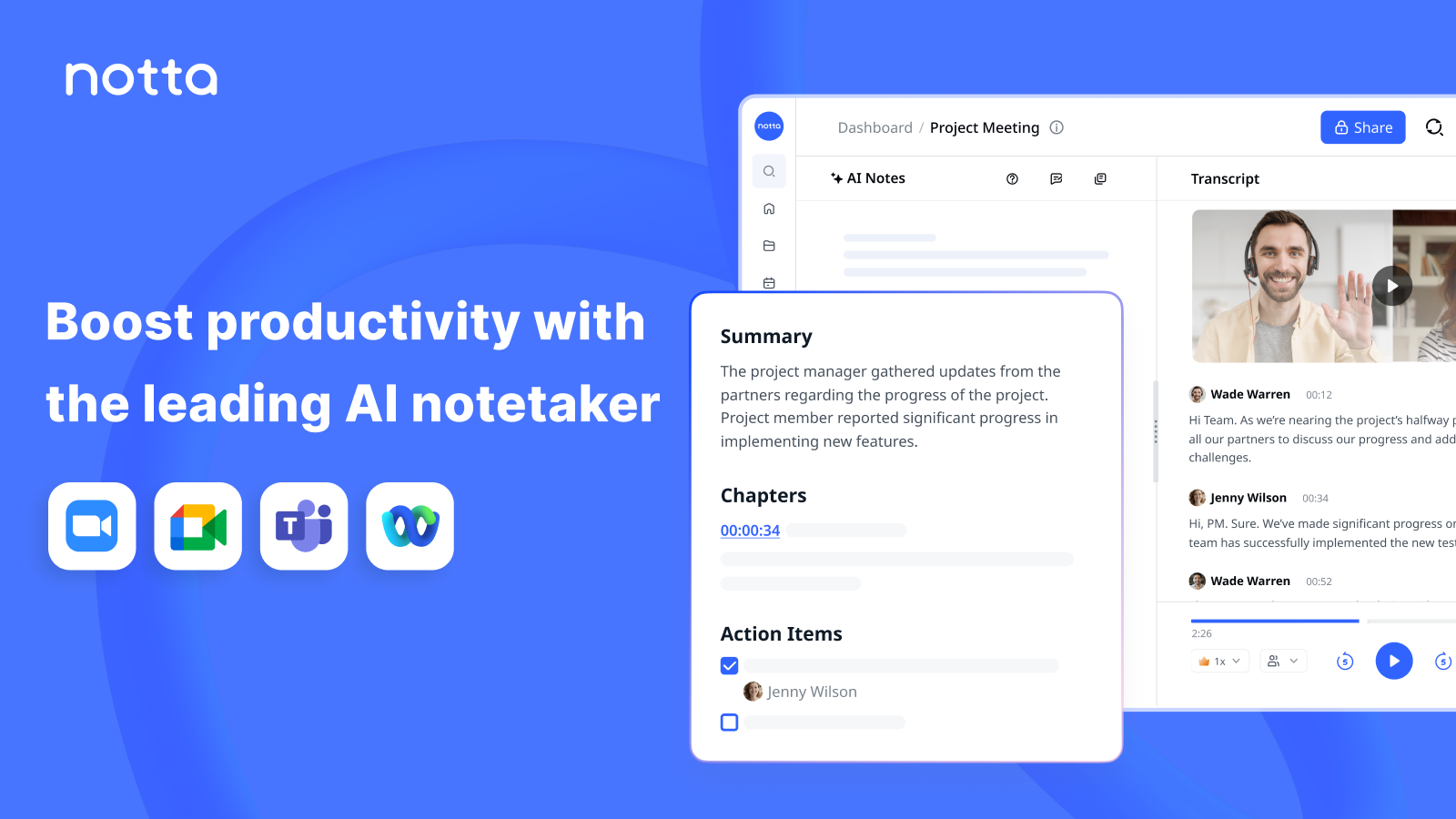
Notta is an AI note taker and transcription tool for users who want meetings, interviews, and recordings turned into searchable text, summaries, and action plans. It is most useful when audio information needs to become reusable working material instead of staying locked inside recordings.

Notta focuses on the practical work that comes after speech happens. Transcription, summary, and follow-up output matter because teams often have recordings already, but still lose time turning them into something searchable and actionable.

It suits meeting-heavy teams, interviewers, researchers, educators, and operators who regularly work with spoken content. The fit becomes stronger when accuracy, language handling, and quick recap output are more valuable than keeping audio as raw reference alone.

What makes Notta worth attention is that it can shorten the path from spoken material to team memory. Searchable transcripts and usable summaries reduce the friction of reviewing calls, extracting decisions, and sharing what happened with people who were not present.

The tradeoff is that automated transcripts and summaries still need human review. Names, domain terms, speaker attribution, and final action items can be wrong or incomplete if nobody verifies the output.

This site recommends Notta for teams that want voice-heavy work to become easier to store, search, and revisit. Start with one real meeting or recording, then keep it if the resulting text actually improves follow-up quality.

Setup / Usage Guide

Installation steps, usage guidance, and common notes are maintained here.

  1. Open Notta from the official site and choose one real recording or meeting type to test first. A practical example reveals value faster than a generic demo clip.
  2. Select the correct language and source type before transcription begins. Good setup strongly affects whether the text will be usable later.
  3. Review the first transcript for names, terminology, and speaker separation. This is where many transcription tools rise or fall in daily work.
  4. Compare the generated summary with the actual purpose of the conversation. A smooth recap is useful only if it captures what mattered.
  5. Extract action items into your normal workflow instead of leaving them only inside the note tool. The goal is better execution, not more isolated records.
  6. Search the transcript for one detail after the meeting ends. This shows whether the tool really reduces follow-up friction.
  7. Be selective about what you record and store long term. Voice tools become more useful when privacy and retention boundaries stay clear.
  8. Keep Notta if it reliably turns speech into search-friendly and review-friendly working material. That is the real reason to keep it.

Related Software

Keep exploring similar software and related tools.