Otter AI
Category AI Office
Published 2026-04-05

Overview

This section highlights the core features, use cases, and supporting notes.

Otter AI is an AI meeting assistant focused on real-time transcription, automated notes, summaries, action items, and meeting follow-up support. It is most useful for teams that spend a lot of time in meetings, interviews, or recurring discussions and want spoken content to become usable records more quickly.

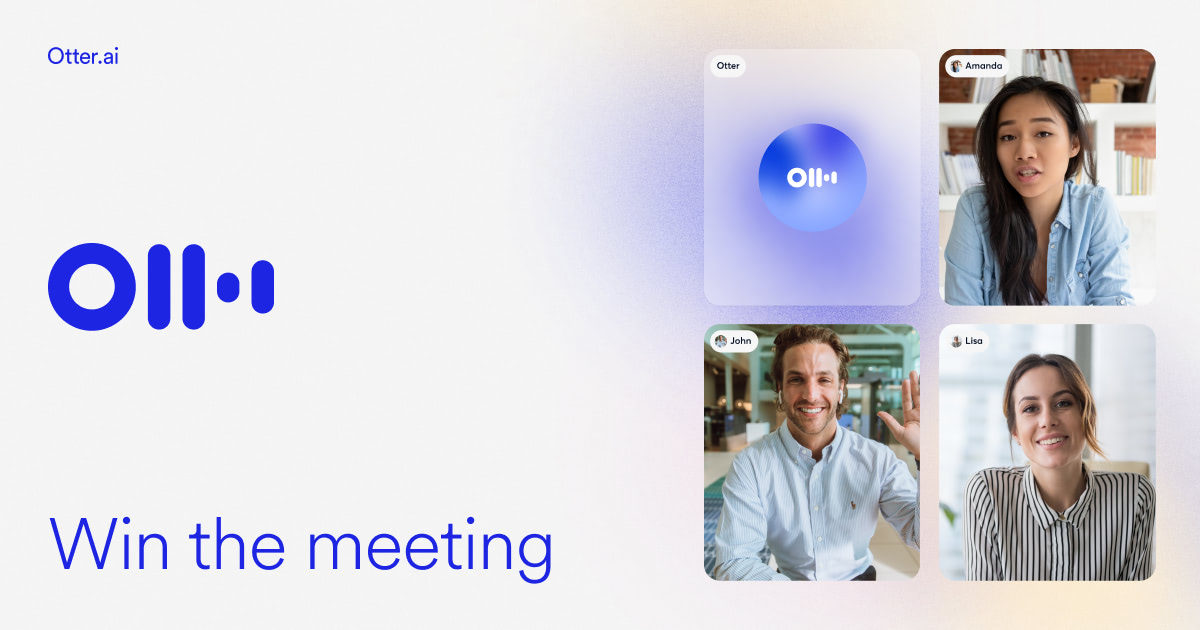
Otter AI matters because meetings create useful information faster than most teams can document it. The official product positions Otter as a meeting agent with real-time transcription, live chat, automated summaries, insights, and action items, which makes it much more than a plain recording tool.

It suits managers, recruiters, educators, interviewers, content teams, and knowledge workers who regularly need meeting records, summaries, and next-step extraction. If spoken coordination is a recurring part of your workflow, the product direction is highly practical.

What makes Otter AI worth attention is that it links meeting capture with post-meeting usefulness. Notes, transcripts, and extracted actions living in one workflow can save teams substantial follow-up time.

The tradeoff is that easier meeting capture does not guarantee perfect understanding. Names, technical terms, speaker separation, and decision nuance still require human checking. The practical expectation is better meeting documentation, not infallible memory.

This site recommends Otter AI for teams that want meetings to produce usable records faster. If your bottleneck is converting spoken discussion into something people can act on, it is worth close attention.

Setup / Usage Guide

Installation steps, usage guidance, and common notes are maintained here.

  1. Open Otter AI from the official site and connect it to one meeting workflow you actually use. Calendar-linked or manual capture paths should be tested in a real context.
  2. Start with a meeting type that is repetitive and easy to verify. Team syncs, interviews, or lecture-style discussions are strong first tests.
  3. Check transcript quality against the actual conversation early. This matters most for names, jargon, and overlapping speech.
  4. Review the summary and action items manually before circulating them. Automated structure is helpful, but responsibility still sits with the team.
  5. Use the tool where post-meeting cleanup usually takes too long. That is where the biggest time savings often appear.
  6. Pay attention to how the record is stored and shared. Meeting tools quickly become sensitive-data tools once adoption grows.
  7. Compare whether Otter reduces note-taking burden without creating more review work than it saves. That is the fairest benchmark.
  8. Keep Otter AI if it helps turn recurring meetings into usable transcripts and next-step records more reliably than your current process. That meeting-to-action gain is its strongest case.

Related Software

Keep exploring similar software and related tools.