PDF.ai
Category AI Office
Published 2026-04-05

Overview

This section highlights the core features, use cases, and supporting notes.

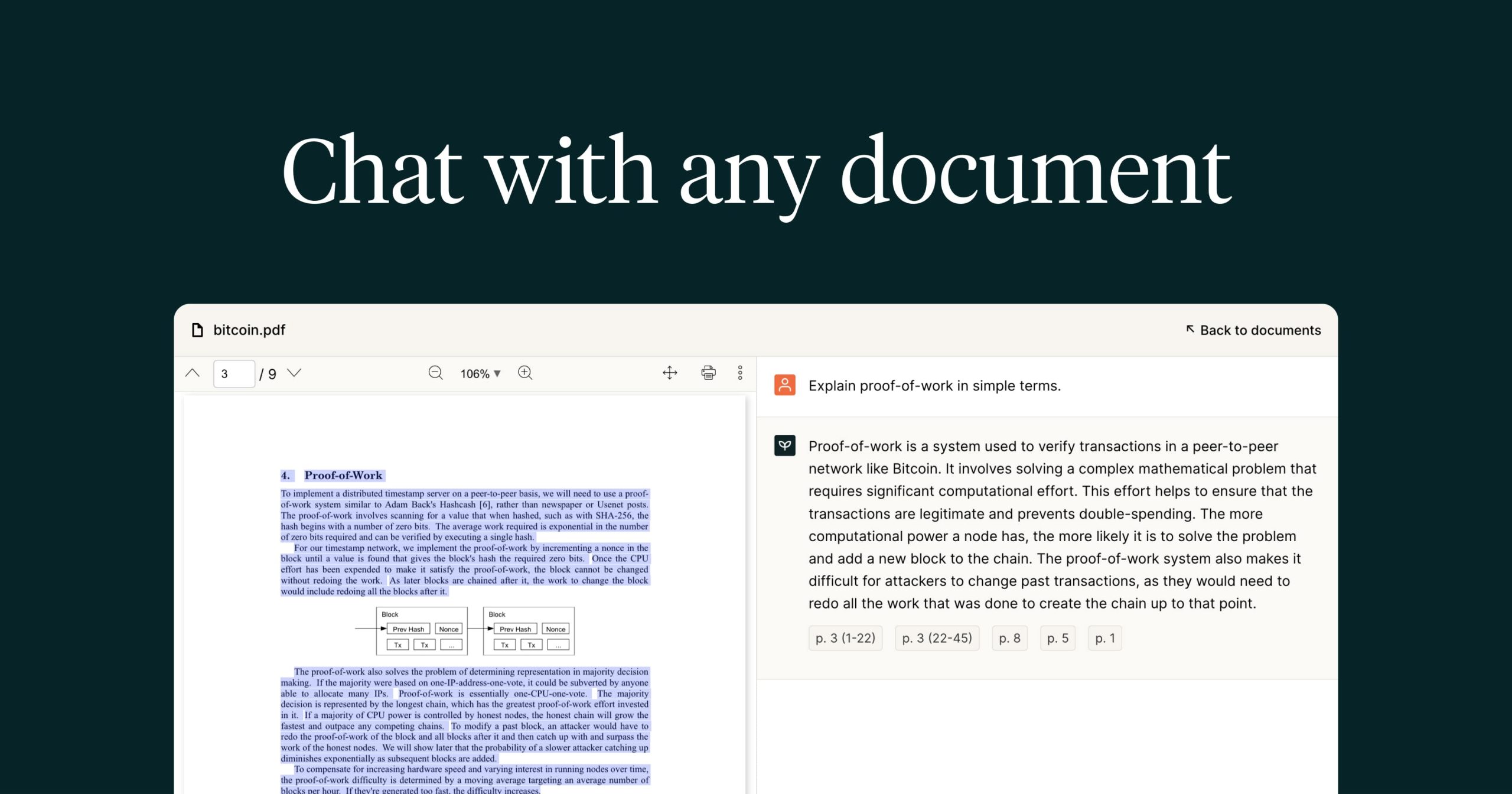
PDF.ai is a document question-answering platform that lets users chat with PDFs, pull summaries, and extract answers from long files faster. It is especially useful when the real problem is not opening a document, but locating usable information inside a dense PDF without rereading the whole thing each time.

PDF.ai is built around document interaction rather than around generic file storage. Its official positioning around chatting with PDFs, asking questions, summarizing, and document APIs makes it useful for both end users and teams that process many PDFs.

It suits students, analysts, lawyers, procurement teams, researchers, and anyone who routinely works through long reports, contracts, manuals, or proposals. If your work depends on repeatedly finding specific answers inside dense PDFs, this tool addresses a real bottleneck.

The product is worth attention because PDF review often becomes a search problem. A system that can speed up extraction and retrieval can save more time than a better PDF viewer if the questions you need answered are precise and recurring.

The tradeoff is that document answers still need verification against the original file, especially for legal, financial, academic, or technical documents. Summary convenience should not replace source checking.

A practical evaluation is to use one large PDF you already know is painful to work through and see whether PDF.ai helps you find the right information faster. If it does that reliably, it is serving its purpose.


Setup / Usage Guide

Installation steps, usage guidance, and common notes are maintained here.

  1. Open PDF.ai from the official site and upload one real PDF that you already need to work with. This tool makes the most sense on documents that are genuinely time-consuming to review.
  2. Start with a few clear factual questions instead of broad prompts. Document Q and A usually works best when the request is specific.
  3. Check the quoted or referenced answer against the PDF itself. Verification matters even when the answer looks plausible.
  4. Use summary features only after you know what part of the file matters most. Better scoping leads to more useful summaries.
  5. Try the tool on a document with different information types such as text, tables, or structured sections. This helps you understand its real boundary.
  6. Keep note of which question styles produce the most reliable results. Reuse matters in document-heavy workflows.
  7. If you plan to automate around PDFs, review the API and extraction flow carefully before depending on it. Operational use needs stronger validation than casual browsing.
  8. Keep PDF.ai if it consistently shortens the time between opening a PDF and finding the exact answers or summaries you actually need. That is the real reason to keep it in your workflow.

Related Software

Keep exploring similar software and related tools.