Pippit
Category AI Video
Published 2026-04-05

Overview

This section highlights the core features, use cases, and supporting notes.

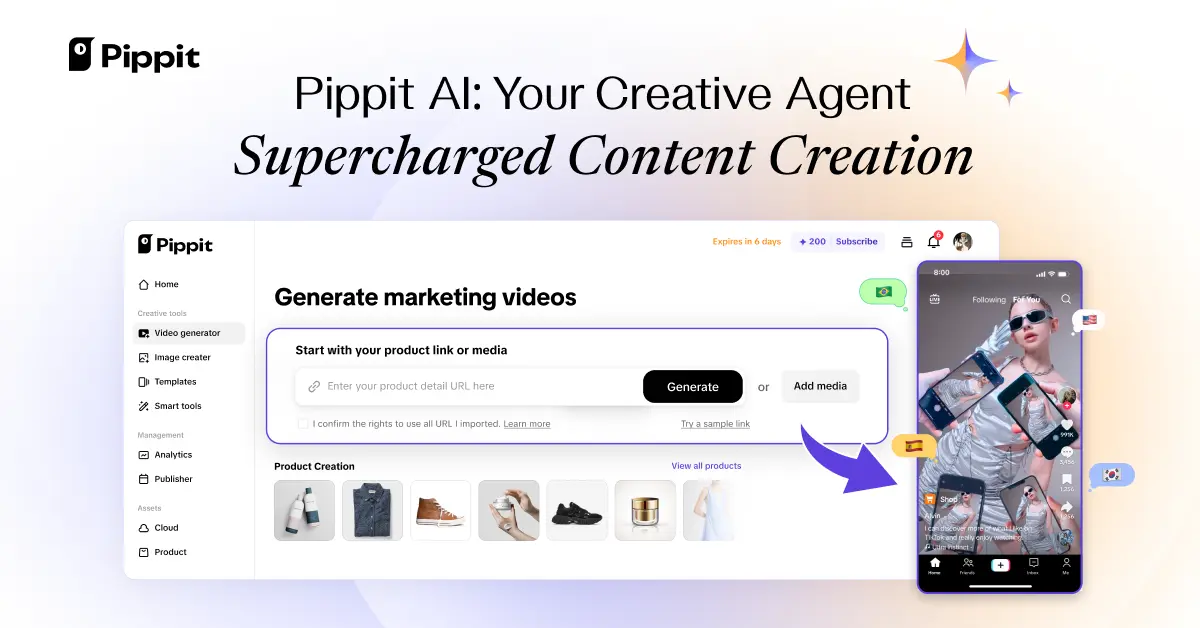
Pippit is an AI creative platform for merchants and content teams who need product videos, ad assets, images, and promotional content produced at scale. It is most useful when e-commerce content output is frequent and the real challenge is turning product material into many usable marketing assets quickly.

Pippit is built around commercial creative production rather than general-purpose video experimentation. Its value comes from helping teams turn product information, visuals, and campaign intent into publishable assets such as videos, ads, and other promotional material.

It suits e-commerce operators, marketing teams, sellers, agencies, and content teams that need a steady flow of creative assets. The fit becomes strongest when product marketing output is repetitive enough that speed and volume materially affect results.

What makes Pippit worth attention is that content operations often fail on throughput. A platform that brings creation, publishing support, and performance-minded output closer together can save time when teams need more assets than manual production comfortably allows.

The tradeoff is that fast asset generation can make quality drift easier. Brand consistency, offer accuracy, platform policy, and product truth still need manual review before anything goes live.

This site recommends Pippit for e-commerce teams that need reliable creative volume, not just one-off novelty videos. Start with one real product campaign, and keep it if the platform meaningfully shortens content production without weakening brand control.

Setup / Usage Guide

Installation steps, usage guidance, and common notes are maintained here.

  1. Open Pippit from the official site and begin with one real product or campaign. E-commerce creative tools are easiest to judge on material you actually plan to publish.
  2. Upload the core product assets and selling points before generating anything. Better source material usually leads to better campaign output.
  3. Choose the specific asset type you need first. Product videos, ads, avatars, and image assets each have different success criteria.
  4. Review the first generated output for product accuracy before polishing style. Fast marketing content is useless if it misrepresents the offer.
  5. Check whether the asset fits the target platform's visual and policy expectations. Good-looking content can still fail if it is not platform-ready.
  6. Generate a small set of variations instead of one final-looking piece. Comparison is often where content platforms create their best value.
  7. Watch whether the workflow helps with publishing and iteration, not only generation. Commercial usefulness depends on the full content loop.
  8. Keep Pippit if it helps your team produce more usable product content while still protecting accuracy and brand quality. That is the real threshold to use.

Related Software

Keep exploring similar software and related tools.