Runway
Category AI Video
Published 2026-04-05

Overview

This section highlights the core features, use cases, and supporting notes.

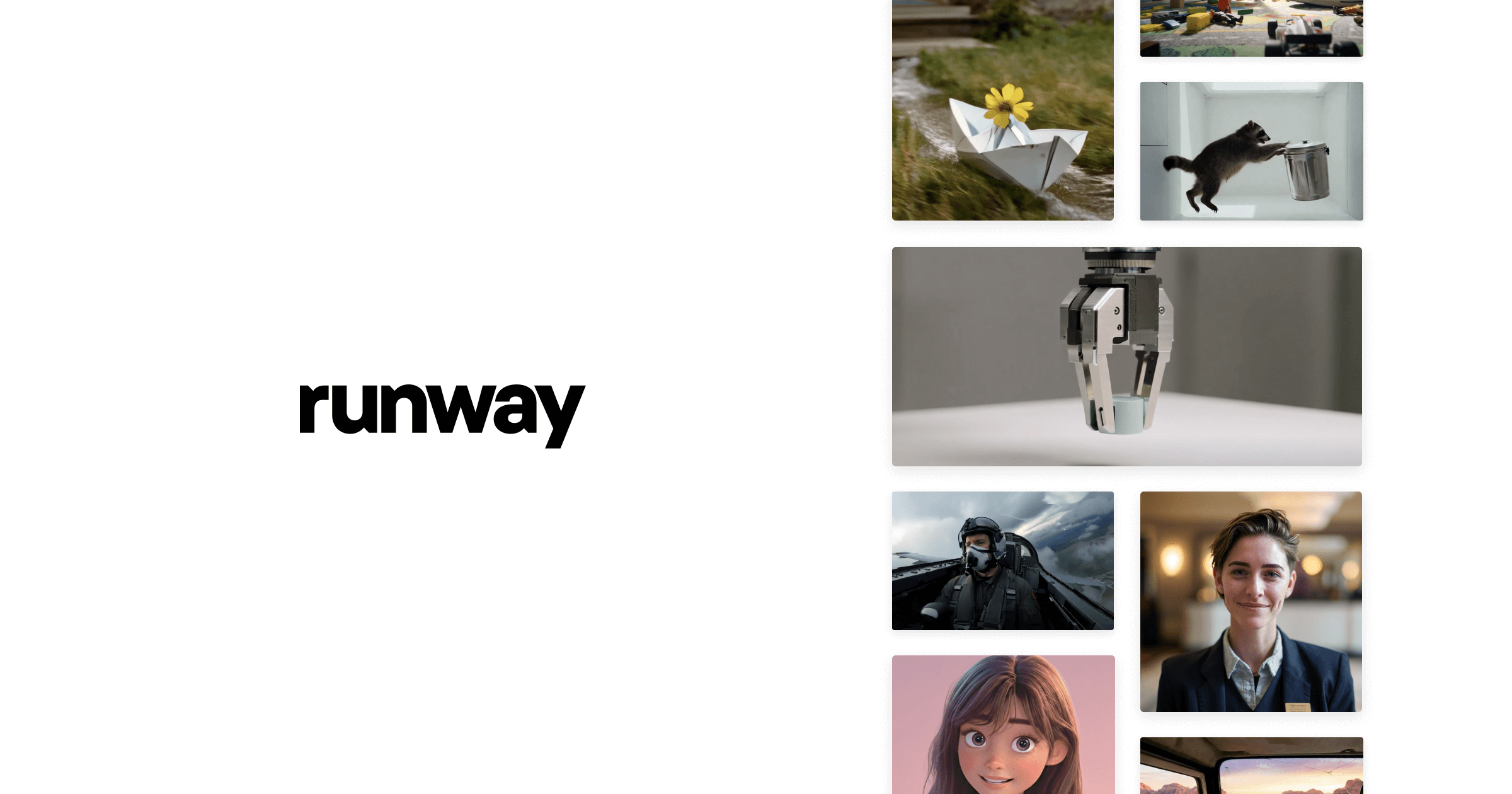
Runway is a generative video and visual creation platform for teams that want AI video, creative experimentation, and production-adjacent media tools inside a more serious visual workflow. It is most useful when AI is part of concept development, shot exploration, and content production support rather than just a novelty generator.

Runway matters because creative teams need more from AI than short-lived wow effects. The official platform frames Runway around building AI that can understand, generate, and act in the world, while the product surface remains strongly tied to generative media and visual creation workflows.

It suits filmmakers, motion designers, creative teams, and advanced content creators who want AI to help with visual ideation, scene exploration, and video generation inside a broader production process. If your work depends on testing visual directions before committing full resources, the platform’s direction is compelling.

What makes Runway worth attention is that it aims higher than simple clip generation. Tools that help teams explore visual possibilities early can change how concepts are pitched, tested, and refined.

The tradeoff is that creative AI still does not remove the need for human taste, narrative judgment, and production control. The correct expectation is acceleration of visual exploration and some content generation, not full replacement of craft.

This site recommends Runway for teams treating AI as part of a serious visual workflow. If you need AI to support real creative process rather than one-off experiments, it is a platform worth keeping close.

Setup / Usage Guide

Installation steps, usage guidance, and common notes are maintained here.

  1. Open Runway from the official site and choose one creative problem to solve first. Shot exploration, concept video, background generation, or visual test work better as first tasks than vague experimentation.
  2. Start with a short, clearly scoped sequence. AI visual tools are easiest to judge on a contained idea before they are trusted on larger projects.
  3. Use the platform to explore options, not to lock your whole production plan immediately. Creative value often comes from range and iteration first.
  4. Review style consistency and motion quality across several tries. A strong result should survive comparison, not just impress once.
  5. Match the output to the stage of the project. Previs, concept work, and final-facing content should be judged by different standards.
  6. Keep human review on framing, tone, and story logic. AI visuals can speed up making things visible, but they do not automatically make them meaningful.
  7. Export and test outputs inside your actual editing or review pipeline. A creative platform proves itself when the material fits real production habits.
  8. Keep Runway if it genuinely speeds up visual exploration or generative media work without making the creative process feel less controllable. That balance is its strongest case.

Related Software

Keep exploring similar software and related tools.