Sudowrite
Category AI Office
Published 2026-04-05

Overview

This section highlights the core features, use cases, and supporting notes.

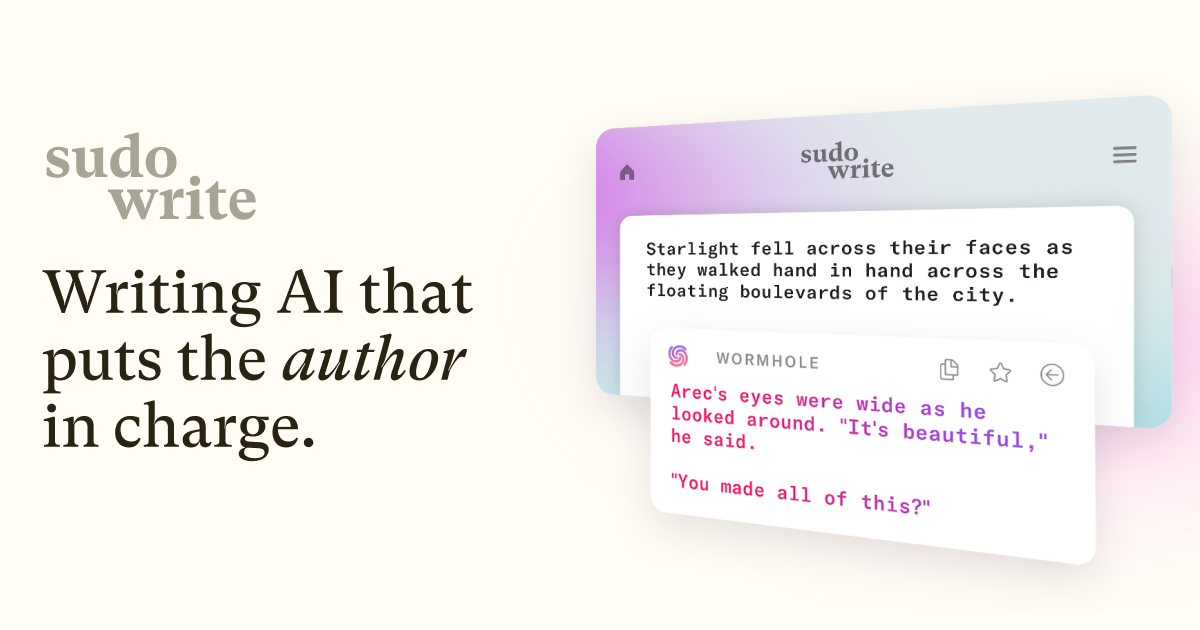
Sudowrite is an AI writing partner for fiction writers who want help with ideation, scene expansion, character development, and moving long-form stories forward. It is most useful when the challenge is not grammar, but sustaining creative momentum across a novel, screenplay, or other narrative project.

Sudowrite is intentionally built for fiction rather than general-purpose productivity writing. Its value comes from supporting the middle of creative work where many writers stall: exploring scenes, developing characters, and continuing a story without losing energy.

It suits novelists, screenwriters, storytellers, and serious hobby writers who want a creative partner for narrative exploration. The fit becomes strongest when the writer is already building worlds, arcs, and scenes over a long project.

What makes Sudowrite worth attention is that fiction writing suffers more from momentum collapse than from lack of raw word output. A tool that can help explore possibilities without replacing the author’s voice can be more useful than a generic text generator.

The tradeoff is that narrative AI can easily push a story in directions that feel plausible but not true to the project. Voice drift, character inconsistency, and generic scene logic are real risks if writers stop steering the work themselves.

This site recommends Sudowrite for authors who want assistance with the flow of fiction writing, not authors who want the system to write the book for them. Start with one scene or outline problem, and keep it only if it helps you continue the story without weakening ownership.


Setup / Usage Guide

Installation steps, usage guidance, and common notes are maintained here.

  1. Open Sudowrite from the official site and bring in one real story problem. A stuck scene, weak character beat, or unfinished outline is a better first test than a blank prompt.
  2. Use it to explore options rather than to decide the story for you. The tool is most useful when it expands possibilities, not when it replaces authorship.
  3. Compare generated ideas with your existing voice and world rules. Story tools can be helpful while still drifting away from the book you are actually writing.
  4. Test one scene extension or rewrite before letting it touch large sections. Small narrative experiments are easier to evaluate honestly.
  5. Watch for character behavior that feels out of alignment. AI fiction support often sounds smooth before it feels true.
  6. Keep notes on what the tool helps with most. It may be stronger at brainstorming than at prose, or stronger at scenes than at planning.
  7. Do a manual pass after every useful output. The final story still needs to sound like it belongs to you, not to the assistant.
  8. Keep Sudowrite if it helps you sustain momentum and solve narrative problems without flattening your voice. That is the right reason to keep it.

Related Software

Keep exploring similar software and related tools.