Synthesia
Category AI Video
Published 2026-04-05

Overview

This section highlights the core features, use cases, and supporting notes.

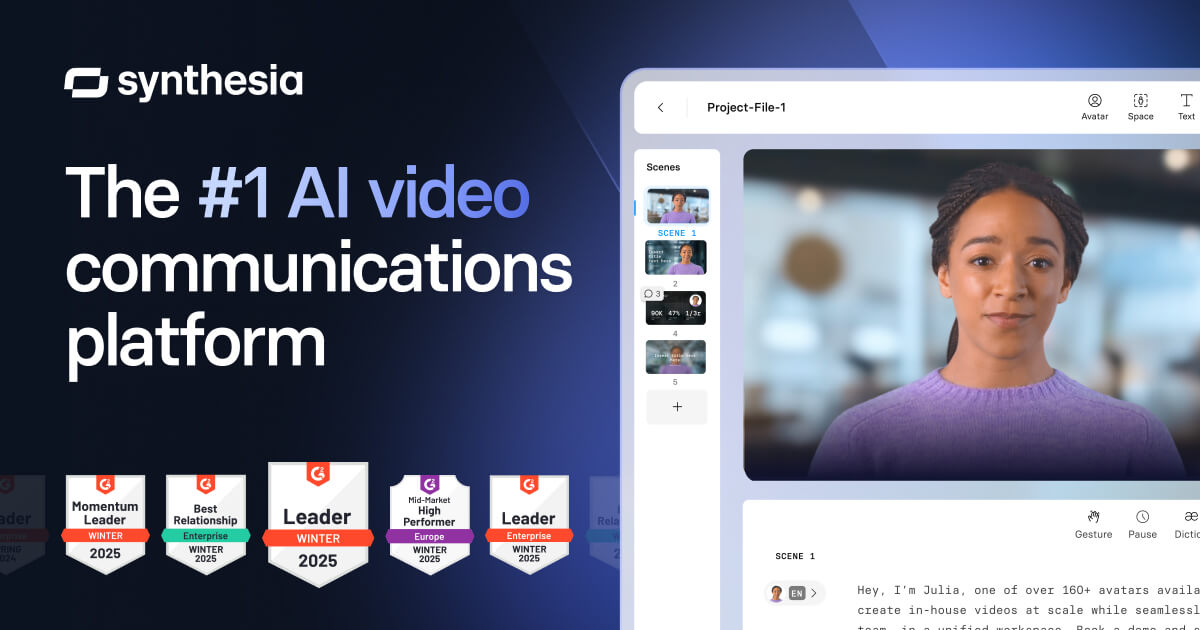
Synthesia is an AI video platform for businesses that want text-to-video creation, AI avatars, and multilingual voiceover production without filming every update with real presenters. It is most useful when training, internal communication, and product explanation videos need to be produced repeatedly and kept consistent across languages.

Synthesia is built around business video production rather than general creative experimentation. Its value comes from turning scripts into avatar-based videos that can be updated, translated, and reused more easily than traditional talking-head shoots.

It suits training teams, enablement teams, product teams, internal communication teams, and organizations that need repeatable informational videos. The fit becomes strongest when content updates are frequent and human filming is the main source of cost or delay.

What makes Synthesia worth attention is that many business videos do not need cinematic production. They need clarity, consistency, and a workflow that allows teams to revise information without rebooking people and studios every time.

The tradeoff is that avatar-based videos can still feel flat if the script is weak or the content is too generic. AI presenters reduce production friction, but they do not automatically make a message more engaging or more credible.

This site recommends Synthesia for teams that need scalable explanation and training videos rather than emotionally rich brand storytelling. Start with one real internal or product education script, then keep it if the output saves production time without lowering usefulness too much.

Setup / Usage Guide

Installation steps, usage guidance, and common notes are maintained here.

  1. Open Synthesia from the official site and begin with one practical business script. Training content and product walkthroughs are better first tests than broad marketing concepts.
  2. Choose an avatar and voice that match the audience and context. Internal onboarding and customer education usually need different presentation styles.
  3. Keep the script plain and direct before adding visual polish. AI avatar video works best when the message is already structured clearly.
  4. Review pronunciation, pacing, and screen text after the first render. Informational videos fail quickly when names and terminology sound wrong.
  5. Test one multilingual version only after the main-language result feels solid. Translation value matters most when the core script is already working.
  6. Watch the video as a learner would, not only as the producer. The right question is whether someone can actually absorb the information easily.
  7. Update one section and re-render it as part of your evaluation. Revision speed is one of the strongest reasons to use a platform like this.
  8. Keep Synthesia if it materially reduces repeated business-video production work while staying clear enough for real audiences to follow. That is the practical threshold that matters.

Related Software

Keep exploring similar software and related tools.