Tactiq
Category AI Office
Published 2026-04-05

Overview

This section highlights the core features, use cases, and supporting notes.

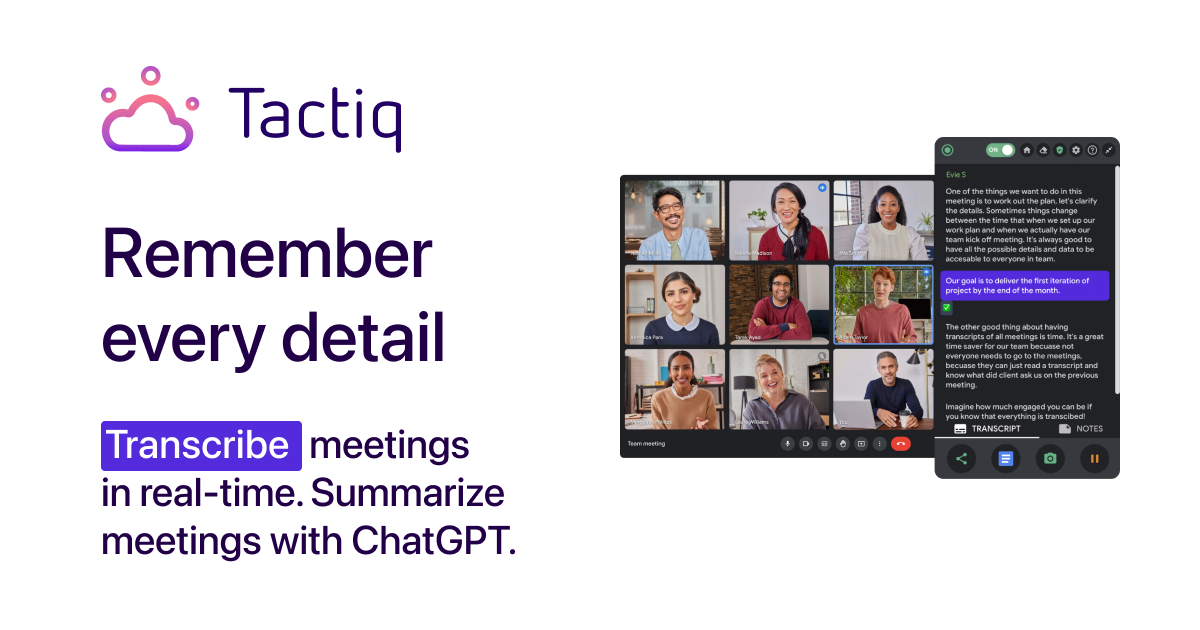
Tactiq is a meeting transcription and summary assistant for teams that want live meeting notes, searchable transcripts, and follow-up support directly in their online meeting flow. It is most useful when meetings are frequent and the cost of note-taking falls on the same people who are supposed to stay engaged in the conversation.

Tactiq focuses on making online meeting capture visible and lightweight rather than turning every conversation into a heavyweight recording workflow. Its value comes from reducing the effort of staying present while still keeping a usable transcript and summary.

It suits sales teams, operations teams, project teams, recruiters, and anyone whose week depends on online meetings. The fit becomes strongest when people need meeting notes often but do not want post-call admin to expand endlessly.

What makes Tactiq worth attention is that good meeting memory is usually a time problem, not a technology problem. A tool that captures the right amount of information during and after the call can reduce friction without demanding a separate workflow.

The tradeoff is that convenience still requires consent and review. Live transcripts and summaries can mislabel speakers, miss nuance, or surface sensitive material in ways that need human attention.

This site recommends Tactiq for teams that want a lighter meeting-assistant layer rather than a complicated recording process. Start with one recurring meeting format, then keep it if the transcript and summary actually reduce follow-up work.

Setup / Usage Guide

Installation steps, usage guidance, and common notes are maintained here.

  1. Open Tactiq from the official site and connect it to the meeting tools you already use. Real fit depends on your existing meeting flow, not on isolated demos.
  2. Test it in one recurring meeting first. A familiar meeting type makes it easier to judge whether the transcript is genuinely useful.
  3. Watch how live notes affect attention during the conversation. Meeting tools should support presence, not create another distraction layer.
  4. Review the transcript for names, decisions, and action items right after the call. Accuracy there determines whether the summary can be trusted.
  5. Share the useful output in your normal team workspace. Meeting notes matter most when they flow back into real execution.
  6. Compare the result with your manual note-taking burden. This is the practical test of whether the tool belongs in the workflow.
  7. Be careful with sensitive meetings or unclear participant expectations. Convenience should never outrun good consent and privacy judgment.
  8. Keep Tactiq if it helps your team capture and reuse meeting information with less manual effort and without creating confusion. That is the strongest reason to keep it.

Related Software

Keep exploring similar software and related tools.