TapNow
Category AI Video
Published 2026-04-05

Overview

This section highlights the core features, use cases, and supporting notes.

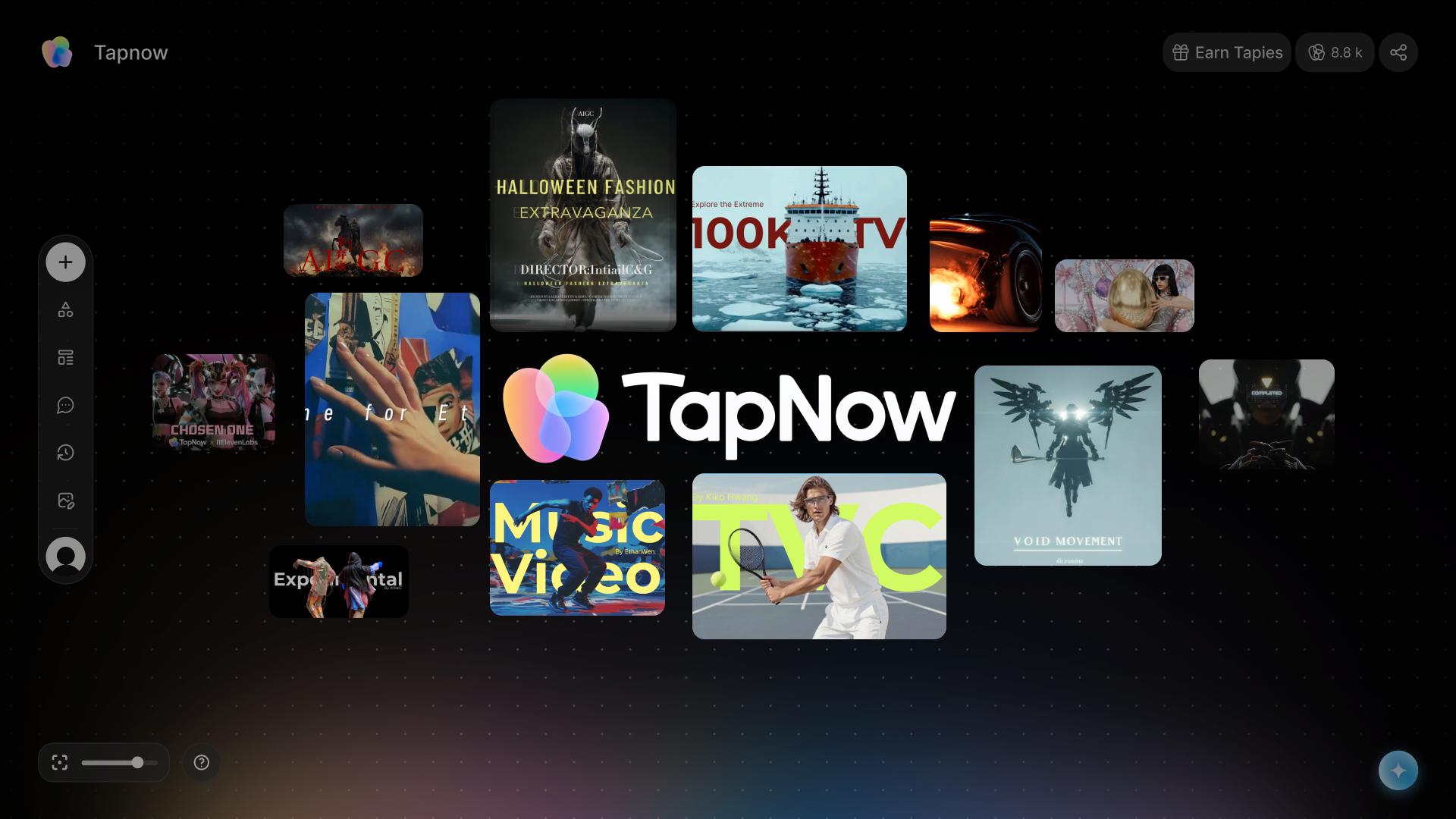
TapNow is an AI-native creative canvas for businesses and creators who need visual output for e-commerce, short films, campaign assets, and experimental content inside one system. It works best when visual generation is part of an ongoing production workflow rather than a one-off image prompt.

TapNow is broader than a simple image generator. Its official positioning around a creative canvas and visual creation engine suggests a workspace for building repeatable visual output across different commercial and creative scenarios, from ads to cinematic content.

It fits brand teams, content studios, e-commerce operators, filmmakers, and creators who need more than isolated visual samples. If your work involves building styles, reusing creative patterns, and moving through several visual outputs in a coordinated way, TapNow is targeting that process.

The strongest reason to pay attention is that visual AI becomes more useful when it stops being a pile of disconnected prompts. A canvas-style system can help teams keep direction, references, and production intent closer together, which matters when output volume starts increasing.

The tradeoff is that a rich visual workspace can tempt users into chasing endless variations instead of finishing assets that serve the campaign or story. TapNow is most valuable when it helps produce repeatable creative results, not when it becomes a playground that never reaches delivery.

A grounded way to test it is to run one real commercial or creative visual task through the whole system, such as a product ad concept or a short visual sequence. If the workflow stays coherent and reusable, TapNow is solving more than a prompt-generation problem.

Setup / Usage Guide

Installation steps, usage guidance, and common notes are maintained here.

  1. Open TapNow from the official site and start with one visual project that already has a business or creative goal. A product ad, social campaign, or short film concept is a much better test than a random image idea.
  2. Set the target format, audience, and style direction before generating assets. A creative canvas is more useful when the intent is defined early.
  3. Build a first pass inside the workspace and watch how TapNow organizes the process. The product should help manage creation, not only output files.
  4. Check whether the generated visuals feel reusable across the project instead of looking like unrelated samples. Consistency is one of the main reasons to use a tool like this.
  5. Refine one working direction until it reaches something close to production quality. This helps reveal whether TapNow is useful beyond experimentation.
  6. Compare the workflow against your normal mix of separate image, video, and file-management tools. Reduced fragmentation is one of the clearest benefits to look for.
  7. Be careful with template inertia if you are producing branded or cinematic work. Strong output still needs taste and direction from the human side.
  8. Keep TapNow if it helps your team produce repeatable visual work with less context switching and less setup friction, while still leaving room for deliberate creative control. That is where its long-term value sits.

Related Software

Keep exploring similar software and related tools.