tl;dv
Category AI Office
Published 2026-04-05

Overview

This section highlights the core features, use cases, and supporting notes.

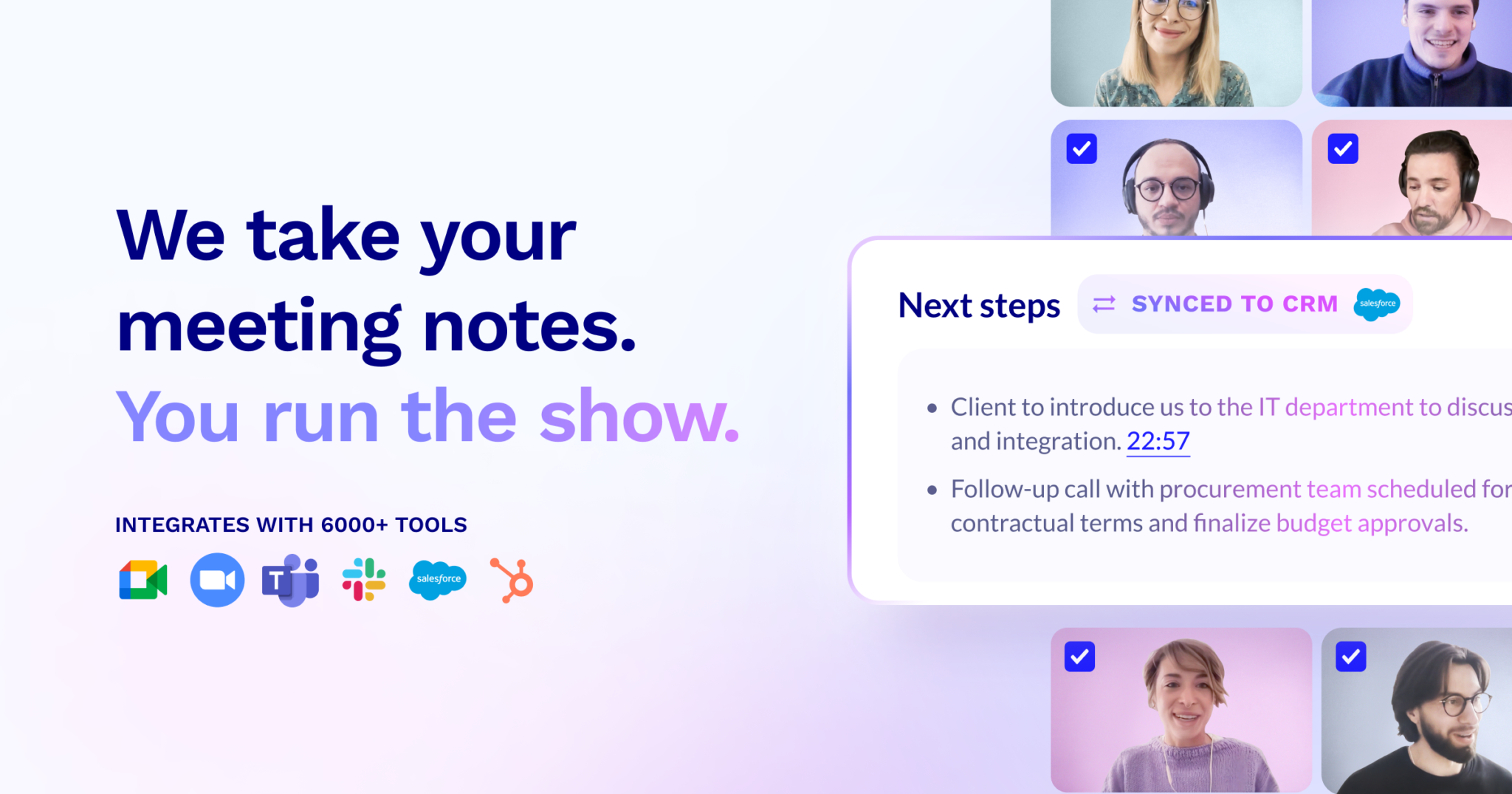
tl;dv is an AI meeting note taker for teams using Zoom, Google Meet, or Microsoft Teams who want recordings, transcripts, and concise summaries to be easier to search and reuse. It is most useful when meetings happen often and the real cost appears afterward in recap work, missed details, and hard-to-find moments.

tl;dv treats meetings as reusable working material rather than disposable events. Its value comes from recording, transcribing, summarizing, and helping teams return to the right moment later instead of depending on memory or scattered notes.

It suits sales teams, hiring teams, cross-functional project teams, agencies, and anyone who spends large amounts of time in video meetings. The fit becomes especially strong when review, coaching, recap, or knowledge transfer happens after the call ends.

What makes tl;dv worth attention is that searchable meeting memory can compound over time. Teams that can jump back to a specific objection, decision, or explanation often waste less time than teams that only keep generic manual notes.

The tradeoff is that automated summaries and clips still need human oversight. Meeting tools can miss nuance, assign responsibility incorrectly, or oversimplify sensitive decisions if nobody checks the result.

This site recommends tl;dv for teams that want meeting output to become easier to share, quote, and revisit. Start with a recurring meeting format, then keep it if the recall and summary value remains strong after several sessions.


Setup / Usage Guide

Installation steps, usage guidance, and common notes are maintained here.

  1. Open tl;dv from the official site and connect the meeting platform you actually use. Real fit depends on your normal call environment, not on a standalone demo.
  2. Choose one meeting type to test first. Sales calls, weekly syncs, or interview sessions usually make the value easier to measure.
  3. Make recording and note-taking boundaries clear to participants. Good meeting automation starts with clear consent and shared expectations.
  4. Review the transcript and summary after the first call. The quality of names, decisions, and action points will tell you whether the tool is ready for broader use.
  5. Use the search or clip features to recover one specific moment. This is the practical test of whether the platform saves time later.
  6. Share the useful result in the team's normal workspace, not only inside the meeting tool. Real value appears when the output flows back into work.
  7. Watch for places where summaries sound smoother than the actual conversation. Important decisions still need human confirmation.
  8. Keep tl;dv if it makes meeting memory easier to retrieve and reuse without adding trust problems. That ongoing recall value is the reason to keep it.

Related Software

Keep exploring similar software and related tools.