The current English page for Todoist needs a fuller rewrite because the official materials checked on April 21, 2026 still show a tool with a much clearer identity than a generic productivity label suggests. Todoist is not most useful when it is described as a vague life-optimization app. It is more honest to judge it as a focused cross-platform task manager built around capture, organization, daily planning, and long-term repeatability without the weight of a full project-suite interface.

The official homepage still gives the clearest first impression. It presents Todoist as a to-do list built to organize work and life and explicitly says the goal is to help users become more focused, organized, and calm. That matters because a task manager succeeds when it reduces noise instead of adding another layer of it.

The official features page is even more useful because it defines the workflow directly. It still says Todoist helps users collect tasks, organize projects, and plan your day. That is the right frame for judging the product. If that workflow is what you need, Todoist can fit well. If you need a document-first workspace or a knowledge base, the fit is weaker from the start.

The templates page makes adoption easier because it shows Todoist is not expecting every user to build a system from zero. The official site still keeps a large free template library for work and life, which matters because many task tools feel hardest exactly when users need the fastest start. Templates reduce that early friction.

The integrations page also matters because most serious users do not live in a single app. Todoist still presents itself as something that can connect to other tools and boost productivity, which is a better posture than forcing the user to move every workflow into one sealed environment. For many readers, that flexibility is part of why Todoist stays useful after the honeymoon week ends.

The official Help Center is another trust signal because a task manager only becomes part of daily life when people can find answers quickly. The current help site still organizes guidance into routes like Get Started, Tasks and Planning, and Projects and Sections. That matters because a daily system should remain understandable after the first setup, not only on day one.

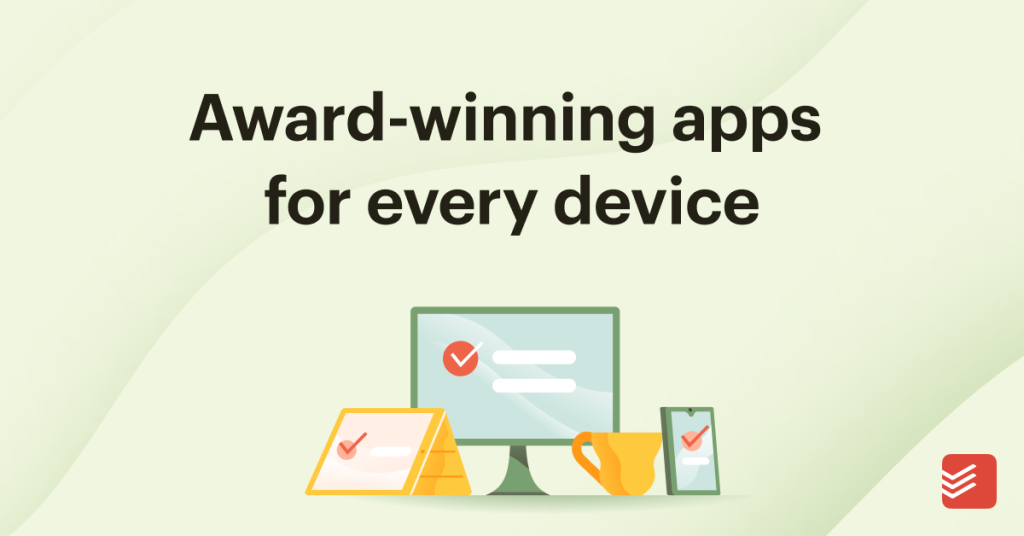
The Windows page is especially relevant for readers who spend most of the workday on desktop. The official site still offers Todoist for Windows and says the product works wherever you do across iPhone, Android, Mac, Windows, and more. That matters because a task system is easier to keep when the desktop route is official and not treated as an afterthought.

The Android route stays clear too. The official Google Play page currently describes Todoist as a place to organize tasks, capture ideas by voice, and keep teamwork on the same page. That is a practical summary of what a mobile task manager should do. It is about follow-through, not about turning the phone into an overdesigned productivity dashboard.

The App Store page makes the iPhone and iPad route even clearer. It says Todoist bridges personal and professional productivity without the complexity tax and describes it as a second brain for organizing work and life. That matters because it shows the iOS version is still positioned as a serious long-term task system rather than a lightweight reminders clone.

The public status page is one of the strongest maturity signals because task tools become risky when users cannot see service health. The official Todoist - Status page remains public and exposes service state and maintenance history. That kind of operational transparency matters when the app is supposed to hold the tasks you need every day.

The developer site completes the picture for heavier users. The official Todoist API documentation still includes a Developing with Todoist section, which is important because it shows automation and custom integration are still officially supported. That expands Todoist’s value beyond simple manual list-keeping for users who want more structured workflows later.
Our grounded judgment is that Todoist is strongest for people who want a durable task manager that stays focused on capture, organization, planning, and follow-through across desktop and mobile. It is weaker for readers who want one app to replace documents, whiteboards, chat, and heavyweight project management all at once. Judged on the official materials available on April 21, 2026, Todoist still deserves to be recommended as a focused cross-platform task system, not as a vague lifestyle app or a pretend all-in-one workspace.