Qinyan Academic
Category AI Office
Published 2026-04-05

Overview

This section highlights the core features, use cases, and supporting notes.

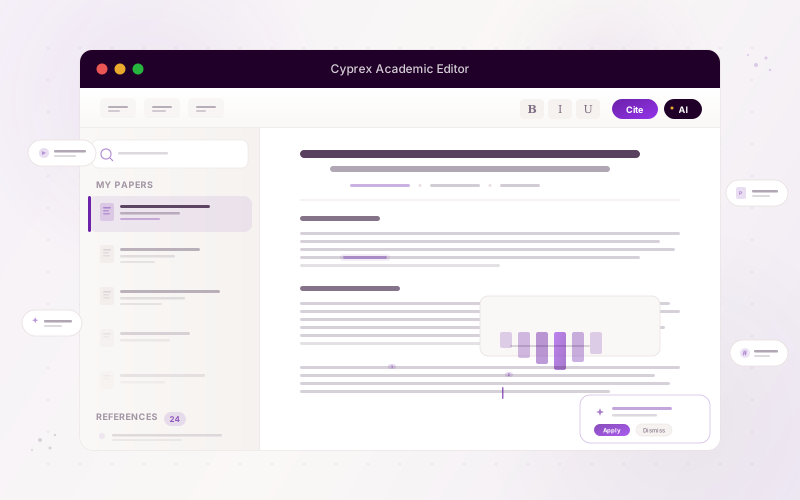
Qinyan Academic is an AI academic research platform that combines literature search, writing support, Chat PDF, knowledge management, and citation workflows. It fits students and researchers who need one place to move from source collection to structured academic drafting without scattering the process across too many separate tools.

Qinyan Academic is positioned around the full research workflow rather than around isolated AI writing. Its official description covering literature retrieval, PDF chat, knowledge management, and citation support makes it more relevant as a research workspace than as a generic text generator.

It suits graduate students, researchers, teaching assistants, and anyone who needs to read papers, organize references, build structure, and draft academic content in parallel. If your current process keeps breaking between search, reading, note-taking, and writing, this is the kind of gap Qinyan Academic is trying to close.

The main value is workflow continuity. Research work often slows down not because the user lacks sources, but because insights, PDFs, references, and drafting steps live in too many places. A platform that reduces those handoffs can genuinely improve momentum.

The tradeoff is that academic tools can tempt users to trust generated phrasing too quickly. Literature relevance, citation correctness, argument quality, and methodological fit still require human judgment and responsible verification.

A good first evaluation is to run one live research question through the platform from paper discovery to note extraction to draft support. If Qinyan Academic helps you maintain a cleaner research chain without weakening rigor, then it is doing valuable work.


Setup / Usage Guide

Installation steps, usage guidance, and common notes are maintained here.

  1. Open Qinyan Academic from the official site and start with one real research topic or paper-writing task. Academic platforms should be judged on authentic research work.
  2. Use the literature search features to build a focused source set first. Good drafting depends on better sources, not only on faster generation.
  3. Read a few core papers with the PDF or knowledge tools before drafting. This helps you test whether the platform improves comprehension as well as collection.
  4. Organize the key findings, themes, and references into a usable structure. Research value usually appears in synthesis, not in raw paper volume.
  5. Use the writing support only after the evidence base is visible. This keeps the draft grounded in actual literature rather than in generic filler.
  6. Check every citation, claim, and interpreted conclusion carefully. Academic trust depends on verification, not on smooth wording.
  7. Keep your own argument and methodology under your control. The tool should support academic work, not replace scholarly reasoning.
  8. Keep Qinyan Academic if it helps you move from literature retrieval to structured drafting with less fragmentation while preserving academic rigor. That is the strongest reason to keep it in a real research workflow.

Related Software

Keep exploring similar software and related tools.