Beautiful.ai
Category AI Office
Published 2026-04-05
Software Details

Beautiful.ai

Overview

This section highlights the core features, use cases, and supporting notes.

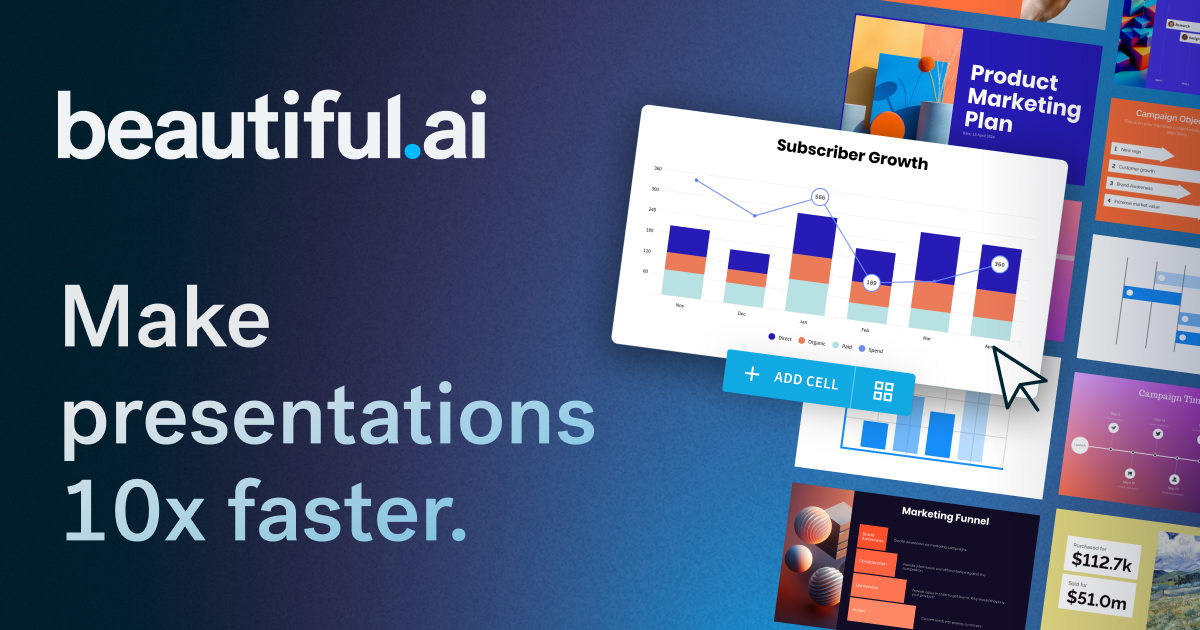
Beautiful.ai is an AI presentation maker focused on helping users create polished, client-ready slide decks quickly by reducing manual layout work and smoothing visual structure. It is most useful when presentation speed and consistency matter more than having total low-level control over every slide element from scratch.

Beautiful.ai matters because presentation work often burns time in layout correction rather than in thinking. The official positioning emphasizes speed, polish, smart layouts, and AI-generated presentations, which makes it especially relevant for people who need dependable deck structure more often than custom design freedom.

It suits consultants, sales teams, managers, agencies, and professionals who repeatedly prepare proposals, internal reviews, business updates, and client-facing decks. If slide production is frequent and deadline-driven, the product direction is highly practical.

What makes Beautiful.ai worth attention is that it tries to automate presentational polish without demanding full design skill. That is valuable for teams who need slides to look professional consistently, not occasionally.

The tradeoff is that better layout does not create better argument. Content hierarchy, logic, and decision quality still depend on the user. The right expectation is faster deck assembly with cleaner visual structure, not automatic persuasive storytelling.

This site recommends Beautiful.ai for users who want presentation work to feel less like endless manual alignment and more like assembling a clear business narrative quickly. If polished deck speed matters, it is worth close attention.

Setup / Usage Guide

Installation steps, usage guidance, and common notes are maintained here.

  1. Open Beautiful.ai from the official site and begin with one real deck use case. Sales presentation, internal review, proposal, or recap deck are stronger first tests than generic slide exploration.
  2. Build the outline before worrying about visual polish. The platform helps most when the story already has a clear shape.
  3. Let the smart layout system do the first pass, then adjust content emphasis manually. This is where the tool's time savings usually appear.
  4. Check whether the default visual treatment matches your audience. Executive reviews, sales decks, and training presentations still need different tones.
  5. Review facts, numbers, and strategic claims carefully. Strong-looking slides can still carry weak substance if you skip content review.
  6. Reuse proven slide structures once you find a deck style that works. Presentation platforms grow in value when they reduce repeated formatting work over time.
  7. Export or present one real deck through your normal workflow before deciding. Practical fit matters more than a polished demo environment.
  8. Keep Beautiful.ai if it consistently reduces deck-production time while keeping your slides presentable enough for real stakeholders. That reliable presentation speed is its strongest value.

Related Software

Keep exploring similar software and related tools.