Colossyan
Category AI Video
Published 2026-04-05

Overview

This section highlights the core features, use cases, and supporting notes.

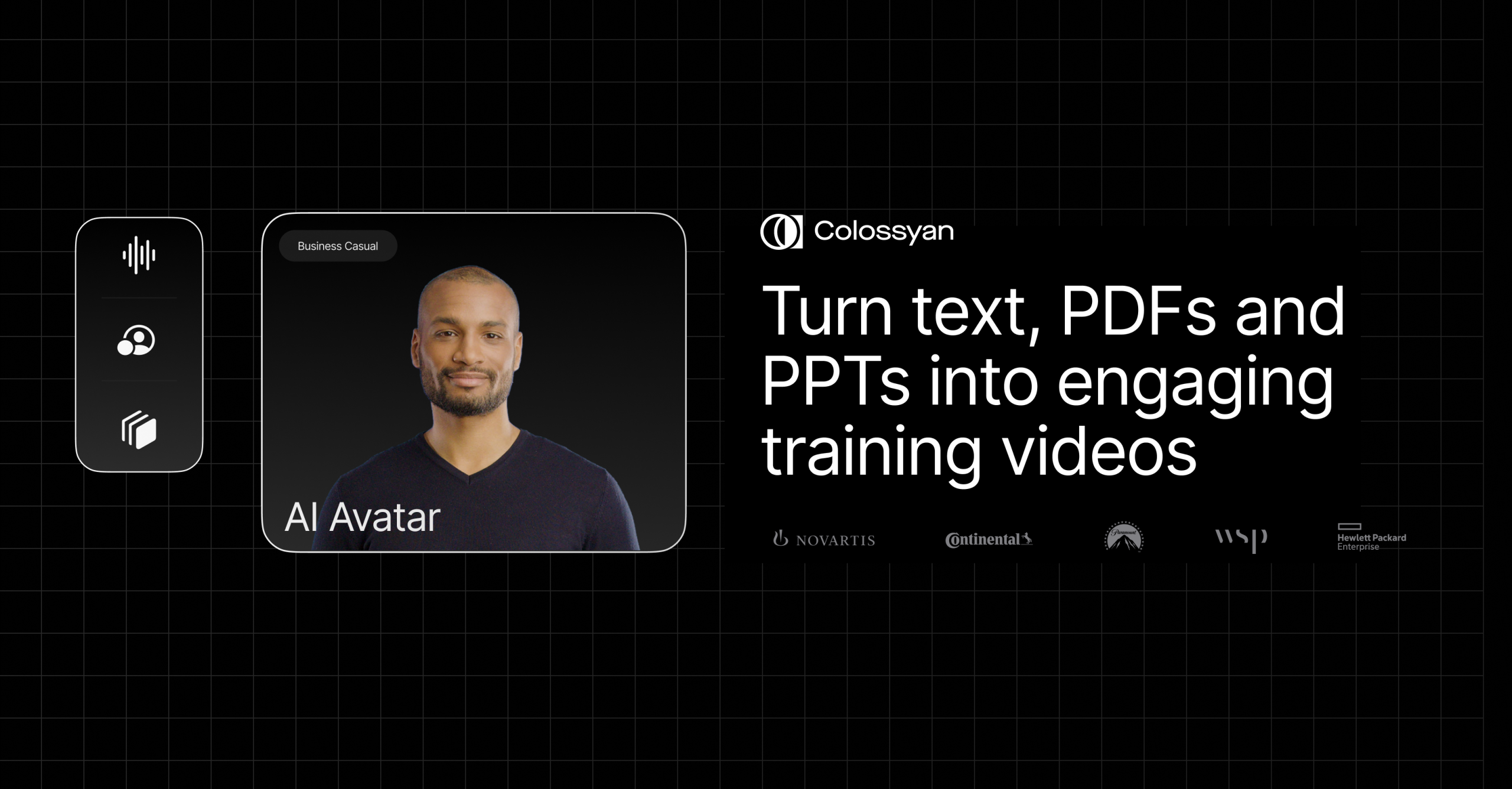
Colossyan is an AI video generator for teams that need presenter-style videos, training content, and standardized explanations built from scripts instead of repeated live filming. It is most useful when the real goal is efficient, repeatable knowledge delivery rather than high-end cinematic production.

Colossyan focuses on structured communication video rather than open-ended creative video. Its value comes from helping teams turn training and explanation content into presentable video with AI actors and a repeatable production path.

It suits L&D teams, HR teams, enterprise training teams, education teams, and organizations that produce a lot of explainers or onboarding material. The fit becomes strongest when updates happen often and consistency matters more than unique visual flair.

What makes Colossyan worth attention is that repeatable training content is expensive to maintain with traditional filming. A platform that lowers the cost of revisions and multilingual adaptation can make enterprise video far more manageable.

The tradeoff is that standardized AI video can become stiff if the script is weak or overloaded. Efficiency helps most when the material is well organized and when teams stay realistic about what avatar-led content can and cannot do well.

This site recommends Colossyan for organizations that need scalable educational or instructional video workflows. Start with one real lesson, onboarding segment, or internal explainer, then keep it if the platform shortens production without making the content harder to watch.

Setup / Usage Guide

Installation steps, usage guidance, and common notes are maintained here.

  1. Open Colossyan from the official site and start with one lesson or explanation you already need. Real training content is the best first benchmark.
  2. Choose an avatar style that fits the seriousness of the material. Presentation tone matters more than novelty in instructional video.
  3. Write the script for clarity first. AI presenter tools work best when each section is already logically organized and concise.
  4. Render a short section before building the full video. Early testing makes it easier to catch pacing and terminology issues.
  5. Check whether the on-screen delivery feels acceptable for your real audience. Training usefulness matters more than the technology impression.
  6. Use multilingual or localization features only after the base version feels right. Expansion is more valuable when the original is already stable.
  7. Update one section deliberately to test the revision workflow. This is a core part of the product value for enterprise teams.
  8. Keep Colossyan if it makes structured training or explanation videos easier to maintain over time without creating a usability problem for viewers. That is the best reason to keep it.

Related Software

Keep exploring similar software and related tools.