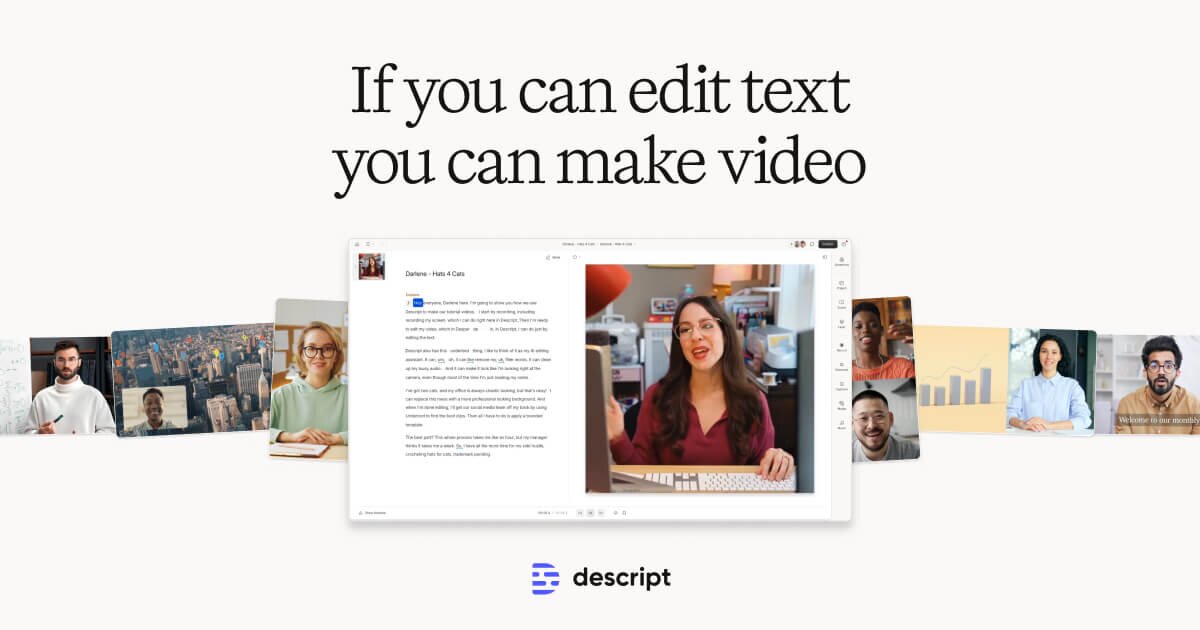
Descript matters because a lot of media work is really editing work. The official positioning emphasizes making video and audio editing as easy as editing text, with recording, transcription, captions, AI speech, and publishing support in one tool.
It suits podcasters, educators, content teams, interview-based creators, and anyone who frequently edits spoken media. If your work involves cleaning transcripts, trimming conversations, reworking clips, and producing variants, the product direction is highly practical.
What makes Descript worth attention is workflow simplification. Text-first editing can remove a lot of friction for people who care more about the message and structure of spoken content than about advanced timeline craftsmanship.
The tradeoff is that easier editing does not remove the need for judgment. Transcription, speaker separation, pacing, and final polish still need review, especially in content with multiple speakers or specialized vocabulary.
This site recommends Descript for users who spend more time refining video or audio than shooting it. If post-production efficiency is the real bottleneck, it is a much more relevant tool than another pure generation platform.