Overview

This section highlights the core features, use cases, and supporting notes.

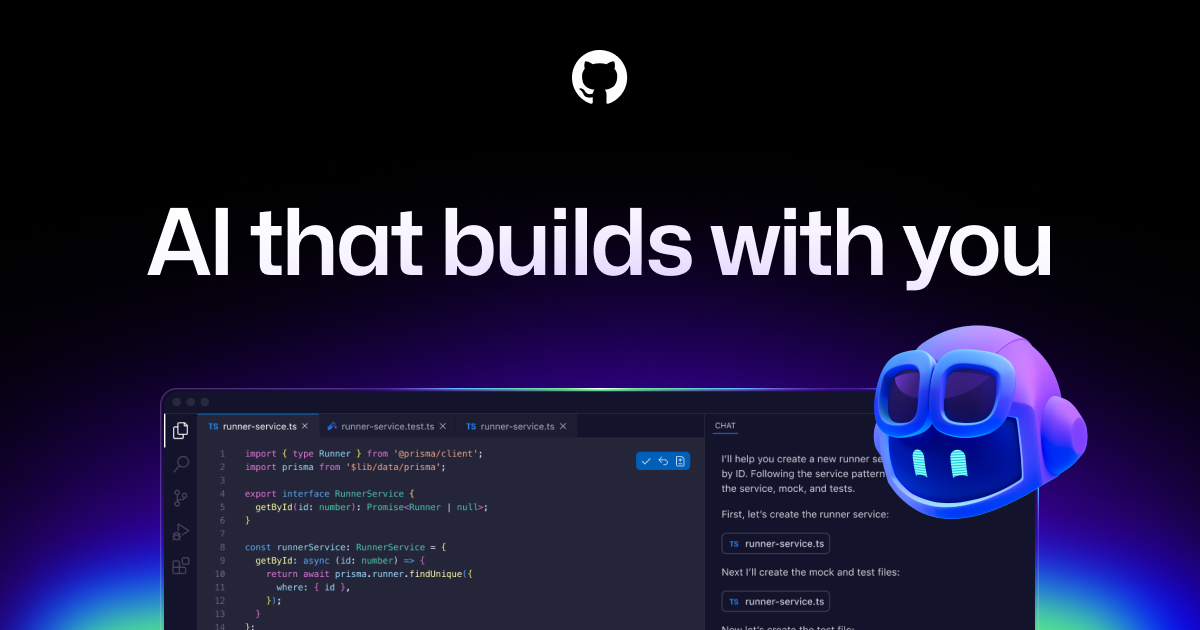
GitHub Copilot is an AI coding assistant deeply integrated into GitHub and mainstream developer editors, which makes it one of the most practical ways to speed up everyday coding. It is especially valuable for developers who want AI assistance inside familiar IDE and repository workflows rather than in a separate standalone tool.

GitHub Copilot remains strong because it lives where developers already work. Its biggest advantage is not that it always feels the smartest in every demo, but that it connects smoothly with the GitHub ecosystem and the editors many teams already use. That integration is why it keeps showing up in real daily workflows rather than only in AI tooling comparisons.

As a coding assistant, Copilot is strongest for high-frequency development tasks: drafting code, accelerating repetitive patterns, helping with tests, and reducing small day-to-day friction. If you are searching for the best AI pair programmer inside GitHub and VS Code or a practical code assistant for regular engineering work, it still belongs on the shortlist because the workflow fit is so mature. The tradeoff is that smooth integration does not remove the need for review. Generated code still deserves the same scrutiny as any other code you did not write by hand.

Our recommendation is to use GitHub Copilot as a speed tool and an everyday coding companion, not as an autopilot. It is most useful when it saves developer time on routine work while humans still own architecture, correctness, and quality control.


Setup / Usage Guide

Installation steps, usage guidance, and common notes are maintained here.

The best way to start with GitHub Copilot is to use it on tasks where feedback is immediate: boilerplate reduction, small functions, tests, repetitive transformations, or familiar patterns. Users searching how to use GitHub Copilot in everyday coding usually get the best first experience when they begin with work they can evaluate quickly.

Accept suggestions selectively. Copilot is most helpful when you stay in control and use it to reduce mechanical effort, not when you try to outsource all judgment. Read the output, run tests, and keep an eye on dependencies, edge cases, and hidden assumptions.

As you get more comfortable, use it where repetition is high and context is clear. That is where GitHub Copilot tends to create the most practical value for teams already living in the GitHub and IDE ecosystem.

Related Software

Keep exploring similar software and related tools.