HTTPie matters because API work is not just about sending a request. It is about understanding what you are sending, reading what comes back, and doing that often enough that the interface or command style either helps you think clearly or gets in the way. Tools that make API interaction more readable can improve real development speed.
It is especially suitable for developers, QA staff, backend testers, and technically comfortable users who work with APIs regularly and want a cleaner request workflow than lower-level utilities sometimes provide. If you spend real time calling endpoints, checking headers, testing payloads, or reproducing requests, HTTPie can be a strong fit.
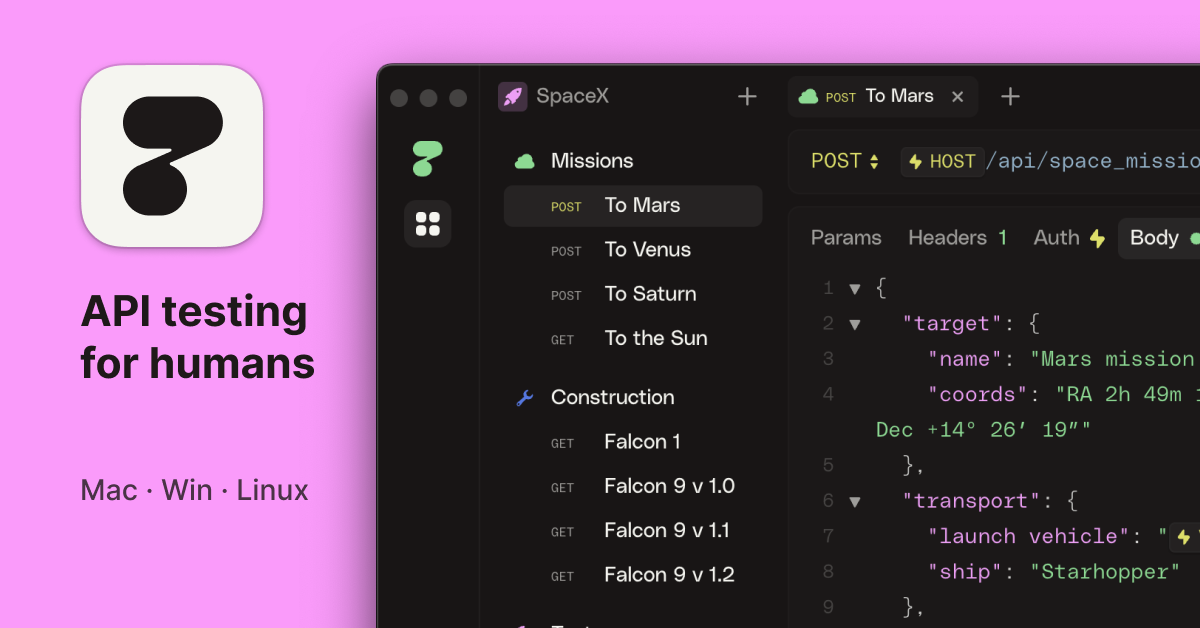
What makes it worth keeping is clarity. Whether used in a desktop-oriented workflow or a command-oriented one, it aims to make HTTP interaction feel more understandable and less syntactically hostile. That matters when APIs are a daily tool rather than an occasional curiosity.
The tradeoff is that a better API client does not replace API understanding. Users still need to know what endpoint they are hitting, what auth they are using, and what side effects a request might trigger. Good tooling helps, but it does not remove responsibility.
My recommendation is to use HTTPie when API work is a recurring part of your Windows or developer workflow and you want a more readable, smoother request experience. Start with safe test endpoints, keep secrets handled carefully, and let the tool improve clarity rather than replace understanding.