Overview

This section highlights the core features, use cases, and supporting notes.

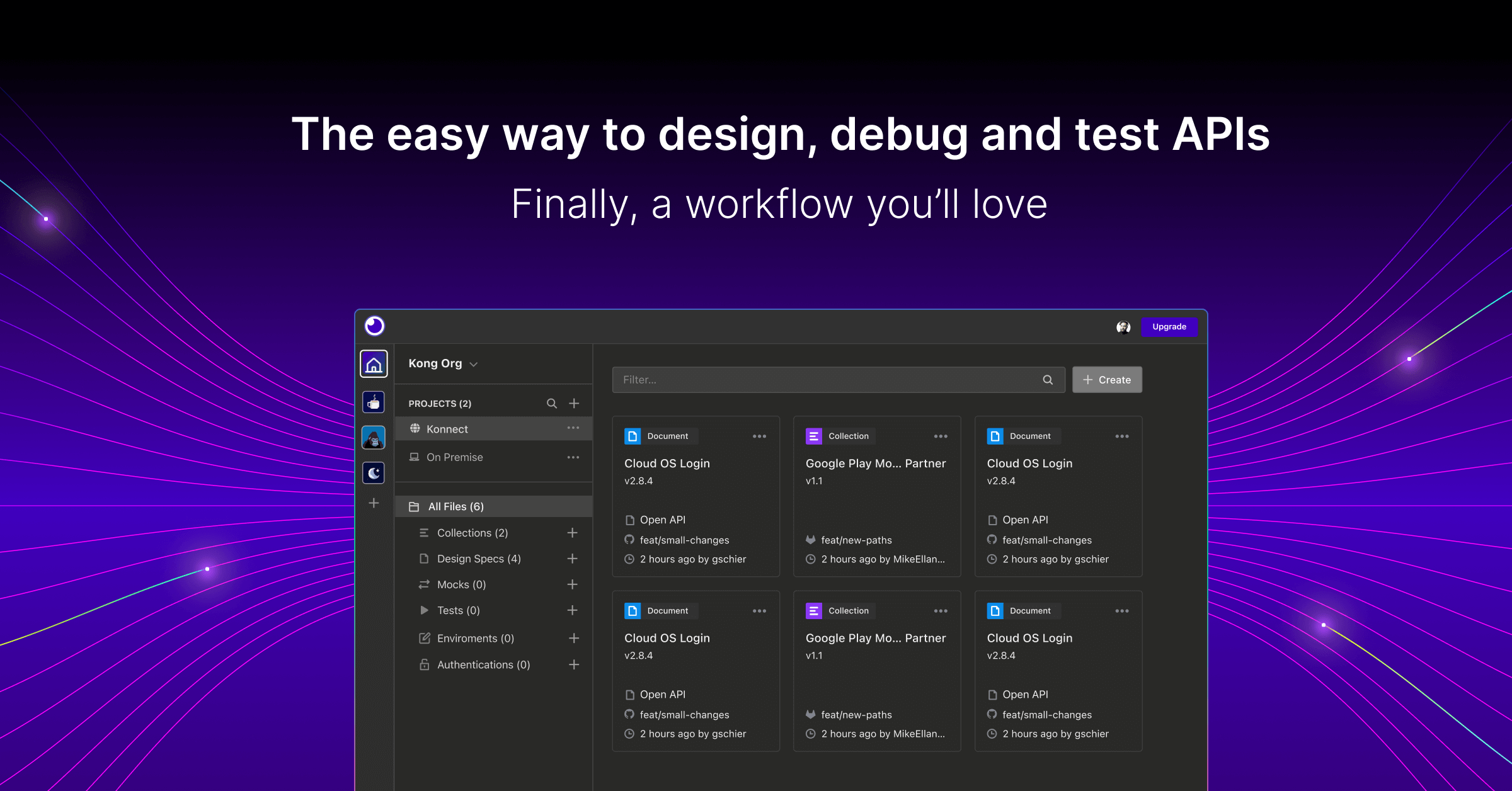
Insomnia is an API client for testing REST, GraphQL, gRPC, and related developer workflows on Windows, with support for requests, environments, and organized collections. It fits developers and QA users who want a cleaner API workspace than ad hoc browser calls or raw curl commands.

Insomnia is designed for the kind of API work that quickly becomes messy if you only rely on copied curl commands or scattered browser tabs. When you need to send repeatable requests, switch environments, inspect responses, and keep endpoint testing organized, a dedicated client makes the process easier to maintain.

It is most useful for backend developers, frontend developers who depend on APIs, QA engineers, and integration teams who work with REST, GraphQL, or other service interfaces. If you regularly revisit the same endpoints during development, a structured API client usually saves time and reduces mistakes.

What keeps Insomnia worth installing is clarity. Requests, environments, variables, and response details stay grouped in one workspace, which makes it easier to test changes methodically instead of rebuilding every request from scratch. That is especially helpful when debugging authentication flows or comparing behavior across environments.

The tradeoff is that organization matters. If you throw every temporary test into one cluttered workspace, the client becomes confusing fast. The better habit is to keep requests named clearly, separate environments cleanly, and use the tool as a repeatable API workspace rather than a pile of disposable calls.


Setup / Usage Guide

Installation steps, usage guidance, and common notes are maintained here.

1. Open the official Insomnia site and download the current Windows build from the official source.

2. Install the client and launch it once so you can create a clean workspace before importing anything.

3. Start with a small workspace for one project or service rather than mixing unrelated APIs together from the beginning.

4. Create one request to a familiar endpoint and verify method, URL, headers, and body settings carefully before saving it as a reusable reference.

5. Set up environments for development, staging, or production-like targets so you can switch context without rewriting every request manually.

6. Test authentication separately and confirm where tokens or secrets are stored. API tools are convenient, but they still need careful handling of credentials.

7. Organize requests into folders or collections by service area so future testing stays readable instead of turning into one long flat list.

8. Export or sync only when you actually need portability or team sharing, and review sensitive values before moving data between machines.

9. Keep Insomnia updated from the official source and prune outdated requests so the workspace remains genuinely useful in daily API work.

Related Software

Keep exploring similar software and related tools.