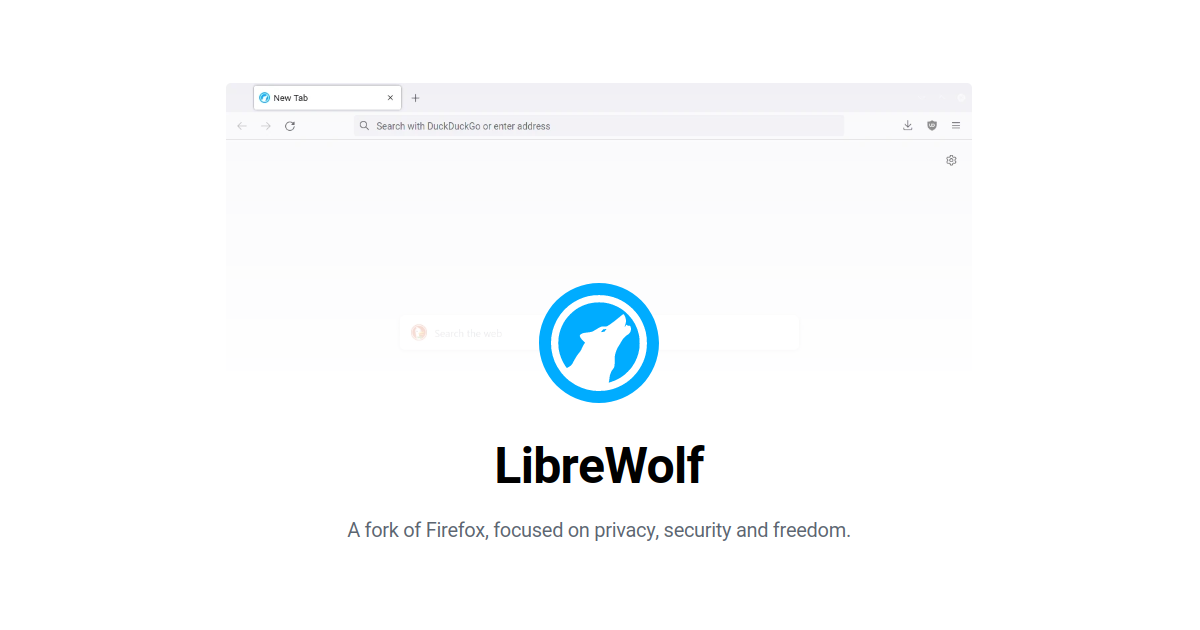
LibreWolf is best understood as a privacy-hardened browser for users who want more protection by default instead of assembling that protection through many separate settings and add-ons. The official project describes it as a custom Firefox-based browser focused on privacy, security, and freedom, with a strong community-driven identity and built-in content blocking.
It fits privacy-minded users, technical users, researchers, and anyone who already knows that the default behavior of a mainstream browser is not always aligned with their comfort level. If your priority is reducing telemetry, tightening privacy defaults, and using a browser with a more deliberate stance, LibreWolf is far more relevant than a generic mainstream recommendation.
What makes LibreWolf worth keeping is how much privacy work is already done for you. The official site highlights included content blocking, hardened privacy defaults, and rapid rebuilds based on current Firefox stable code. Project documentation also explains additional controls around overrides, shutdown history behavior, and fingerprinting-related settings, which shows that privacy is not just a slogan here.
The tradeoff is that LibreWolf is not trying to maximize convenience first. Its FAQ and docs make clear that some defaults are intentionally strict, auto-update behavior is different from mainstream browsers, and users may occasionally need to adjust settings manually for specific sites or workflows. That is part of the design, not a bug.
My recommendation is to install LibreWolf if you want a privacy-focused Windows browser and are comfortable treating the browser as a tool that may need thoughtful setup. It is strongest for users who value hardened defaults more than effortless mainstream polish.