Overview

This section highlights the core features, use cases, and supporting notes.

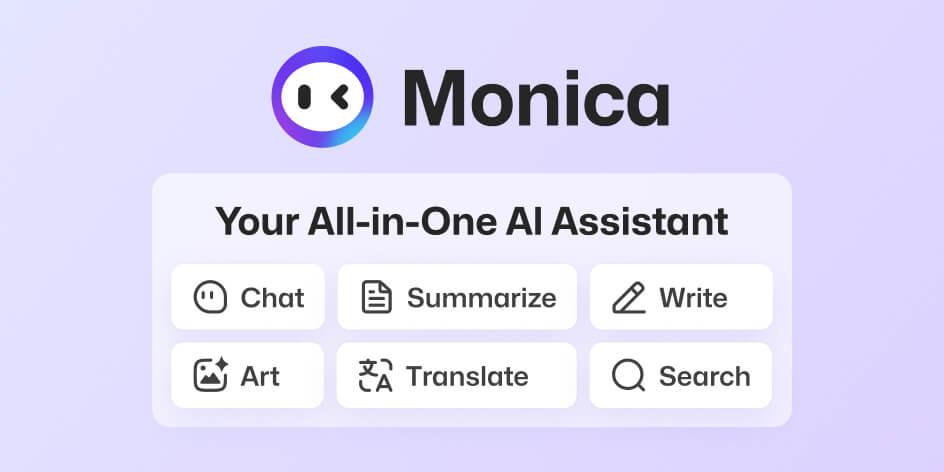
Monica AI is an all-in-one AI assistant that combines chat, search, writing, translation, summarization, and multi-model access across browser and desktop workflows. It is most useful for users who want one AI workspace for daily web tasks instead of juggling separate tools for every small job.

Monica AI is built for people whose work happens inside a browser all day. If your routine includes reading pages, summarizing documents, drafting copy, translating text, researching topics, and switching between several AI models, a single assistant layer can be more practical than opening a new tab for every request.

It is most suitable for knowledge workers, marketers, students, researchers, customer-facing teams, and creators who need AI help across many small tasks rather than one narrow specialty. The appeal is breadth: chat, writing support, translation, page-level assistance, and multi-model access can all live in one place.

What makes Monica worth trying is convenience with range. Instead of treating AI as a separate destination, it can sit closer to the page or document you are already working on. That tends to reduce context switching, which is often where browser-based AI workflows start to feel inefficient.

The tradeoff is that an all-in-one assistant can become noisy if you expect every feature to matter at once. The better way to use Monica is to identify the few tasks it genuinely improves, such as summarizing, drafting, or cross-model comparison, and build from there. Used selectively, it can become a useful everyday layer rather than just another AI tab.


Setup / Usage Guide

Installation steps, usage guidance, and common notes are maintained here.

1. Open the official Monica site and choose the access method that matches your workflow, such as browser extension, desktop app, or web account.

2. Sign in through the official platform and review what parts of the service you actually intend to use before turning on every feature.

3. If you install the browser extension, pin it somewhere visible so it stays easy to reach during normal reading, writing, or research sessions.

4. Start with one specific task, such as summarizing a long page, rewriting a short draft, or translating a paragraph. This is the fastest way to judge whether Monica fits your real workflow.

5. If the product offers multiple models or modes, compare them on a small task before assuming one setting is best for everything.

6. Be careful with sensitive internal content. Convenience is useful, but private business material or personal data still deserves deliberate handling.

7. Keep your saved prompts, notes, or workspaces organized so the assistant remains helpful instead of becoming another cluttered productivity layer.

8. Return to the official Monica site for updates and new platform options, and disable features you do not actually use so the tool stays focused.

Related Software

Keep exploring similar software and related tools.