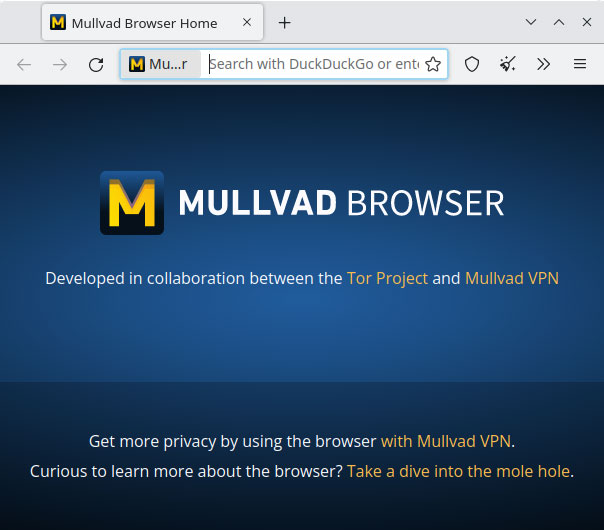
Mullvad Browser is aimed at a very specific concern: many privacy risks on the web come not only from what sites can directly see, but also from how individual browsing setups become distinguishable over time. Instead of presenting itself as just another browser with a few extra settings, it focuses on reducing that uniqueness and making tracking through browser fingerprinting harder.
It is especially suitable for users who already think seriously about web privacy and want a browser that supports that mindset on Windows. If your priority is a more privacy-conscious browsing environment rather than convenience features, ecosystem tie-ins, or aggressive personalization, Mullvad Browser deserves attention.
What makes it worth keeping is that its value is not merely theoretical. Privacy on the web is often weakened by inconsistency, and a browser that is designed to reduce unnecessary exposure can support better habits for people who care about how much identifying surface they present online.
The tradeoff is that privacy-oriented browsing usually asks users to accept some friction. A browser can help reduce risk, but it does not remove the need for careful behavior, sensible site choices, and a realistic understanding of what browsing privacy can and cannot do. Users who expect total anonymity from installing one browser should lower that expectation immediately.
My recommendation is to use Mullvad Browser when your Windows browsing priorities lean clearly toward privacy discipline and reduced tracking surface. Start with the browser as one part of a broader privacy habit, test your essential sites, and keep your expectations grounded in how the modern web actually works.