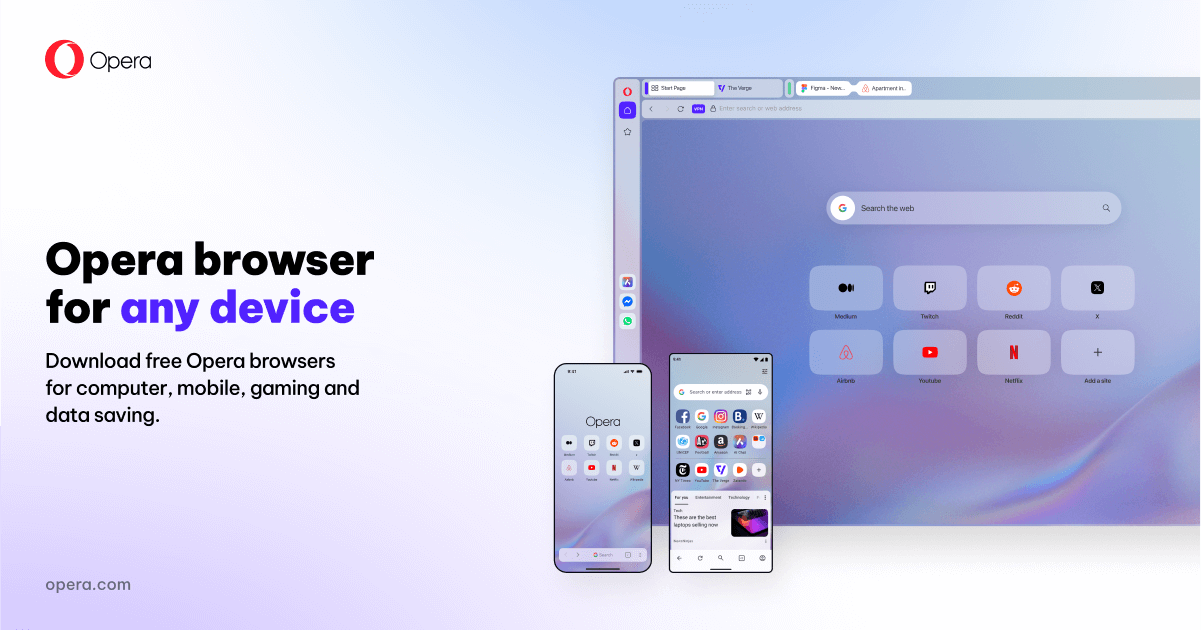
Opera has long differentiated itself by trying to bundle more into the browser itself. The official download page still frames Opera around built-in tools such as free VPN, ad blocking, Flow file sharing, browser AI, built-in messengers, and social media access. That makes Opera a browser for convenience seekers rather than browser minimalists.
It fits users who like side panels, bundled utilities, and a browser that can handle casual work, communication, and personal browsing in one place. If you do not enjoy building your ideal browser from extensions and separate apps, Opera’s built-in approach can save setup time.
What makes Opera worth keeping is the amount of desktop utility available right after installation. A browser-side VPN option, built-in blocker, side tools, and cross-device sharing can make Opera feel ready-made for general everyday use. For some users, that convenience is more valuable than having the absolute leanest possible browser.
The tradeoff is that Opera is not designed to disappear into the background. It makes visible product choices, emphasizes its own feature layer, and can feel busier than browsers aimed at plain browsing purity. That is not automatically bad, but it means Opera works best when you actually want the bundle.
My recommendation is to install Opera if you prefer a feature-rich browser that handles browsing, light communication, and a few convenience tools without much extra setup. It is a good fit for people who want useful extras quickly, not for people who want the browser to stay almost invisible.