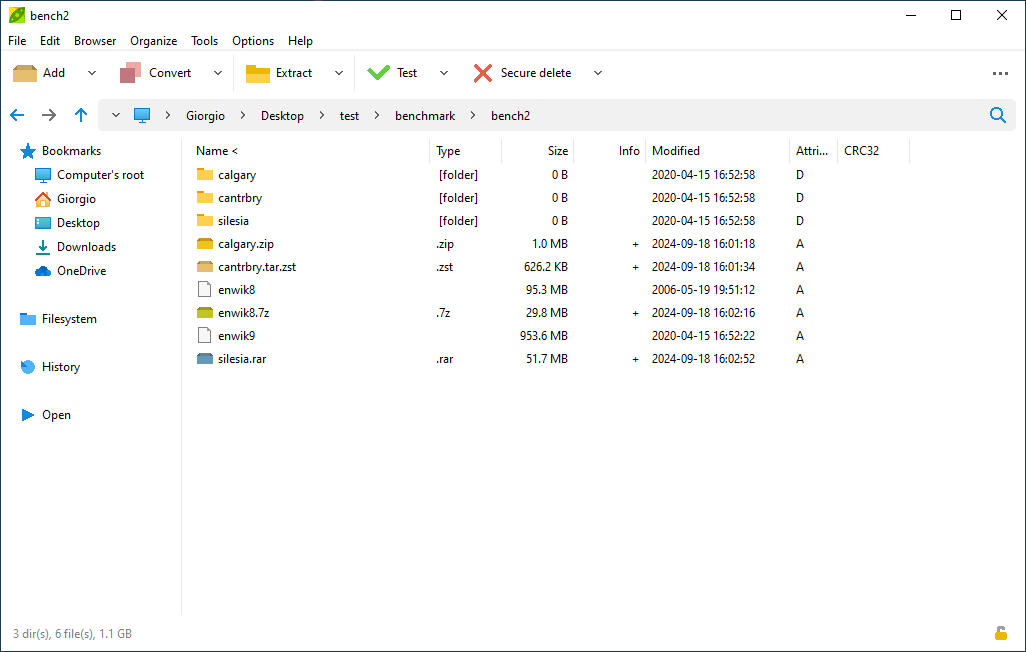
PeaZip fills a practical need on Windows: built-in archive handling is fine until you start working with a wider range of compressed files, need better control over output and structure, or want an archive utility that can stay useful across daily desktop work. It is designed for users who deal with ZIP files often but do not want their file-handling choices limited to the operating system default.
It is especially suitable for operators, developers, support staff, and ordinary users who open archives from many sources, package files for delivery, or need more predictable control over how compressed folders are created and extracted. The software also appeals to people who prefer open-source utilities and want a desktop archiver they can keep for the long term.
What makes PeaZip worth keeping is its wide format support and its practical file-management depth. It is not just a button for extracting one archive; it is a more complete archive workspace with enough settings and structure to support repeated use across different file-handling tasks.
The tradeoff is that PeaZip offers more options than extremely casual users may need. If you only open an occasional ZIP attachment, the default Windows tools may already be enough. PeaZip becomes valuable when archives are a real part of your workflow rather than an accidental inconvenience.
My recommendation is to install PeaZip if compressed files, packaging, and archive cleanup come up regularly in your Windows work. Learn the extract and create flows first, keep advanced options for when they are truly needed, and let it remain a dependable archive utility rather than a confusing settings maze.