RustDesk
Category PC Essentials
Published 2026-03-31

Overview

This section highlights the core features, use cases, and supporting notes.

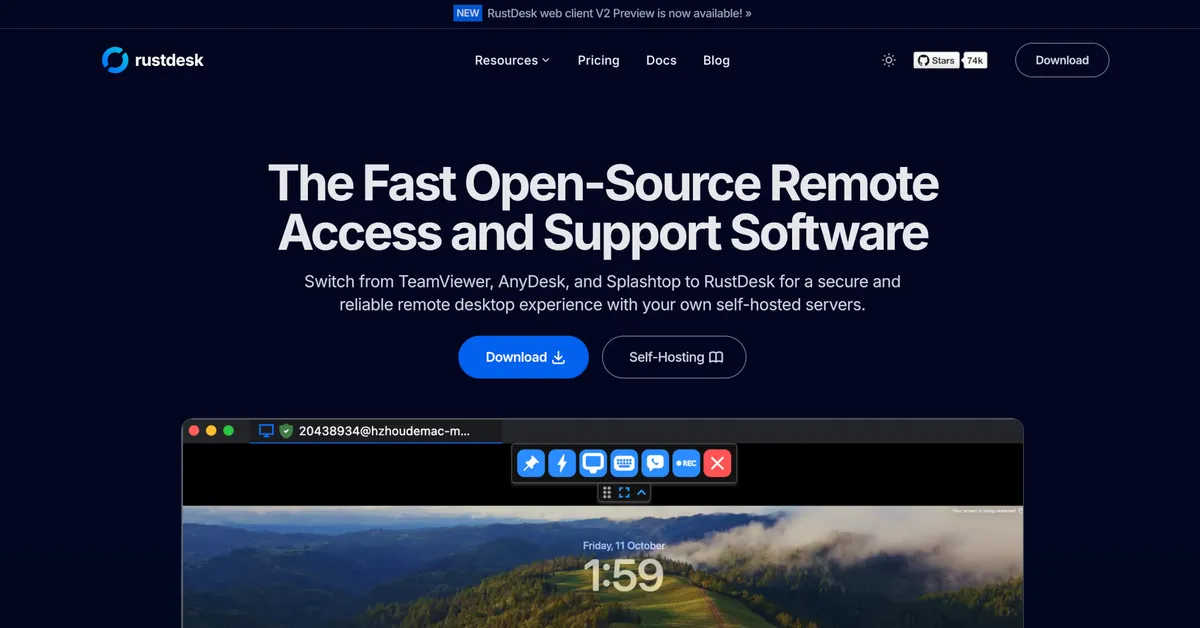
RustDesk is a remote desktop tool for users who want direct remote access with more control and less dependence on the usual commercial ecosystem. It is appealing because it treats remote support and remote access as something you can manage on your own terms, not only through a familiar big-brand service.

RustDesk is most interesting to users who care about control. It gives you a way to connect to another machine for remote help or personal access without automatically tying the whole experience to the usual account-and-subscription expectations.

It fits home users, technical helpers, and small teams who want remote control for maintenance, troubleshooting, or personal device access. If you only need occasional support and already have a tool that works perfectly, the motivation to switch may be smaller.

What makes it worth attention is the balance between practicality and autonomy. Remote viewing, control, and file movement are useful on their own, but the bigger appeal is that the product speaks to users who want more say over how remote access is handled.

The tradeoff is that remote software always depends on the real environment. Permissions, firewalls, unattended-access settings, and network conditions matter as much as the brand name. The smart approach is to test it on a trusted setup before relying on it for important access.

This site recommends RustDesk when you want a remote tool that feels more controllable than the mainstream default. Configure one clean test connection first, verify performance and permissions, and only then decide whether it should become part of your regular support stack.


Setup / Usage Guide

Installation steps, usage guidance, and common notes are maintained here.

  1. Download RustDesk from the official site. Use the official Windows release so you avoid repackaged builds and start from the expected update path.
  2. Install it on both the local and remote machine if you control both ends. This gives you the cleanest test environment for remote access.
  3. Check the device ID, connection permissions, and unattended-access options carefully. Remote tools are only safe when you understand who can connect and under what conditions.
  4. Run the first test on a trusted network. This helps separate environment problems from product behavior while you are learning the setup.
  5. Test screen control, clipboard behavior, and file transfer with a simple task. Those actions usually reveal quickly whether the connection is practical for real support work.
  6. Review firewall and security prompts on both ends. If access feels inconsistent, system-level permission or network filtering is often the reason.
  7. Do not enable unattended access casually. Set it only when you truly need it and after confirming the password and machine ownership model are clear.
  8. Keep it if control and reliability are both acceptable. A remote tool is only worth keeping when it feels trustworthy under the exact conditions you plan to use.

Related Software

Keep exploring similar software and related tools.