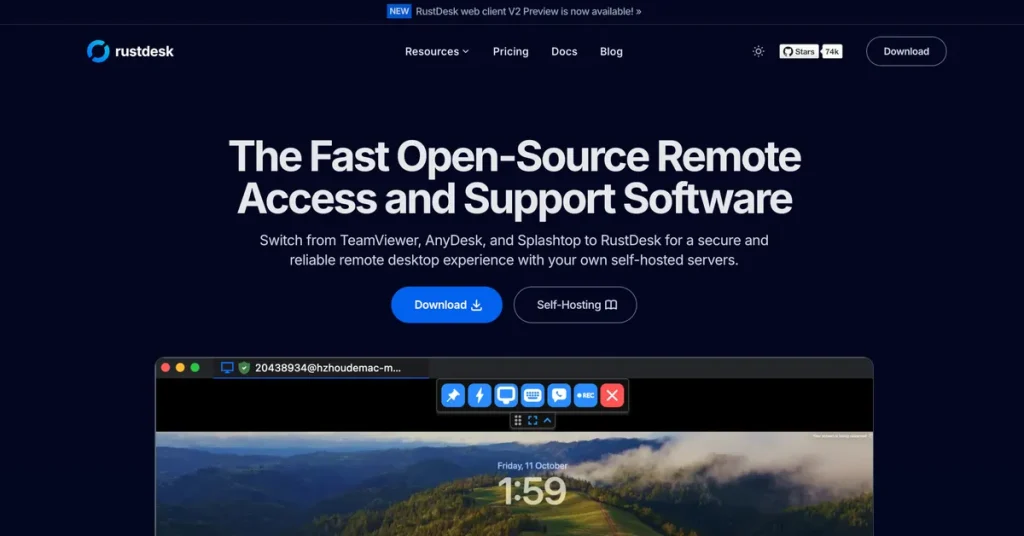
RustDesk is worth judging as open-source remote access software with deployment choice, not just as another screen-sharing utility. On April 14, 2026, the official English materials highlighted remote access and support, self-hosted servers, open-source community direction, documented client and server paths, and plan-based self-hosting options. That matters because the real pain point in remote desktop software is often not connecting once. It is deciding how much trust, control, and infrastructure responsibility you are willing to take on over time.

The self-hosted server angle is one of the biggest reasons RustDesk stands out. Many remote desktop products become easy to start but hard to trust fully when a team wants stronger control over routing, data location, or internal deployment. RustDesk publicly leans into self-hosted servers because that is where open-source remote desktop software becomes a strategic tool rather than just a convenience app.

At the same time, RustDesk is not only for infrastructure-heavy teams. The installation section and the documentation make it clear that the product tries to lower the barrier between quick personal use and deeper deployment. That is important because many users searching for a Windows remote desktop alternative want something that can start simply now and only become more advanced later if the workflow proves useful.

The start section on the homepage is also useful because it keeps the product grounded in actual first use. Remote control software is easy to overthink, but the practical question is still simple: can two devices connect cleanly enough for support, administration, or temporary access? RustDesk earns attention here because it publicly offers a direct path from discovery to trying the product.

The open-source page strengthens the product’s identity in a way marketing alone usually cannot. RustDesk openly frames itself as built by the open-source community, and that matters for users who want inspectability, a visible project direction, and a less locked-down relationship with the software they depend on for remote administration.

The official documentation is one of the strongest practical assets around RustDesk. The docs explicitly ask which path you should choose, and that is the right question. Some users only need the client for occasional support. Others need Windows MSI deployment, portable Windows use, server OSS installation, or a more managed server setup. RustDesk is more useful when you choose the right lane early instead of assuming every feature matters to every user.

The docs feature list is also unusually helpful for first judgment. Publicly, RustDesk documents Windows, macOS, Linux, iOS, Android, and web support, end-to-end encryption based on NaCl, P2P connectivity, Windows portable use without installation, and self-hosting on your own infrastructure. This gives the page more real decision value than a vague claim that the tool is simply flexible.

The pricing page helps clarify an important tradeoff: RustDesk may start like a free open-source remote desktop tool, but once a team moves into managed self-hosting and broader device administration, the decision becomes operational rather than casual. That does not weaken the product. It simply means users should distinguish between lightweight personal use and structured deployment from the beginning.

Our grounded judgment is that RustDesk is most worth installing for users who care about open-source remote desktop software, want a practical self-hosted remote access option, or need a Windows remote support tool that can start light and grow more serious later. It is less suitable for users who only want the most polished consumer remote-control experience with no configuration thought at all. RustDesk looks strongest when the real requirement is control, not just convenience.