Speechify
Category AI Office
Published 2026-04-05

Overview

This section highlights the core features, use cases, and supporting notes.

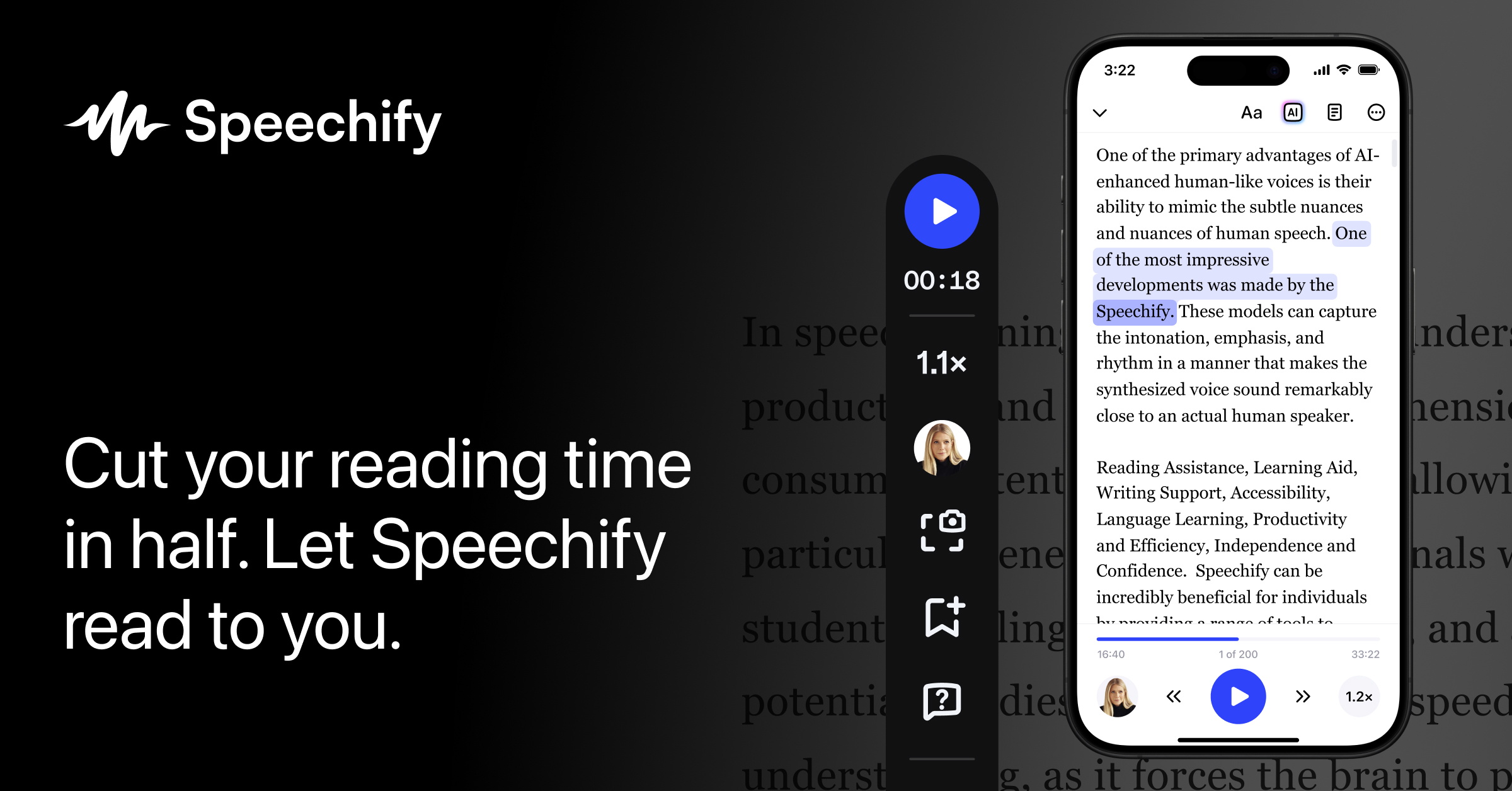
Speechify is a text to speech reading tool for users who want articles, PDFs, documents, and web pages turned into listenable audio during work, study, or commuting time. It is most useful when the problem is not generating voice content for others, but consuming large amounts of written material with less screen fatigue.

Speechify is most valuable as a reading companion rather than a voice-generation novelty. Its role is to convert text-heavy material into a more flexible listening flow so users can keep up with documents, study content, or long articles when full visual reading is tiring or inconvenient.

It suits students, professionals, knowledge workers, and accessibility-focused users who regularly handle long-form text. If you mainly read short messages, the benefit may feel limited. If your week is full of PDFs, web reading, or review material, the fit becomes much stronger.

What makes Speechify worth keeping is that it changes how reading time is used. Web pages, notes, and documents become easier to review during transit, repetitive admin work, or screen breaks, which can make large reading loads more sustainable.

The tradeoff is that listening is not a perfect replacement for reading. Layout-heavy material, tables, formulas, and complex terminology can still need manual review on screen. Important passages are often better learned through a mix of listening and direct reading.

This site recommends Speechify for users who want to reduce screen dependence while keeping up with written content. Start with one article and one PDF you already need to finish, then judge whether it improves focus and completion rather than just sounding pleasant.


Setup / Usage Guide

Installation steps, usage guidance, and common notes are maintained here.

  1. Open Speechify from the official site and start with one document you genuinely need to read. A real assignment, report, or article is the best way to judge whether listening helps your workflow.
  2. Import or paste the content and choose a voice that you can tolerate for more than a minute. Naturalness matters less than whether you can stay attentive over longer passages.
  3. Adjust reading speed gradually. Starting too fast often makes the tool feel worse than it is, especially when the content includes names, numbers, or dense reasoning.
  4. Check how the app handles formatting and scanned text. OCR quality and layout interpretation can change the value of the experience dramatically.
  5. Use bookmarks, highlighting, or saved items if those features fit your routine. They matter most when you revisit material instead of consuming it once and forgetting it.
  6. Test a listening session away from your desk. The real advantage often appears while commuting, walking, or resting your eyes between screen-heavy tasks.
  7. Return to the original text for charts, citations, and difficult passages. Listening should support comprehension, not replace careful reading where accuracy matters.
  8. Keep Speechify if it helps you finish more reading with less fatigue and without losing track of important details. That is the practical reason to keep it installed.

Related Software

Keep exploring similar software and related tools.