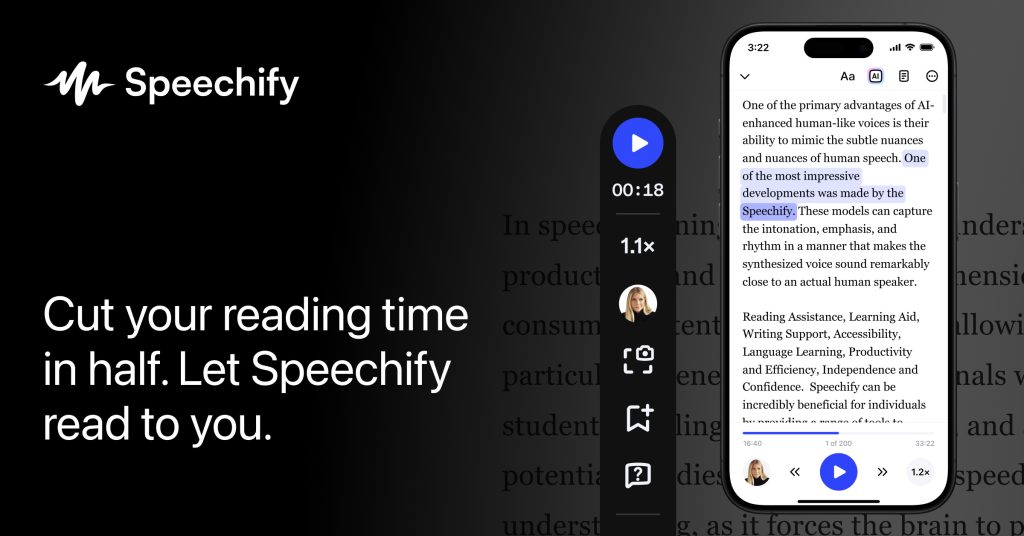
The current English page for Speechify is still too thin for what Speechify’s own materials now show. The official homepage checked on April 18, 2026 does not present the product as a simple audio reader. It presents Speechify as Text to Speech & Voice Typing AI Assistant with 55M+ users. That matters because the right way to judge Speechify is by how well it reduces reading friction and adds voice workflows across devices, not by whether it only plays text aloud once.

The official homepage description keeps the basic fit straightforward: Speechify reads books, PDFs, and web pages aloud with natural voices. That matters because reading burden is one of the clearest reasons users keep a product like this. The value is not only listening for novelty. It is turning everyday reading into something that can happen while moving, multitasking, or resting your eyes.
The Pricing page adds a more realistic view of long-term fit. Speechify says free and premium plans differ around advanced AI voices, cross-device sync, and offline use. That matters because voice tools are easiest to underestimate when the free tier looks fine for a day but the real workflow depends on better voices, device continuity, or listening without a live connection.

The official Text to Speech Online page may be one of the strongest reasons to try the product. Speechify says users can paste text or upload a PDF and listen instantly with lifelike AI voices, and the page says this can be done free with no sign-up needed. That matters because low-friction first use is one of the biggest reasons a text-to-speech tool actually becomes part of daily work instead of becoming another app people meant to try later.

The AI Voice Generator page shows that Speechify also reaches beyond reading assistance. The official description says it offers 1000+ AI voices in 60+ languages for videos, podcasts, and scripts. That matters because some users are not only listening to content. They are producing it. This broadens Speechify from a reading helper into something closer to a voice-content toolkit.

The Chrome extension page keeps the product close to where many people already read. Speechify says the extension has over 1M downloads and thousands of reviews. That matters because browser convenience often decides whether a reading tool stays in use. If articles, PDFs, and web pages can be read aloud without leaving the browser, the product is more likely to become habitual.

The Voice Typing & Dictation page shows that Speechify is not only about output. It is also about input. The official description says users can dictate emails, docs, and messages hands-free, and the title claims typing can be 5x faster. That matters because users who already live in voice workflows often want both reading help and writing acceleration from the same tool family.

The iPhone & iPad page makes mobile listening part of the product story. Speechify says it is the number one text-to-speech app in its category in the App Store, and it says one subscription covers apps, browser extensions, and cloud storage. That matters because many real listening workflows happen away from the desk, and cross-device continuity is a strong reason to keep a service like this over time.

The Android page tells a similar story for the other major mobile ecosystem. Speechify says the Android app has over a Million downloads, offers natural voices, and can scan to read. That matters because a cross-platform voice product is easier to recommend when Android is treated as a serious daily-use surface and not as a weak secondary option.

The Mac App page shows that Speechify also wants broader desktop reach. The official description says it works as a Voice AI Assistant for any app on the Mac, lets users type by talking naturally, and can read selected text aloud from anywhere. That matters because system-level availability can make the product feel much more central than a tool limited to one site or one document container.

The Privacy Policy matters for the same reason. Speechify may process books, PDFs, websites, dictated text, and other reading or writing material that can be personal enough to require a visible trust surface. The product keeps a dedicated privacy page under its main domain, and that matters because voice tools should not be judged only on convenience and speed.

Our grounded judgment is that Speechify is most worth keeping for users who regularly need documents, books, PDFs, or web pages read aloud and who may also benefit from dictation, browser reading, or cross-device listening. It is a weaker fit for users who only need a tiny offline reader or a narrow one-purpose audio utility. Speechify looks strongest when the real problem is reducing reading friction and adding flexible voice workflows to daily work.