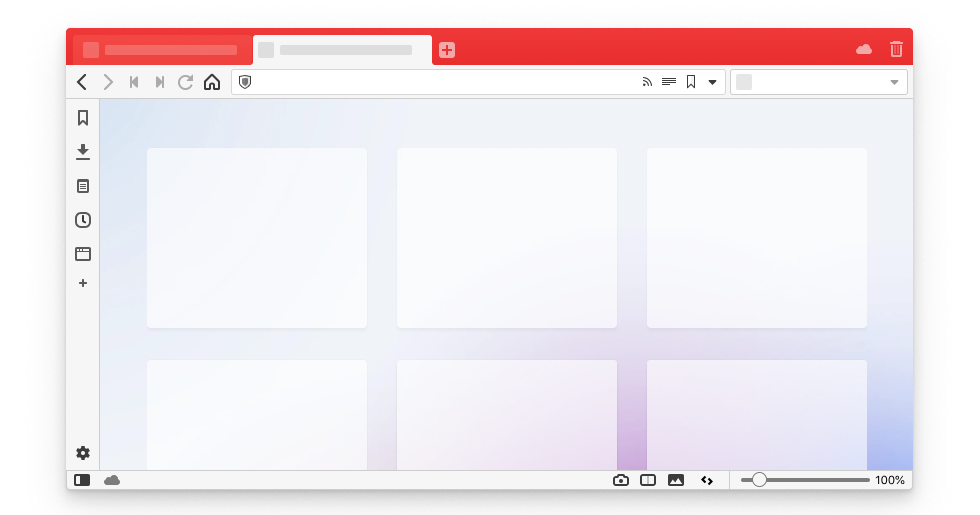
Vivaldi is one of the clearest examples of a browser built for people who actively shape their own workspace. The official site describes it as powerful, personal, and private, with heavy emphasis on tab control, interface customization, shortcuts, gestures, and user choice. That is exactly where the browser stands out on Windows.
It fits researchers, operators, analysts, writers, project managers, and anyone who keeps many tabs open every day. If your browser is effectively your main working environment, Vivaldi offers far more room to organize that environment than the average mainstream browser.
What makes Vivaldi worth keeping is the depth of built-in control. Official Vivaldi materials highlight customizable tab bars, tab stacks, themes, shortcuts, gestures, and interface design choices that let users tailor the browser around how they actually work. For serious tab users, this matters more than flashy marketing features.
The tradeoff is that customization can become its own distraction. Vivaldi is best for people who genuinely benefit from layout control, not for users who only want to install a browser and never think about settings again. If you keep the tweaking under control, it becomes a strength instead of a time sink.
My recommendation is to install Vivaldi if your browser is a workstation, not just a launcher for a few sites. It pays off most when you need structure for heavy tab usage and are willing to spend a little time shaping the browser around your routine.