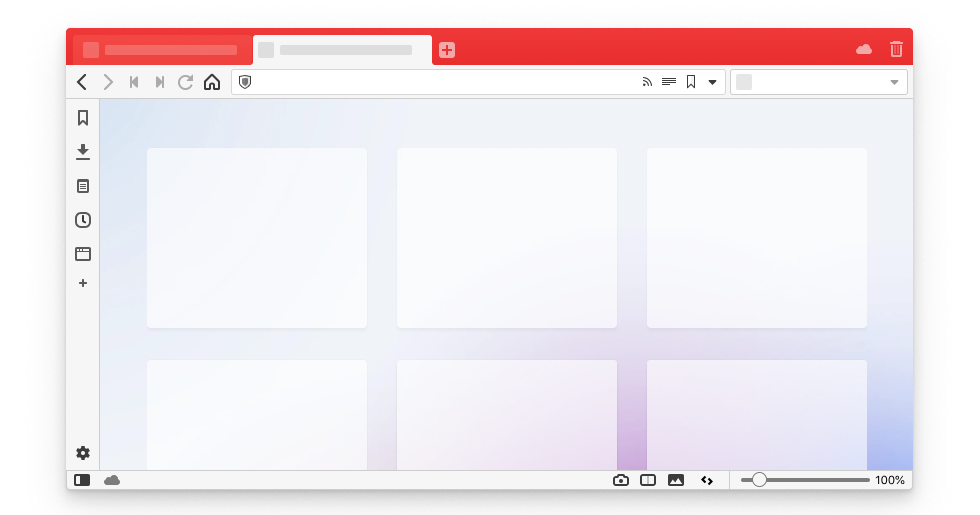
Zen Browser is interesting because it is not trying to win on brand familiarity alone. Its appeal comes from browsing ergonomics. Features such as vertical tabs, workspaces, compact layouts, glance-style previews, and split viewing push it closer to a browser workbench than a standard tab bar with cosmetic tweaks. For users who live with dozens of open pages, that difference is meaningful.
As a browser choice, Zen Browser works best for people willing to rethink their habits. If you are searching for the best browser for vertical tabs and workspaces or a more focused browser for research-heavy and multitasking work, it deserves attention because the interface is designed around managing complexity rather than hiding it. That said, the project still feels more experimental than the most mature mainstream browsers in a few areas, so expectations should stay realistic.
Our recommendation is to use Zen Browser when workflow comfort matters more than strict enterprise conservatism. It is especially attractive for research, content work, developer browsing, and anyone who wants a calmer visual layout with stronger tab discipline. For most users, the stable release is the safer starting point, while early builds make more sense only if you actively want to test new features.