Copy.ai
Category AI Office
Published 2026-04-05

Overview

This section highlights the core features, use cases, and supporting notes.

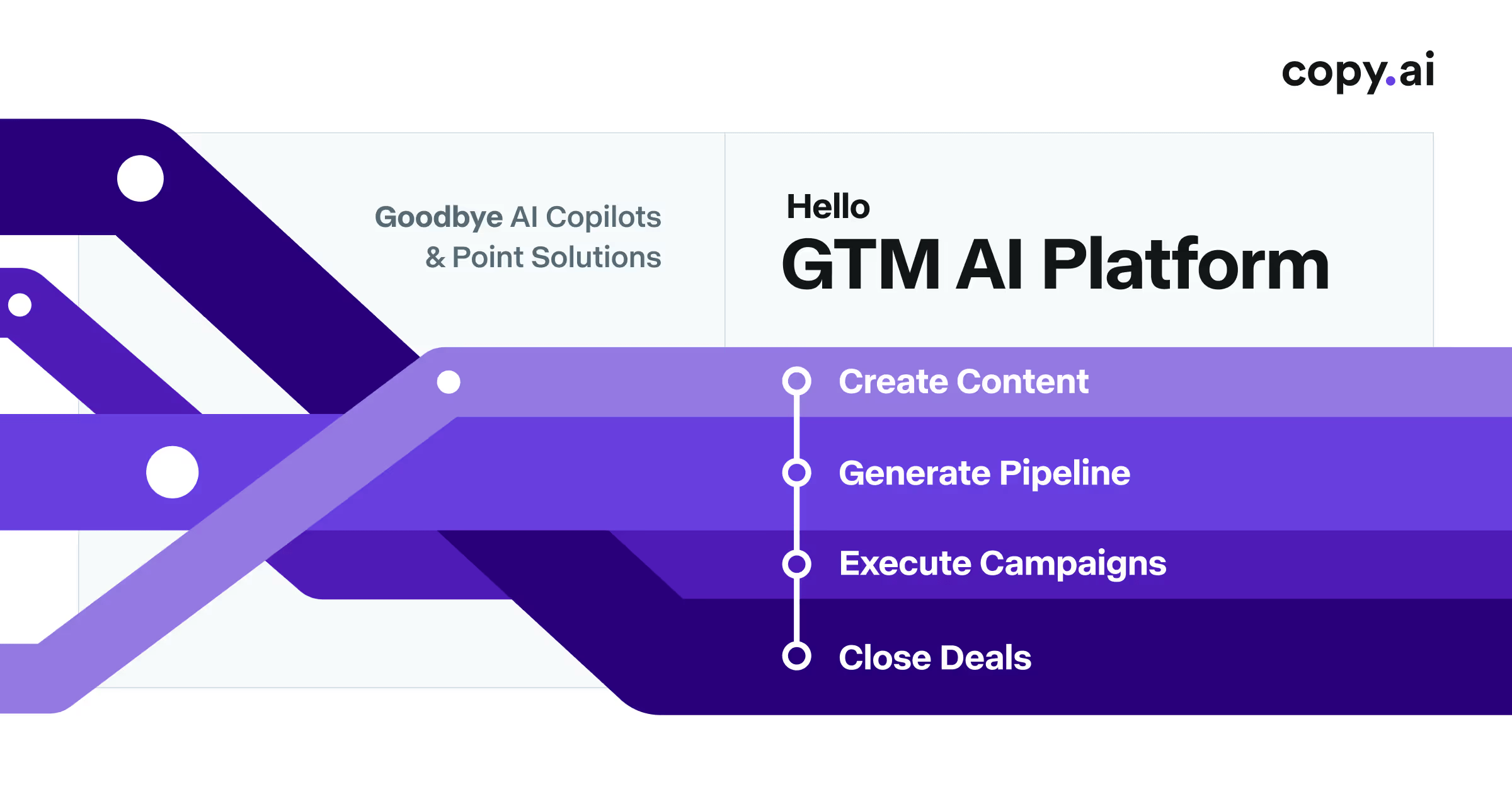
Copy.ai is a GTM AI platform for teams that want go-to-market writing, sales enablement, and repetitive commercial tasks to run inside a more connected workflow. It is most useful when the problem is not just generating copy, but scaling message production and operational handoffs across marketing and sales teams.

Copy.ai has moved beyond being a simple copy generator. Its current role is closer to a GTM workflow platform that tries to automate repetitive business tasks around messaging, outbound work, and revenue-team coordination.

It suits sales teams, marketing teams, growth operators, and revenue organizations that want AI to reduce friction across repeated commercial work. The fit becomes strongest when multiple workflows and stakeholders are involved instead of one person writing alone.

What makes Copy.ai worth attention is that go-to-market work often breaks down in the repetition layer. Teams rewrite similar messages, move information between tools, and spend time on operational copy that could be standardized more intelligently.

The tradeoff is that workflow automation does not replace customer understanding. Teams can still automate the wrong process, flatten their message, or lose nuance if the AI layer is treated as strategy rather than execution support.

This site recommends Copy.ai for organizations that want AI inside real GTM operations instead of only inside isolated writing sessions. Start with one repeatable commercial workflow, then keep it if the platform genuinely reduces team friction without weakening message quality.

Setup / Usage Guide

Installation steps, usage guidance, and common notes are maintained here.

  1. Open Copy.ai from the official site and choose one repeatable GTM task first. Outreach drafting, campaign support, or internal enablement work are better starting points than general exploration.
  2. Define the workflow boundary before generating any text. A platform like this is easier to judge when the business process is clear.
  3. Use real team inputs instead of sample copy. The tool should prove itself on the kind of material your sales or marketing team actually handles.
  4. Review whether the generated output fits the intended commercial context. Fast copy is not useful if it weakens trust or clarity.
  5. Watch how handoffs behave after the draft stage. The platform value depends as much on operational flow as on text quality.
  6. Measure time saved on one concrete process. A GTM tool should improve execution, not just produce nicer-looking copy.
  7. Be cautious with full automation in customer-facing workflows. High-volume operations still need human checkpoints.
  8. Keep Copy.ai if it makes one important commercial workflow measurably easier without causing message drift or process confusion. That is the strongest standard to use.

Related Software

Keep exploring similar software and related tools.