Firecrawl
Category AI Coding
Published 2026-04-05

Overview

This section highlights the core features, use cases, and supporting notes.

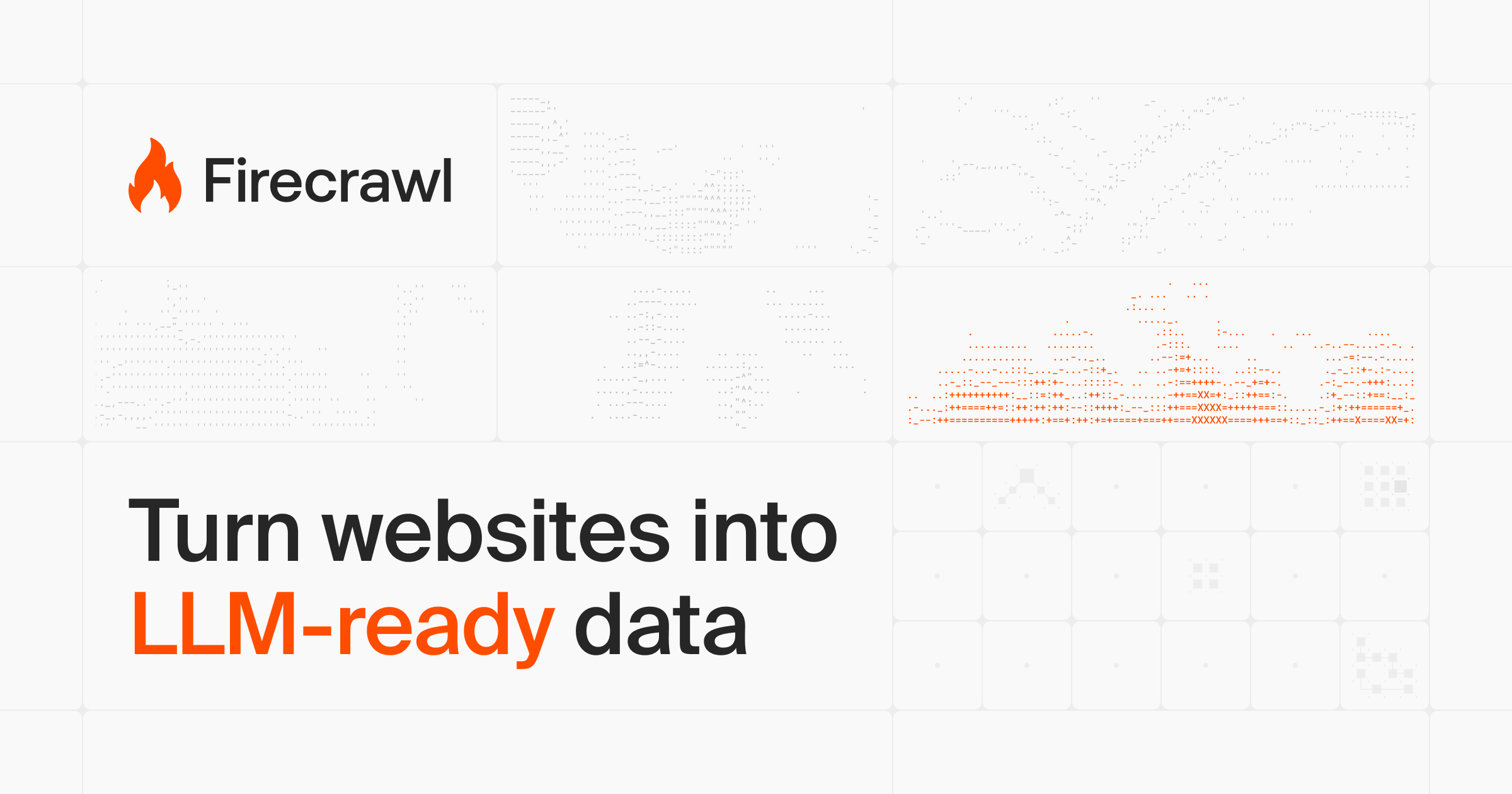
Firecrawl is a web search, scraping, and interaction API for AI agents that need clean website content, structured extraction, and browser-like task handling at scale. It is most useful when web data is a core dependency of an agent or AI application, not just an occasional side input.

Firecrawl matters because many AI workflows fail before the model even starts reasoning well. The official platform frames itself around searching, scraping, and interacting with the web at scale, with clean web data for AI agents, which makes it a strong fit for builders working on data ingestion and web-grounded systems.

It suits developers, infrastructure teams, agent builders, and product teams that need website content to enter RAG systems, automation flows, and agent workflows in a more structured form. If your AI application depends on extracting and reusing public web information reliably, the product direction is highly practical.

What makes Firecrawl worth attention is that it goes beyond static scraping. Search, crawl, structured extraction, and interactive web handling in one layer can remove a lot of glue code around agent web access.

The tradeoff is that web interaction raises both technical and governance complexity. Data cleanliness, page stability, permission boundaries, rate limits, and compliance all matter. The correct expectation is stronger web ingestion and agent access, not effortless internet control.

This site recommends Firecrawl for teams building AI systems that depend on live website content. If your bottleneck sits between the web and your model pipeline, it is a tool worth serious evaluation.


Setup / Usage Guide

Installation steps, usage guidance, and common notes are maintained here.

  1. Open the official Firecrawl site and choose the narrowest real web-data task first. Search, scrape, crawl, or interact should be tested as concrete needs, not as a giant all-in-one experiment.
  2. Start with pages you understand well. Familiar websites make it easier to judge extraction cleanliness and structured output quality.
  3. Inspect the returned data before wiring it into a larger AI workflow. Scraping infrastructure is only useful when the output reduces downstream cleanup.
  4. Test web interaction features on low-risk pages first. Clicking and typing capabilities are powerful, but they should earn trust gradually.
  5. Keep frequency control, compliance, and robots considerations in mind from the beginning. Strong tooling does not remove policy responsibility.
  6. Measure how much preprocessing logic Firecrawl actually saves your team. That operational reduction is a better benchmark than feature count alone.
  7. Separate public-web extraction from any protected or account-based workflows during early evaluation. Security boundaries matter more once web actions become active.
  8. Keep Firecrawl if it gives your agents cleaner, more usable web data or interaction paths with less maintenance overhead than your current approach. That infrastructure leverage is its strongest case.

Related Software

Keep exploring similar software and related tools.