Logically
Category AI Office
Published 2026-04-05

Overview

This section highlights the core features, use cases, and supporting notes.

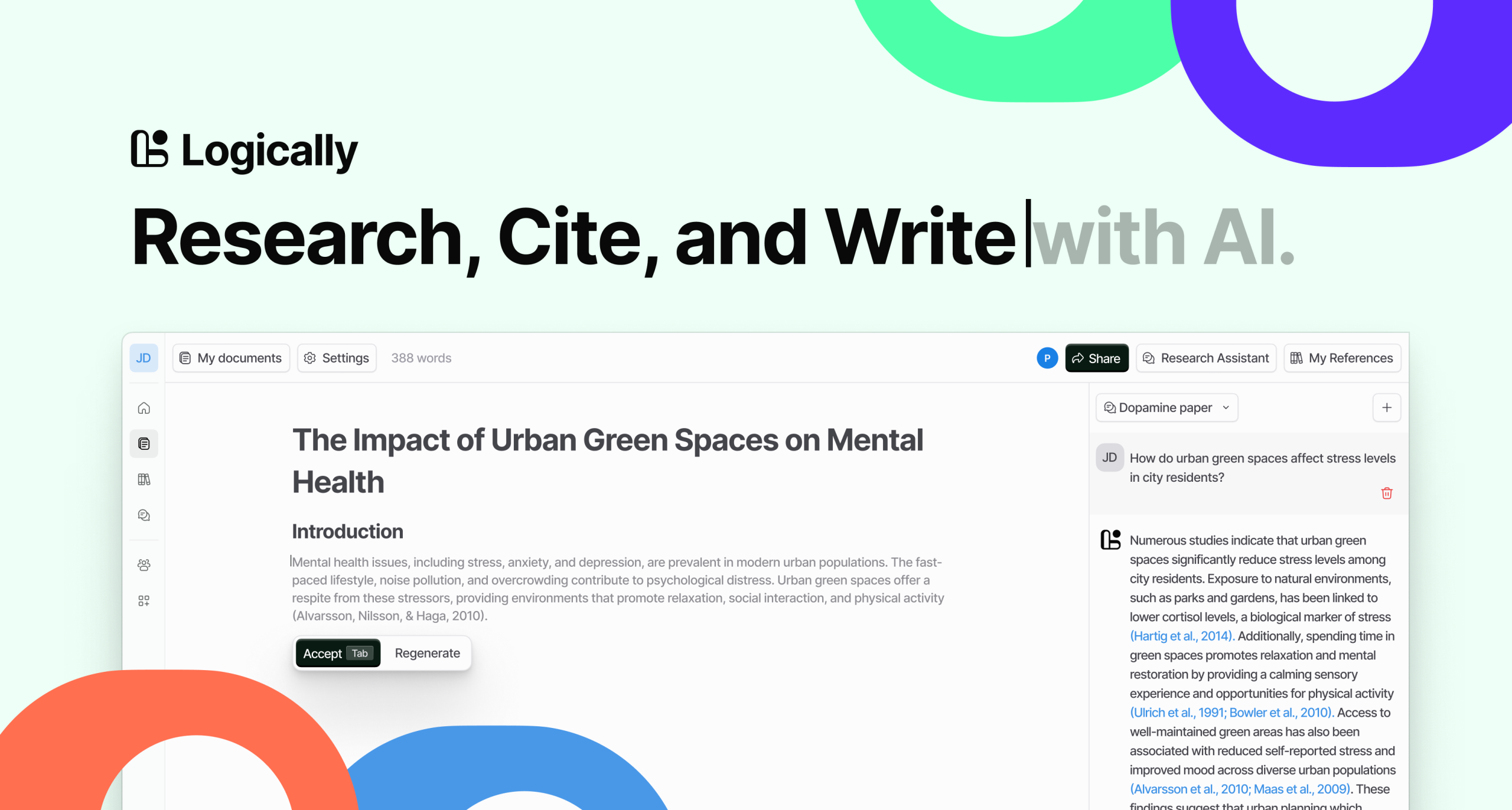
Logically is an AI-powered research workspace for people who want literature review, citations, PDF annotation, and paper writing to live in one connected environment. It is most useful when research work keeps splitting across too many disconnected tools and the real need is a steadier path from reading to writing.

Logically is built as a research workflow space rather than a single-purpose helper. Its value comes from keeping citation-backed reading, note handling, and writing support close enough that researchers can move through a project with less context loss.

It suits students, academics, and research-heavy knowledge workers who need to collect references, annotate reading, and write papers with source support. The fit becomes strongest when the workflow is long enough that tool switching starts to slow real progress.

What makes Logically worth attention is that research work is often fragmented by default. A connected space for reading, citing, and drafting can save time if it actually reduces the mental overhead of jumping between steps.

The tradeoff is that an integrated workspace still does not replace critical thinking. Citation quality, interpretation, and argument structure remain human responsibilities, even when the interface feels more unified.

This site recommends Logically for researchers who want a more continuous path from source collection to written output. Start with one literature review or paper draft, then keep it if the platform makes your research process easier to manage without encouraging shallow judgment.


Setup / Usage Guide

Installation steps, usage guidance, and common notes are maintained here.

  1. Open Logically from the official site and begin with one live research project. A real paper or review task is the right way to judge an integrated workspace.
  2. Import a few relevant sources before expecting the writing layer to help much. Research tools are only as useful as the material they are grounded in.
  3. Use the annotation or note features while you read, not only after. This is where integrated workflows usually save the most effort.
  4. Check citation handling carefully. Source-backed writing only helps if the references remain accurate and traceable.
  5. Draft one section with the research context in place. The platform should make it easier to move from notes to writing without losing the thread.
  6. Review whether the workspace reduces tool-switching more than it adds another layer to learn. That balance determines long-term value.
  7. Keep your own judgment on what belongs in the argument. A smoother workspace is not a replacement for scholarly decisions.
  8. Keep Logically if it makes research, citation, and drafting feel more connected without encouraging shallow shortcuts. That is the strongest reason to keep it.

Related Software

Keep exploring similar software and related tools.