Murf AI
Category AI Office
Published 2026-04-05

Overview

This section highlights the core features, use cases, and supporting notes.

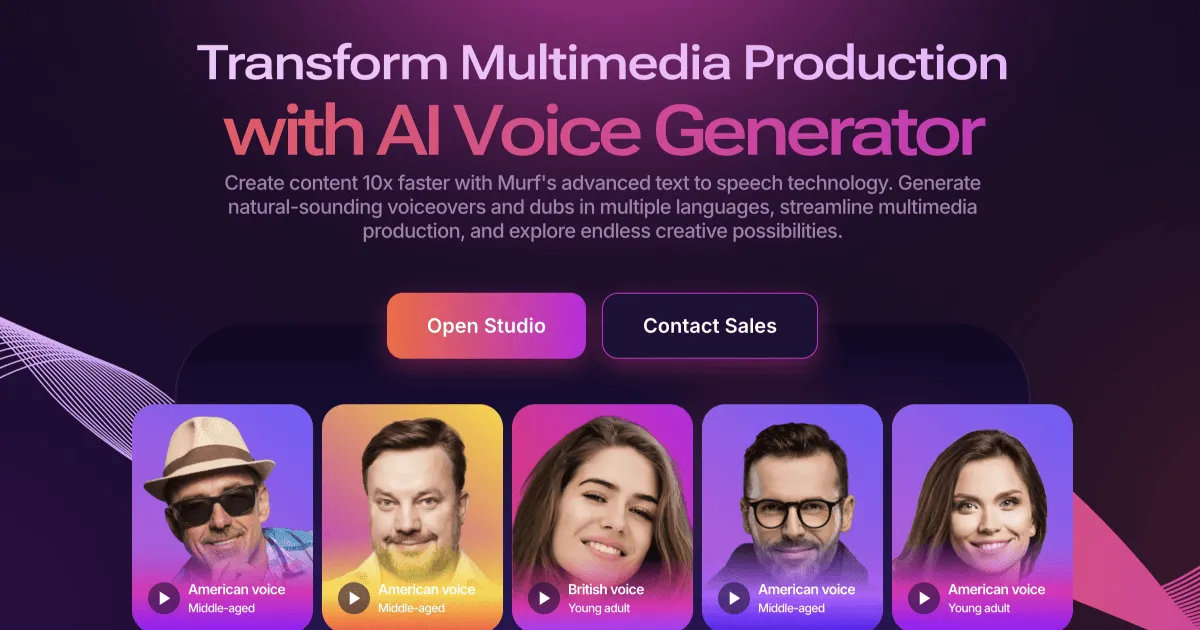
Murf AI is an AI voice generator and text to speech platform for teams that need presentable voiceovers without building a studio workflow from scratch. It is most useful for training content, product demos, explainers, and marketing narration where speed, voice choice, and revision control matter more than one-off novelty output.

Murf AI is best understood as a voice production workspace rather than a simple text to speech demo. The product is built around turning scripts into usable voice tracks for videos, presentations, lessons, and other business content where spoken delivery needs to sound organized and consistent.

It fits marketers, trainers, course creators, product teams, and operators who regularly need voiceovers but do not want every update to depend on recording talent or manual audio editing. If spoken content is part of your work and scripts change often, the product direction is practical.

What makes Murf AI worth keeping nearby is the shorter path from written script to reusable narration. Voice selection, timing control, and revision-friendly production matter more in real work than a flashy first sample, especially when multiple stakeholders need to review the same audio quickly.

The tradeoff is that synthetic voice quality still depends on script writing, pacing, pronunciation, and scene fit. You should not expect every paragraph to sound naturally ready for publication without review. Important customer-facing audio still needs a human quality check before release.

This site recommends Murf AI for teams that care more about dependable voiceover output than about experimental sound effects. Start with one real script, compare two or three voices, and judge it by whether revisions become easier to ship, not by whether the first sample sounds impressive.

Setup / Usage Guide

Installation steps, usage guidance, and common notes are maintained here.

  1. Open Murf AI from the official site and begin with one short script you actually need. A real training slide, product intro, or explainer paragraph is better than a made-up demo line.
  2. Choose a voice that matches the use case before touching style settings. Internal training, sales demos, and public marketing clips often need different pacing and tone.
  3. Listen once for pronunciation, names, and number handling. AI voice output often needs small spelling or punctuation edits to sound correct in normal business content.
  4. Adjust pauses and sentence breaks before exporting. Good narration usually comes from better script structure, not from stacking too many audio effects.
  5. Generate at least two variants for review. A fast A/B check makes it easier to decide whether the voice feels credible enough for the intended audience.
  6. Export a short test clip into your real video or presentation workflow. The question is not whether the in-app preview sounds fine, but whether it still fits after you place it in context.
  7. Keep a small library of approved voices and naming rules. That prevents future projects from drifting into inconsistent tone across demos, lessons, or campaigns.
  8. Keep Murf AI if it reduces voiceover turnaround time without creating a bigger review burden. That balance is the practical reason to keep it in a production workflow.

Related Software

Keep exploring similar software and related tools.