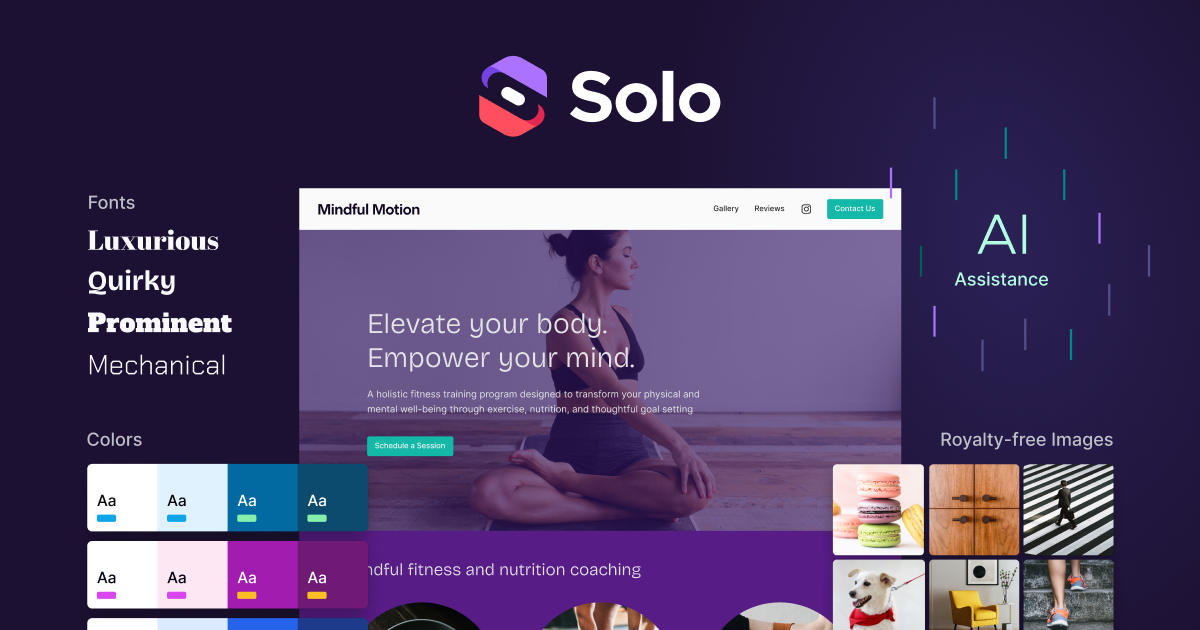
Soloist focuses on a specific and realistic use case: many small businesses do not need a full web-production stack, they just need a decent site online quickly. Instead of asking the user to assemble every layout block manually, it starts from business information and moves toward a presentable website with less setup friction than a traditional builder.
That makes it a good fit for accountants, barbers, coaches, repair services, local shops, tutors, and other small operators who need a homepage, service description, and contact-ready presence more than a deep custom application. The current official positioning is clearly aimed at that audience.
What makes Soloist worth trying is that it reduces startup cost. For many users, the hard part is not hosting or domain purchase; it is getting from “I should have a website” to “here is a site I can actually show people.” Soloist is strongest in that gap.
The tradeoff is customization ceiling. If you need unusual interactions, deep branding control, or a larger content architecture, you may outgrow a lightweight AI website creator. Aidown’s judgment is that Soloist is most useful when a fast, credible business website matters more than endless design freedom.