Windsurf
Category AI Coding
Published 2026-04-04

Overview

This section highlights the core features, use cases, and supporting notes.

Windsurf is an AI-native coding environment for developers who want deep codebase awareness, agent-style help, and a smoother end-to-end flow than a basic autocomplete plugin can offer. It is especially valuable when real project work depends on context, continuity, and staying in one development environment longer without breaking focus.

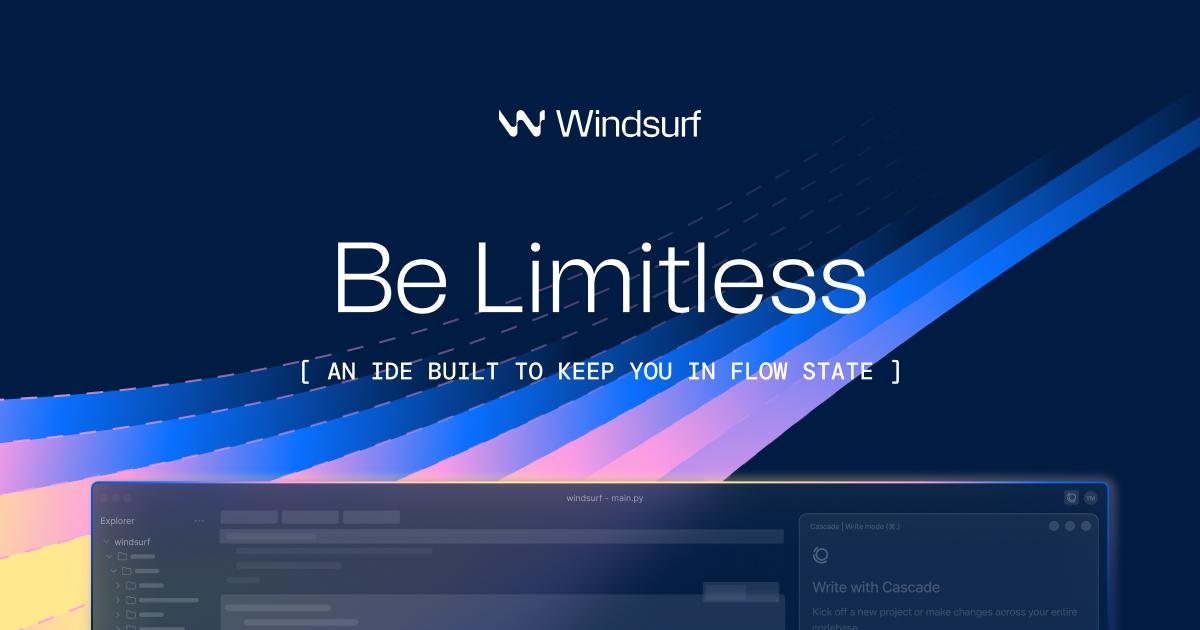
Windsurf matters because coding friction often comes from context loss rather than from typing speed alone. The official homepage describes it as the most intuitive AI coding experience, built to keep developers and teams in flow, and highlights features such as Cascade, Memories, Rules, and a dedicated editor experience.

It suits developers who spend their day inside real projects and want more than line-by-line completion. Deep codebase understanding, memory of important workflow details, and agent-like support become much more relevant once the codebase is large enough that simple autocomplete stops being the main bottleneck.

What makes Windsurf worth attention is the emphasis on continuity. Official product messaging around flow, intent understanding, and handling complex codebases points to a tool trying to reduce the stop-start pattern that makes development feel fragmented.

The tradeoff is that greater context and deeper action also mean greater risk when the tool is wrong. A system that remembers, edits, and reasons across a codebase can save time, but it also needs careful review when changes matter. The right expectation is accelerated development with active human supervision.

This site recommends Windsurf for developers who want AI integrated into the daily editor experience rather than bolted on at the edge. If staying in flow on real project work matters more than isolated code generation demos, it is a tool worth following closely.


Setup / Usage Guide

Installation steps, usage guidance, and common notes are maintained here.

  1. Download Windsurf from the official site and start with a project you already know. Familiar code makes it easier to judge whether the environment really understands context or only sounds confident.
  2. Test Cascade or agent-style assistance on a small task first. A bug fix, cleanup pass, or focused feature edit is a safer first benchmark than a large refactor.
  3. Pay attention to how the tool handles context, not just generation. Windsurf’s value is tied to flow and memory, so code suggestions alone are not the full evaluation.
  4. Review rules and memory behavior early. If the environment can retain or apply coding preferences, that should work in your favor rather than create surprising edits.
  5. Use the editor-native workflow as intended. The product is strongest when you let it support navigation, iteration, and reasoning inside the main coding loop instead of treating it like a separate chat box.
  6. Check changes against the codebase’s real conventions. The tool only becomes trustworthy when it can work with the style and structure your project already depends on.
  7. Run local validation before trusting major edits. Deeper IDE integration should increase speed, but it does not remove the need for tests and review.
  8. Keep Windsurf if it reduces interruption and improves context handling on real work. That is the practical value an AI-native IDE has to prove.

Related Software

Keep exploring similar software and related tools.