LangFlow
Category AI Coding
Published 2026-04-05

Overview

This section highlights the core features, use cases, and supporting notes.

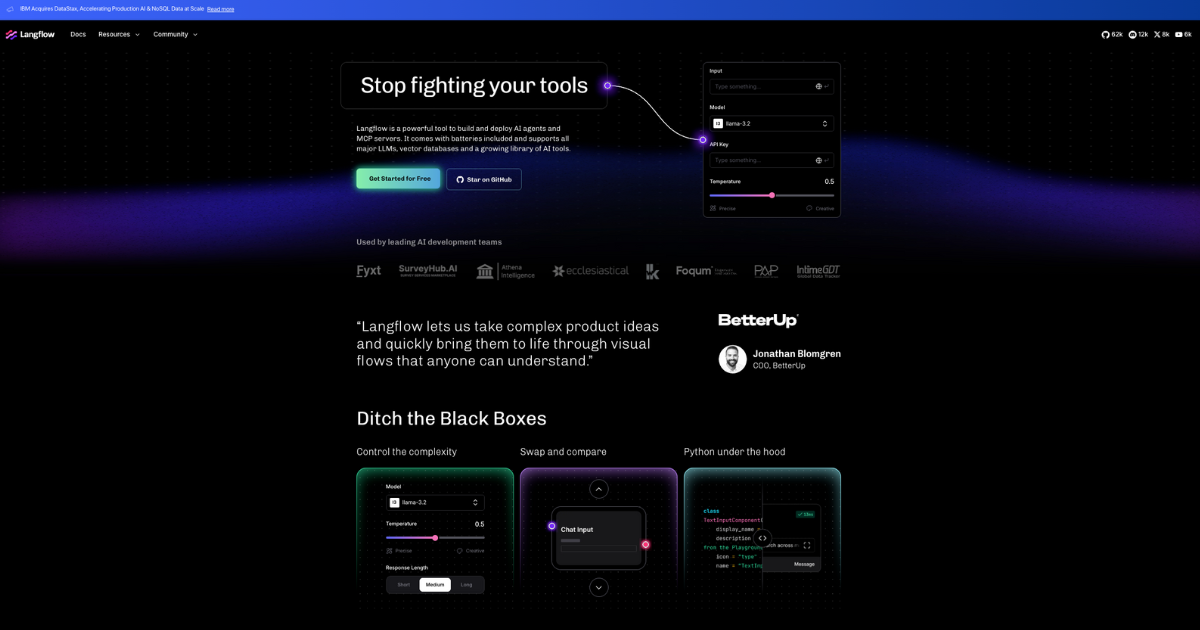
LangFlow is a low-code AI application builder for teams that want to design agentic and RAG applications with a visual workflow while staying close to real implementation. It is most useful when developers want faster experimentation than hand-coding everything, but still care about how the underlying AI app is structured.

LangFlow focuses on making AI application design more approachable without reducing it to a black box. Its value comes from letting teams assemble RAG and agentic systems visually while still keeping the application logic visible and adjustable.

It suits developers, AI experimenters, and teams that want to prototype intelligent apps without starting every project from boilerplate. The fit becomes strongest when the goal is to explore architecture and behavior before committing to a heavier engineering investment.

What makes LangFlow worth attention is that AI application design often slows down on connection work. A low-code interface can speed up that stage enough to let teams test ideas that would otherwise stay on the whiteboard.

The tradeoff is that low-code does not mean low-stakes. Once the app starts touching real users or important knowledge, the same concerns around reliability, security, and maintainability still return.

This site recommends LangFlow for teams that want a bridge between concept and implementation in AI applications. Start with one agent or RAG use case, then keep it if the platform helps your team iterate faster without hiding the architecture too much.


Setup / Usage Guide

Installation steps, usage guidance, and common notes are maintained here.

  1. Open LangFlow from the official site and choose one agentic or RAG use case first. A focused app idea is the best way to judge the builder honestly.
  2. Assemble a minimal flow before adding optional components. A cleaner first graph makes it easier to understand what the platform is doing.
  3. Test it with real content or real prompts early. AI app builders are only worth keeping if they hold up outside demo conditions.
  4. Inspect how data moves through the flow. Low-code tools are most useful when they keep that movement visible enough to reason about.
  5. Refine one weak stage instead of expanding the whole graph immediately. Iteration quality matters more than fast diagram growth.
  6. Note which pieces would need hardening before production. This helps you decide whether the platform is a prototype tool, a delivery tool, or both.
  7. Compare it with your current prototyping method. The right question is whether it accelerates understanding, not only whether it looks easier.
  8. Keep LangFlow if it helps you reach testable AI app structures faster without making the system feel opaque or disposable. That is the best reason to keep it.

Related Software

Keep exploring similar software and related tools.