Rork
Category AI Coding
Published 2026-04-05

Overview

This section highlights the core features, use cases, and supporting notes.

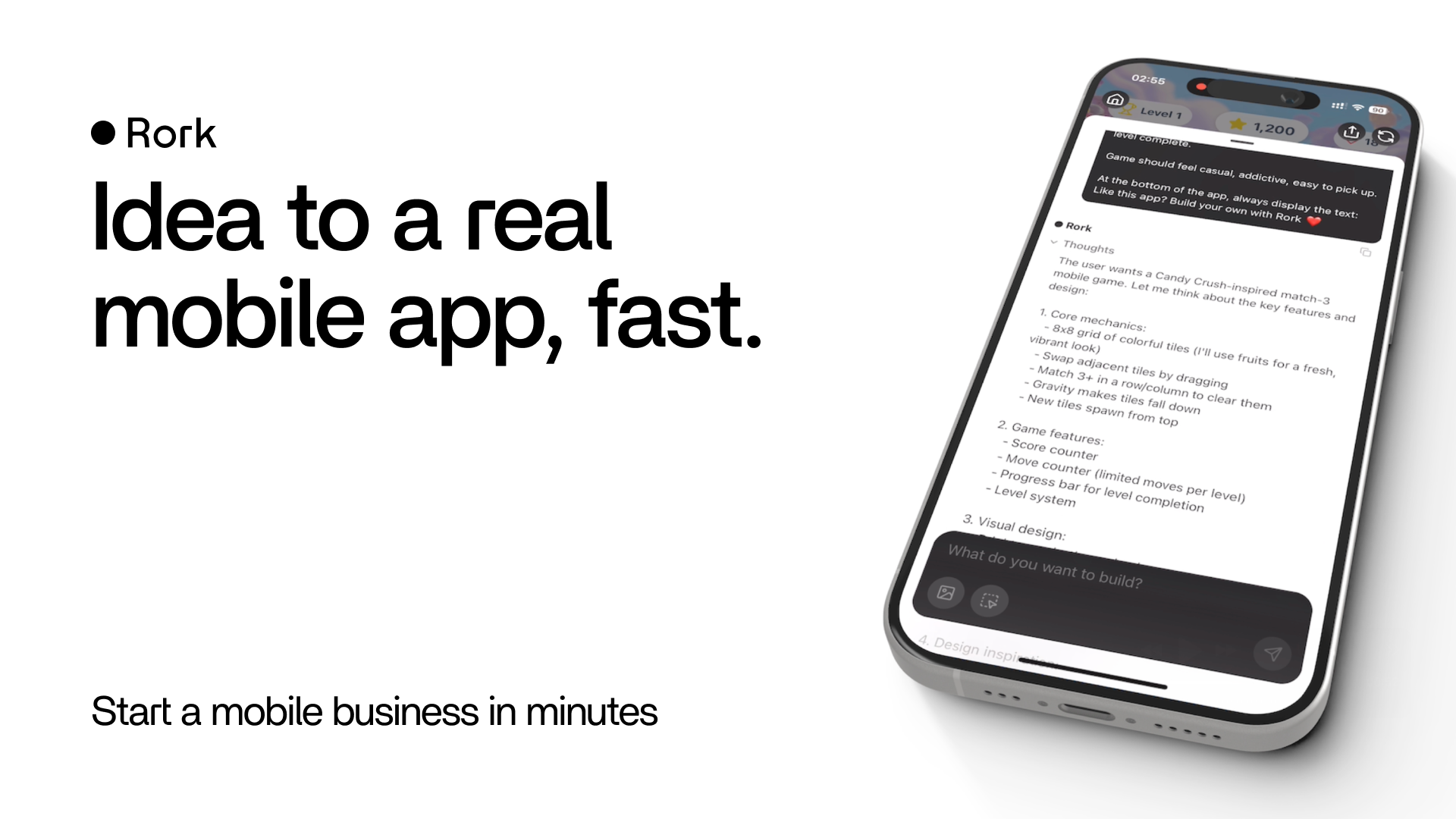
Rork is an AI mobile app builder for users who want to turn a description into a React Native and Expo-based mobile app draft quickly. It is most useful when the goal is validating a mobile product idea, interface flow, or early app concept before a full traditional build process begins.

Rork is aimed at the mobile-app side of AI building rather than the general web prototype space. Its core promise is that a text description can move closer to a runnable mobile app draft without requiring the usual amount of manual setup at the start.

It suits founders, developers, product teams, and non-technical builders who want to test mobile ideas more quickly. The fit is strongest when the priority is learning from a prototype or demo flow rather than shipping a polished production app immediately.

What makes Rork worth attention is that mobile validation is often slower than web validation. A tool that can compress idea, layout, and first preview into one shorter path can help teams learn sooner which app concepts deserve deeper investment.

The tradeoff is that generated mobile apps still face real product constraints. Navigation quality, state handling, permissions, performance, and store readiness all require careful human review before anything becomes a serious release candidate.

This site recommends Rork for teams that want faster mobile prototyping without pretending that AI removes the need for engineering afterward. Start with one narrow app concept, then keep it if the resulting preview helps your team learn materially faster.


Setup / Usage Guide

Installation steps, usage guidance, and common notes are maintained here.

  1. Open Rork from the official site and describe one focused mobile app idea. A clear use case and a small first feature set make evaluation easier.
  2. Generate the initial app draft and inspect the basic screen flow before changing details. Good navigation and structure matter more than decorative polish at the start.
  3. Check whether the generated interface actually matches the user journey you intended. Mobile prototypes are useful only when the flow feels believable.
  4. Test the preview on a real device or realistic simulator view if possible. Mobile layout issues often appear only in actual device context.
  5. Review permissions, data assumptions, and backend hooks before expanding the prototype. Early convenience should not hide product complexity.
  6. Refine one critical path instead of trying to finish the whole app in a single pass. Small reliable improvements tell you more than broad unfinished generation.
  7. Decide what needs manual engineering next. A good AI builder should clarify the next real development step, not replace it indefinitely.
  8. Keep Rork if it meaningfully shortens the path from mobile idea to useful prototype feedback. That is the strongest reason to keep it.

Related Software

Keep exploring similar software and related tools.